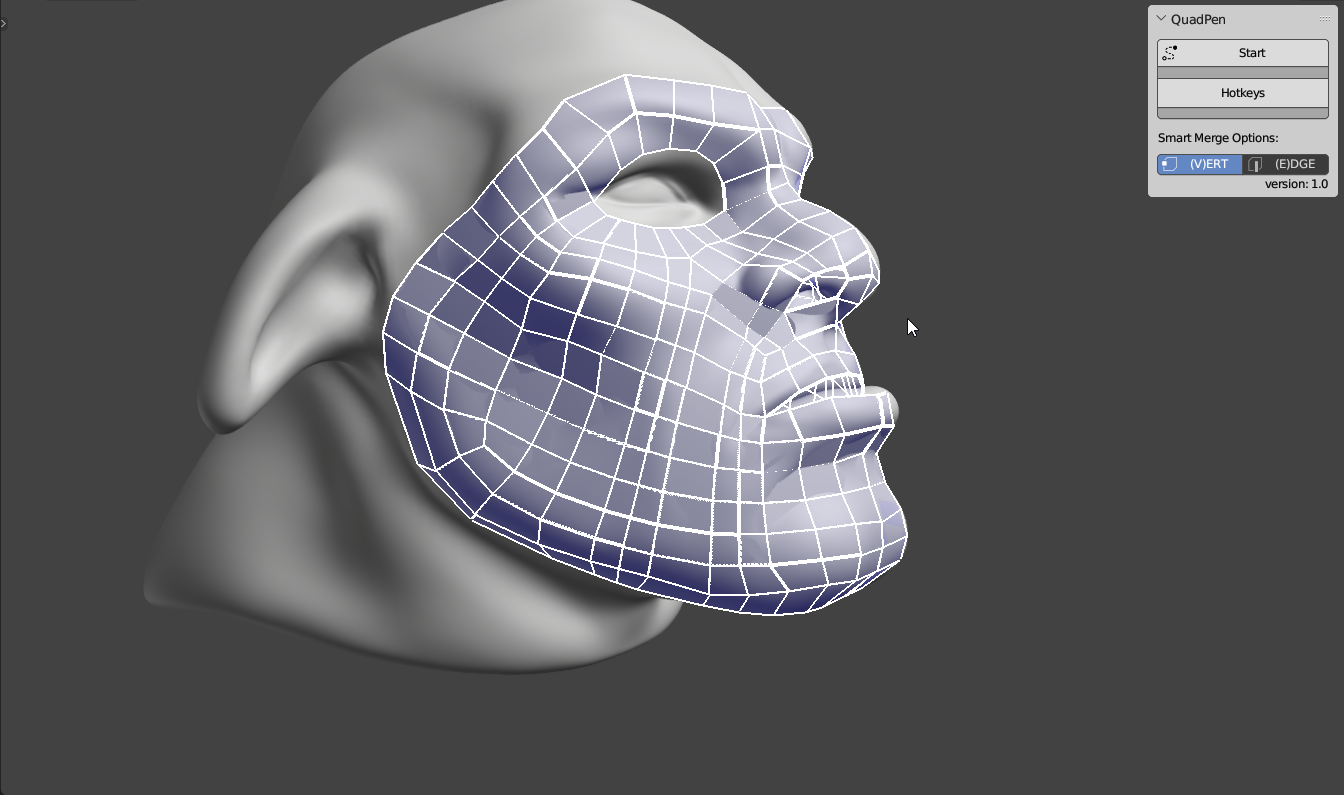
Jretopo Tools is a Blender add-on by Jayanam for building a retopology mesh over a high-resolution model. Its overlay shader keeps the new mesh visible on the target surface while you create and refine topology. The workflow is aimed at artists preparing sculpts for game assets or animation.
Tools for building and refining topology
The Dynamic Retopo Shader displays the retopology mesh over the target model. You can adjust its colors, transparency, line thickness and vertex size. The documentation refers to the shader as ShadR.
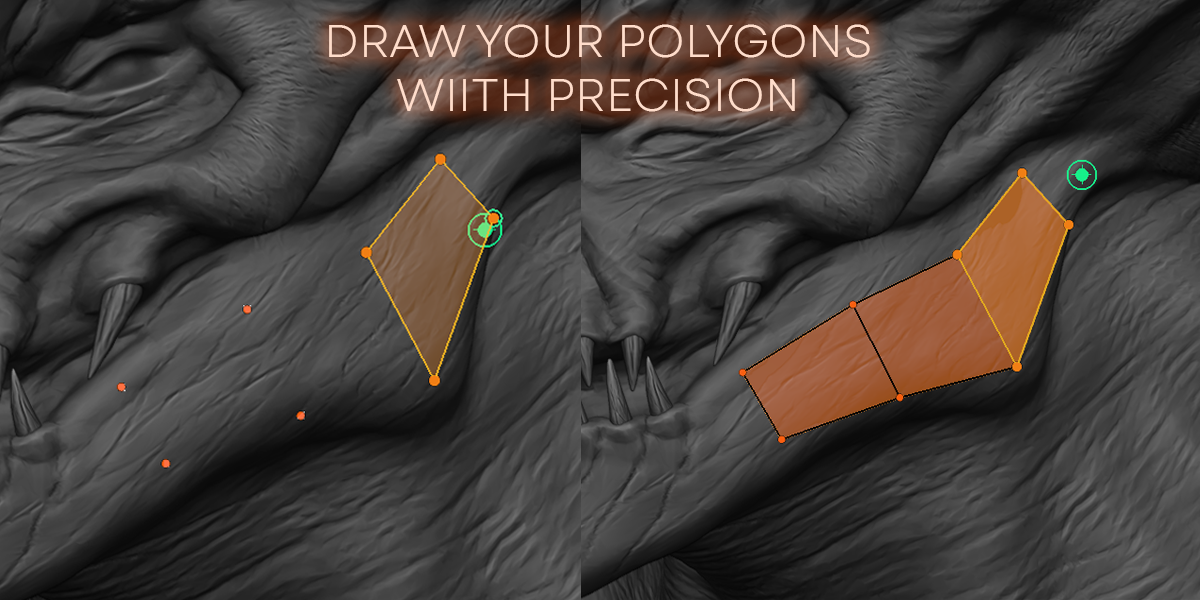
Its toolset includes Create, Edit, Face Fill, Grid and Loops. Create starts a mesh on the selected target. Edit provides brush-based adjustments, with controls for strength and falloff; its settings include snapping to the target and vertex auto-merge. Face Fill detects open areas and can add tris, quads or caps. In Quad mode, it can suggest a fourth vertex. Grid creates a quad patch over a defined area, while Loops adds loops along a drawn line.
Quad Strip extends faces from the boundary of the retopology mesh through a series of clicks. Right-click ends the strip. Press Q to open the pie menu and switch between tools.
A typical retopology pass
- Obtain the add-on ZIP, then install and enable it from Blender Preferences using the Add-ons tab.
- Open a project with the high-resolution target, choose Create in the JRetopo panel and click the target to start the retopology mesh.
- Extend the mesh with Quad Strip or close open regions with Face Fill. Use Edit to reshape the mesh and keep it aligned to the target.
- Enable the shader overlay and adjust its appearance so the new topology remains easy to see over the source model.
JRetopo's tools and shader work in Blender's default viewport without a separate retopology mode. Existing Edit Mode tools, including Poly Build, remain available while the add-on is enabled.
Compatibility and setup details
The seller page's compatibility copy mentions Blender 4.x and 5.x, its details field identifies Blender 5.2, and its FAQ says Blender 4 and above. Check the current listing and documentation for the specific add-on build that matches your Blender release. The JRetopo documentation covers installation and the tool workflow; the seller FAQ answers questions about updates and using Blender tools alongside the add-on. See the product listing for current product details.