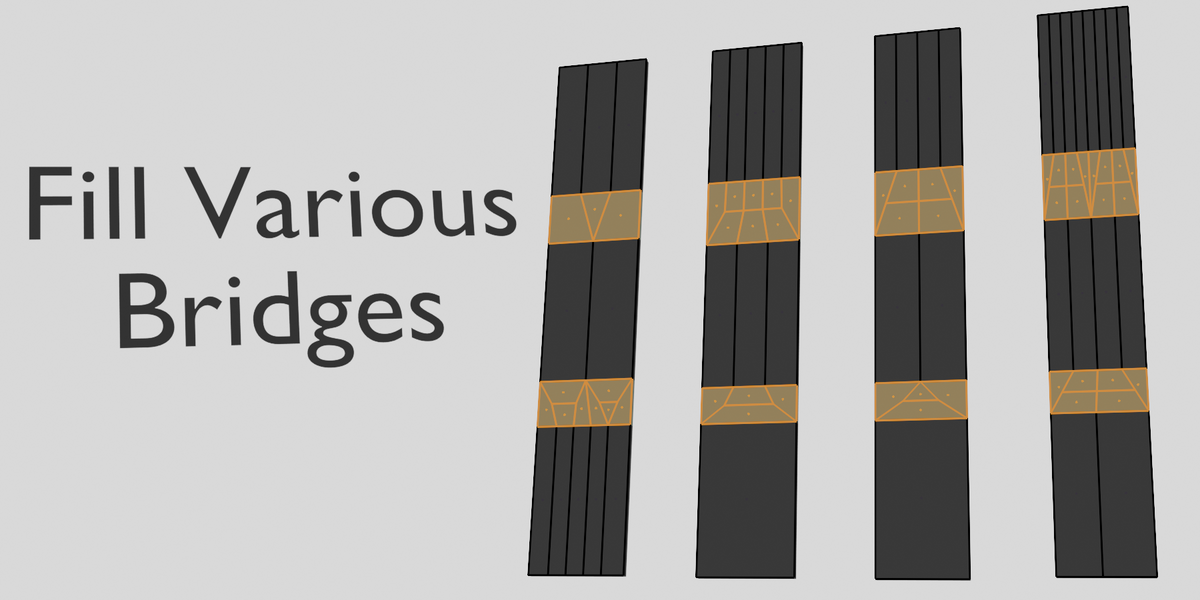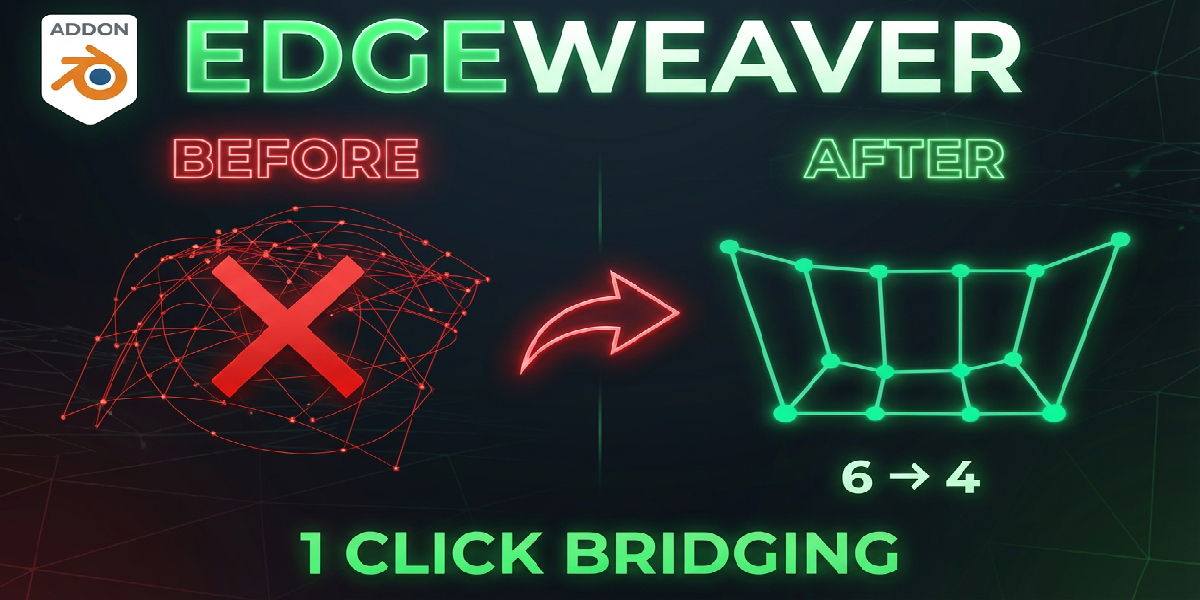
Edgeweaver is a Blender add-on by NizamNet for bridging edge chains with different vertex counts. Its geometry-negotiation approach uses dedicated reduction solvers and automatically inserts resolution to build quad bridges, avoiding manual vertex matching for supported patterns.
Handle common topology mismatches
The listed solvers cover several edge-count patterns: 5-to-3, 4-to-1, 3-to-1, 4-to-2, 3-to-2, 2-to-1, hybrid layouts, loops, and a fallback pattern. This makes Edgeweaver relevant when patching or connecting mesh regions with uneven edge divisions. The add-on is designed around quad-based work, so inspect the proposed bridge on the selected geometry before applying it.
Preview the bridge in the viewport
After selecting two edge groups and starting the operation, move the mouse to see the bridge preview before confirming with a left click or Enter. Green lines show the edges that will be created. If the connection twists, adjust Flip Target or Shift in the Redo Panel or N-Panel while the operation is active. The live GPU overlay lets you check the flow before committing.
Install and access Edgeweaver
In Blender, open Edit > Preferences and choose the Add-ons tab. Select Install..., choose the downloaded EdgeWeaver.zip file, then enable the add-on in the list. The default shortcut is Shift+F in Edit Mode. You can also start it from the right-click context menu, the Ctrl+E Edge menu, or the EdgeWeaver tab in the N-Panel. To change the shortcut, use the add-on preferences in Blender.
Compatibility and topology limits
The product listing gives a supported Blender range of 3.3 through 5.0. The documentation describes Edgeweaver as optimized for quad-based workflows. Its fallback algorithms can attempt to reduce N-gons to quads, and the documentation recommends clean edge selections for the best results. Treat that as an attempted conversion rather than a guarantee for every mesh. Edgeweaver is listed as version 1.0 under the GPL license. Read the Edgeweaver documentation for installation and operation details, and check the product listing for current release information.