Interactive quad-strip retopology in Blender
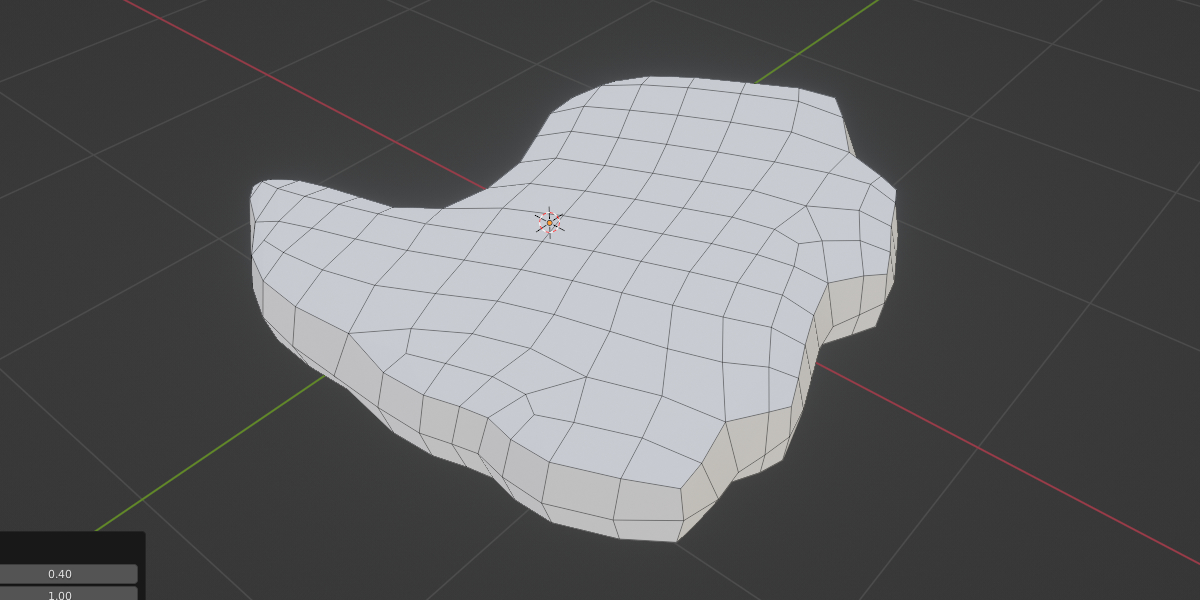
QuadPatch is a Blender add-on for creating quad surfaces across large areas of a 3D model. It centers on drawing quad strips with edge-loop path highlighting, dynamic path drawing, and controls for path count and segments. The documented workflow is interactive: you choose settings and guide paths on the model.
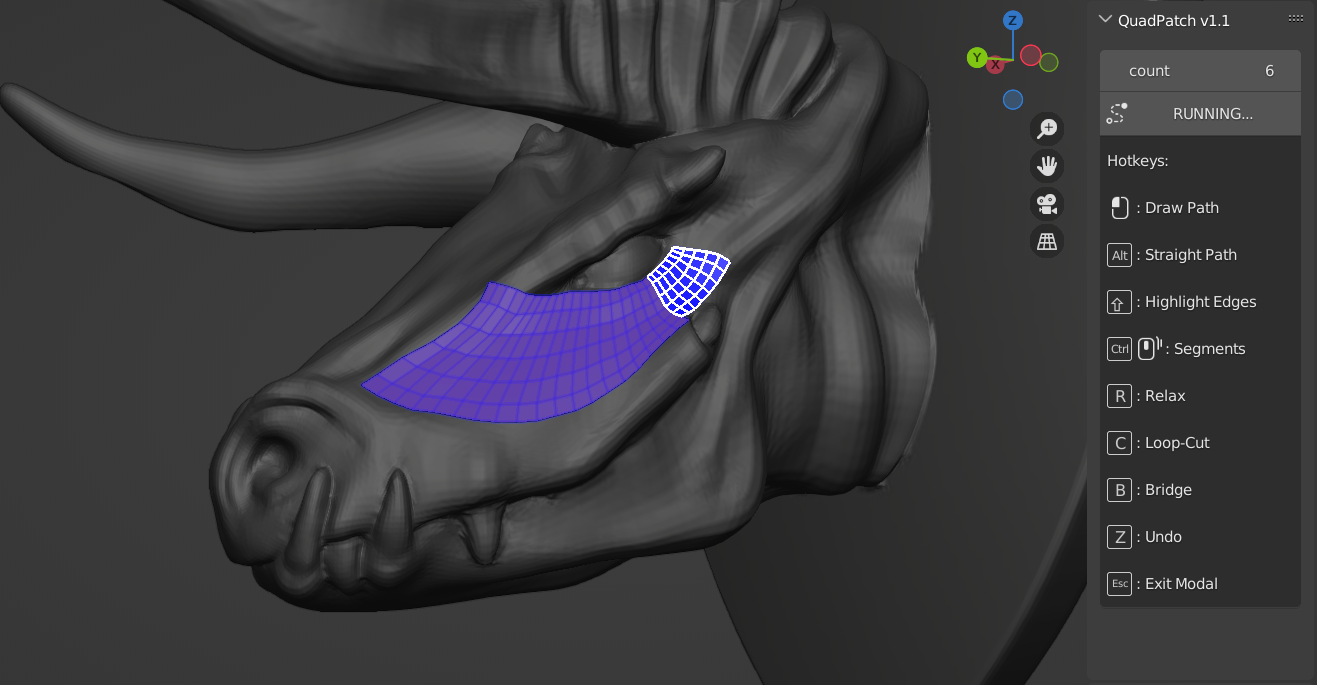
The add-on's hotkey panel provides visual feedback during use.
Set a path count and guide the strip
Set the path count before drawing. In the documentation example, a count of 10 distributes 10 points for each stroke; a count of 2 allows you to draw quad strips. To highlight an edge loop, hold Shift and select the first edge, then hover over a second edge. QuadPatch finds a path between them and highlights the loop. Release Shift to confirm the selection, then draw the next path to extend the loop.
- Change the number of segments with Ctrl and middle-mouse scrolling.
- Press R to relax uneven quads. The operation smooths inner edges while ignoring the boundary loop.
- Press C for loop cuts, or Esc to exit the modal tool.
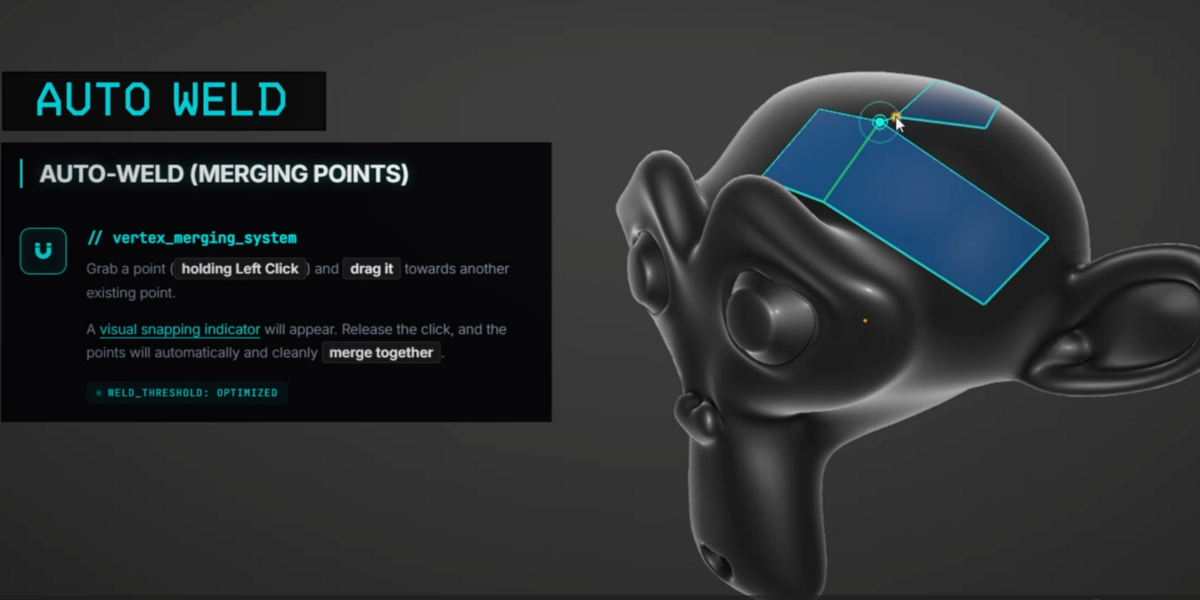
- Double-click to create a new patch; version 1.2 adds this option.
Install the add-on and find its panel
Install the downloaded ZIP through Blender Preferences: open the Add-ons tab, choose Install from zip, and locate the file. Enable QuadPatch, then open the N-panel and select its Retopology tab. The QuadPatch documentation describes the path, segment, and relaxing controls. The Superhive product listing lists Blender compatibility, its GPL license, and the version 1.2 update notes.
Compatibility, version, and license
The Superhive listing names Blender 3.0 and 4.0. Its version 1.2 notes, dated November 26, 2023, record Blender 4.0 support, count control, double-click patch creation, vertex re-alignment, visual interface feedback, and bug fixes. The listing identifies the license as GPL. AnyPlugins labels QuadPatch as free. Since the compatibility and update details are from an older listing, check the current product page for details about your Blender release and download terms.