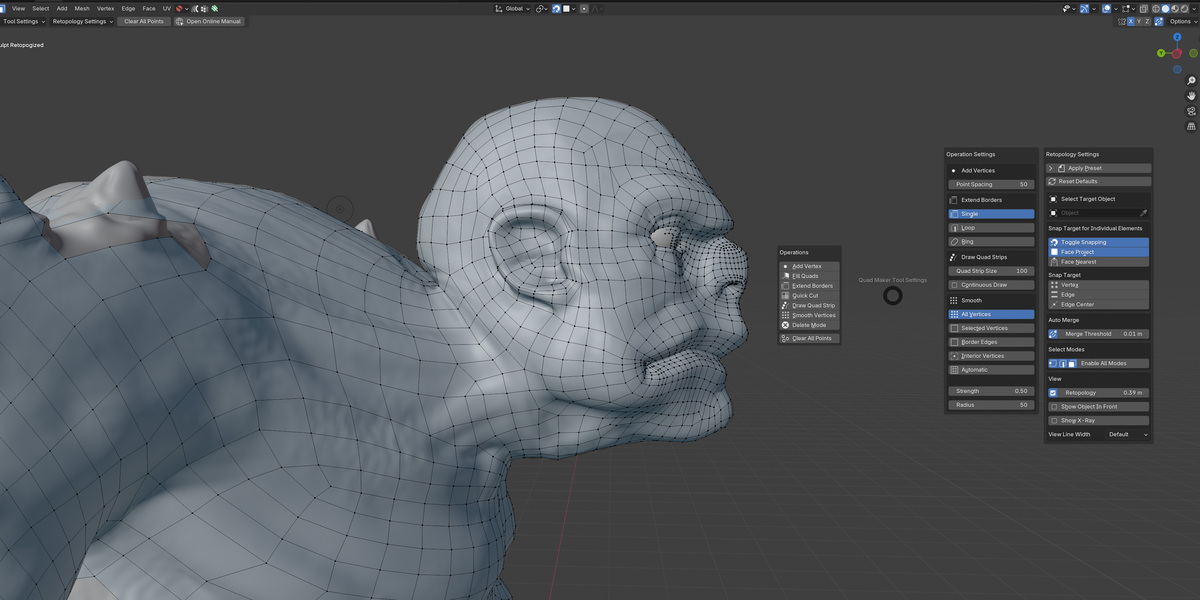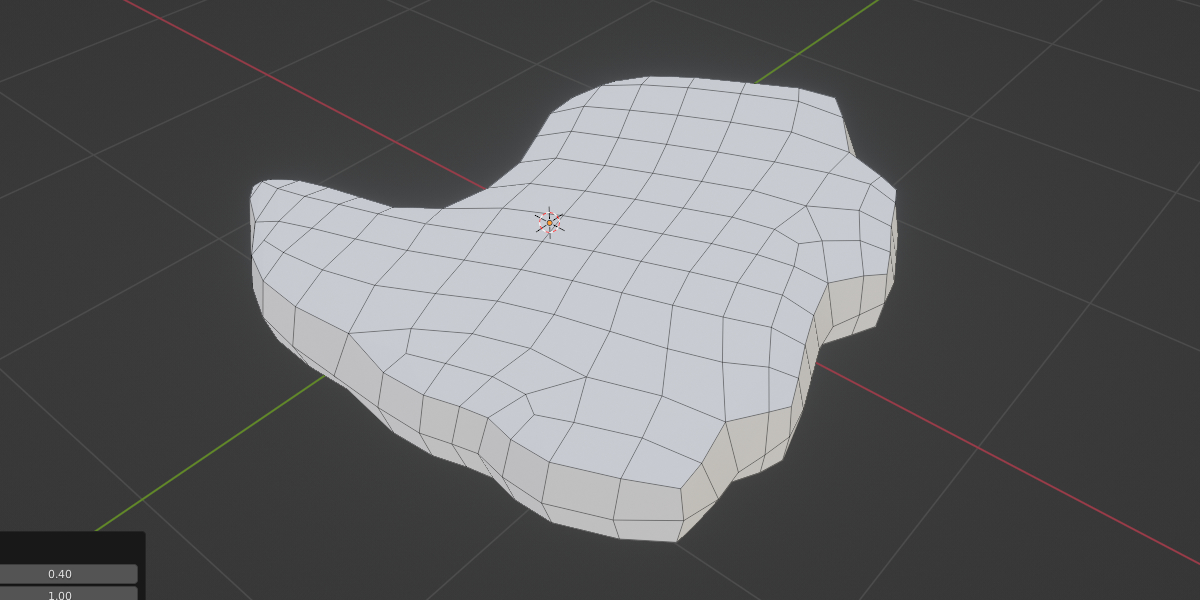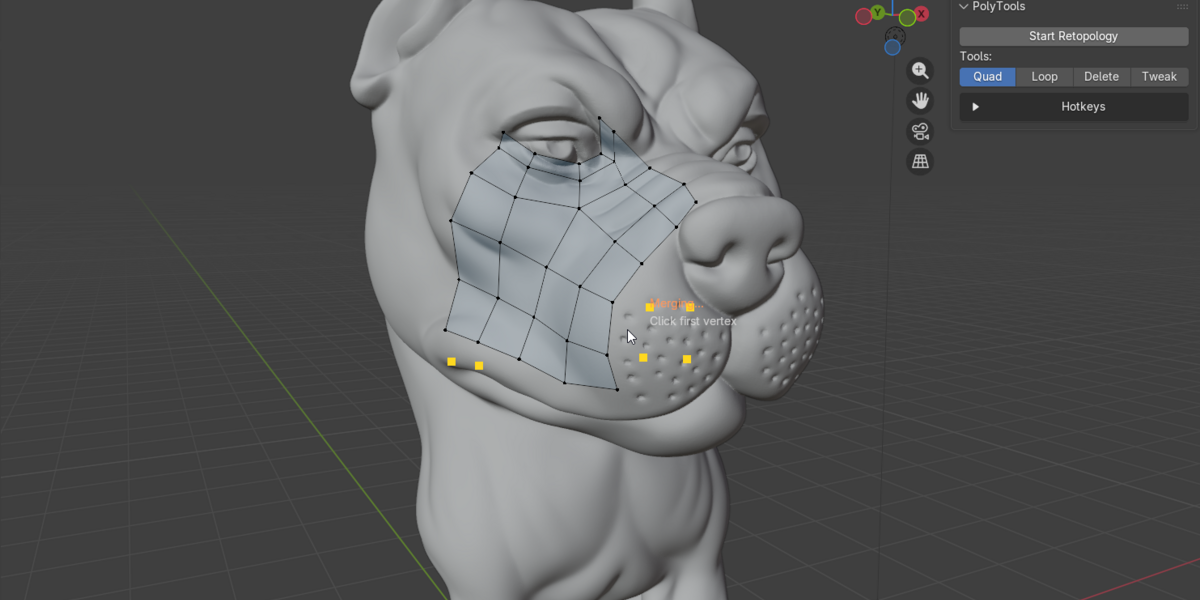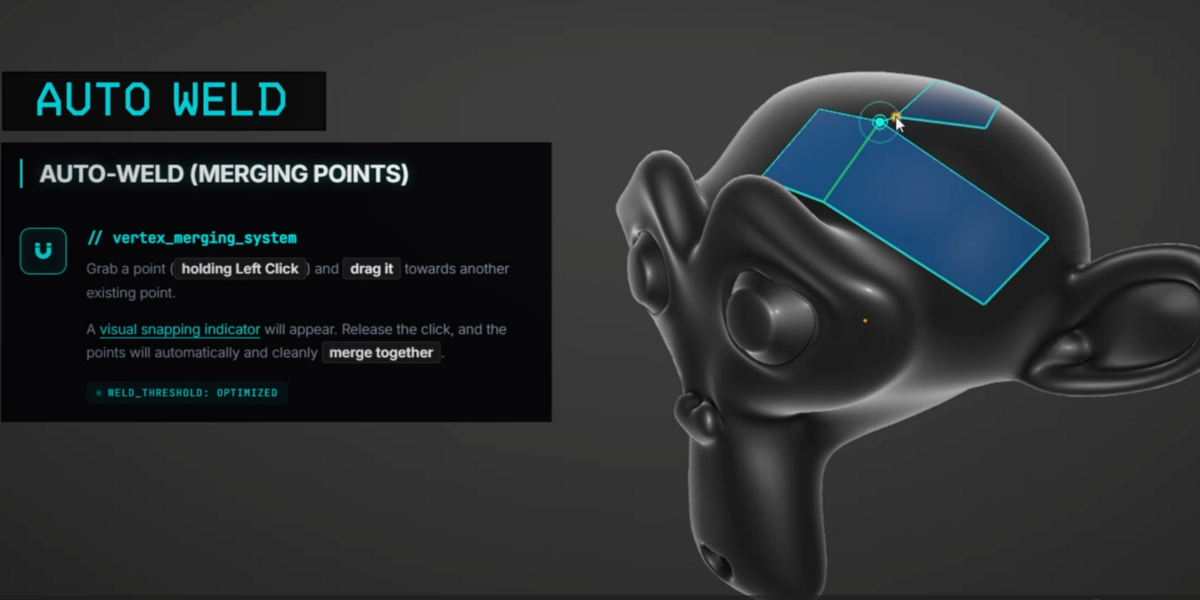
Quad Maker is a hotkey-driven Blender add-on by Mark Kingsnorth for manual retopology. It helps 3D modelers build quad-based geometry by hand, with a workflow described as being in the spirit of Maya’s Quad Draw.
Retopology operations in one workspace
The toolset covers common steps in a hands-on retopology pass:
- Add Vertices places point vertices, and Fill Quads fills the points and surrounding geometry with quads.
- Extend Borders extrudes border edges or vertices singly, in loops or as edge rings. Draw Quad Strip draws quad strips on a target surface.
- Quick Cut performs a loop cut and slide with single clicks. Smooth Vertices smooths vertices in edit mode.
- Delete Mode removes vertices, edges and faces, and can dissolve interior edges in a click or drag operation.
Quad Maker is intended to integrate with Blender’s native mesh-editing tools.
Where Quad Maker fits
Quad Maker is for artists who want direct control over the retopology process and quick access to focused mesh operations. The developer advises against using it directly on high-poly meshes or in extremely busy scenes. If you run into slowdowns or bugs, the product page provides an Ask a Question option and developer contact details.
Blender compatibility and documentation
The product listing marks Quad Maker as Blender Extension Compatible and lists Blender versions 4.2 through 5.3. Version support can change, so check the product listing before installing. The listing identifies the license as GPL; review its license details for the applicable terms.
The developer provides Quad Maker documentation and a getting-started video through the product page. The documentation describes the individual operations and can help you decide whether this manual workflow suits your modeling tasks.