RetopoMagic is a Blender retopology add-on for building quad topology over a high-resolution target mesh. It combines surface-snapped points with quad previews, edge-loop insertion, boundary-edge extrusion, and a stroke-based bridge tool. Its controls center on mouse actions, with keyboard modifiers for specific operations.
Start with a target mesh
Open the Retopo-Magic tab in the 3D Viewport's N-Panel, or press Ctrl + Shift + R to open the pie menu. Select the high-resolution object you want to retopologize, generate a blank target mesh to hold the new topology, then activate the Draw Tool. RetopoMagic switches to its dedicated drawing workspace. A floating HUD provides contextual hints and a slider for adjusting the brightness of the retopology edges.
Build and edit topology with gestures
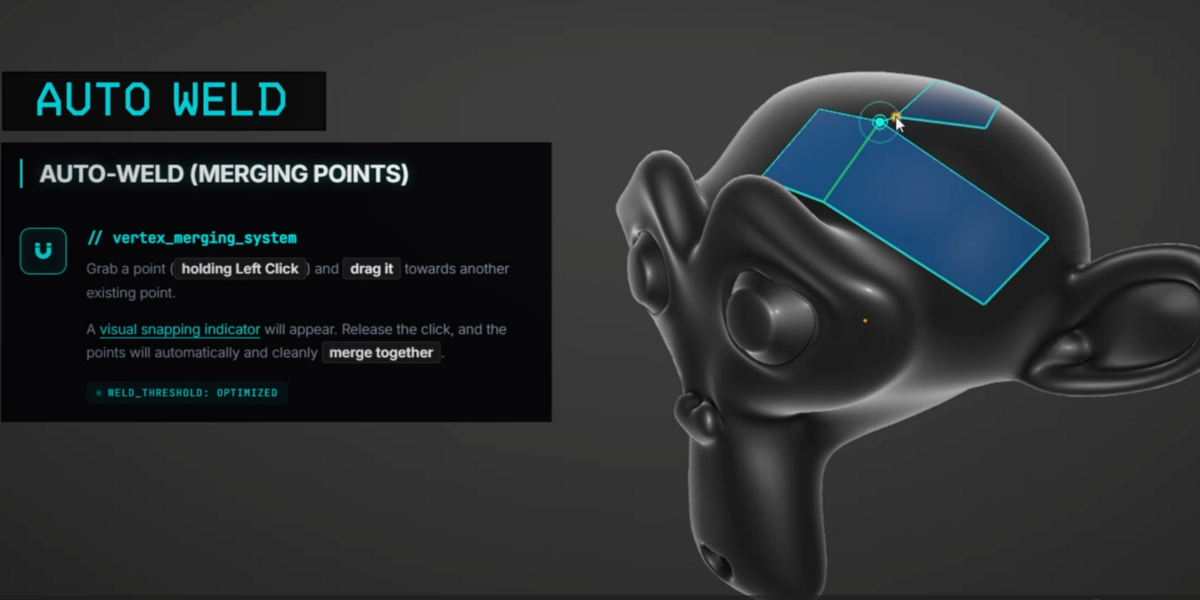
Left-click the target surface to add a point. Points snap to the surface, and you can drag an existing point to reposition it while it stays snapped. To merge points, drag one toward another and release when the visual snapping indicator appears.
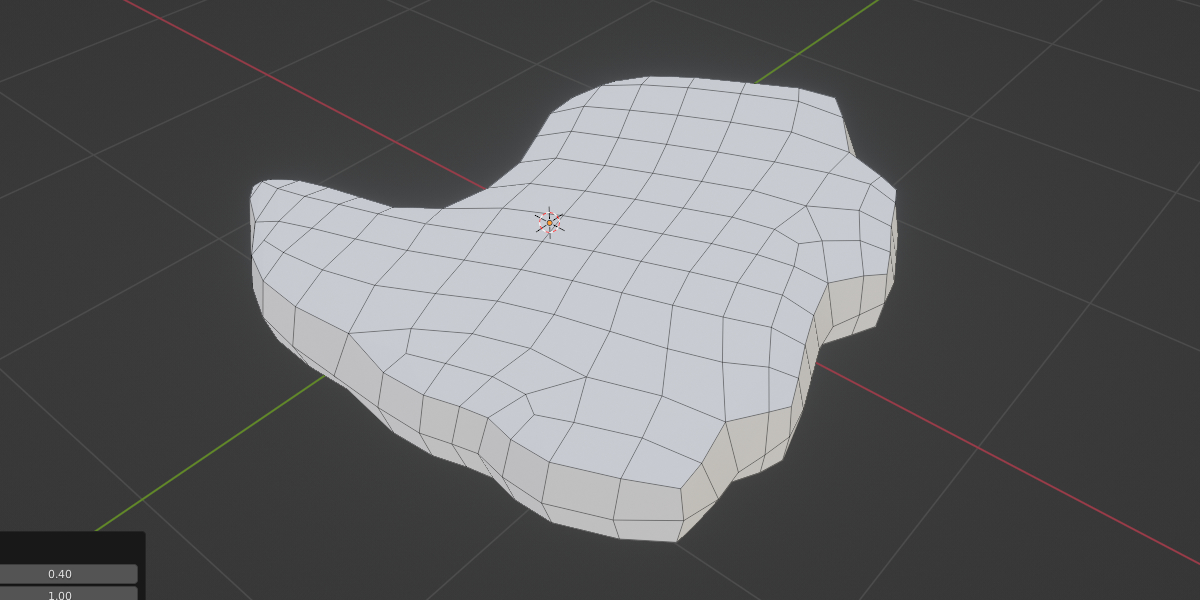
When four points surround an empty area, moving the cursor into that area previews a quad. Hold Shift and left-click to create it. To add an edge loop, hold Ctrl and hover over an edge to preview the cut, then left-click while still holding Ctrl. The inserted vertices adjust to follow the underlying model's curvature.
RetopoMagic also supports two ways to extend or fill larger areas. Drag from a highlighted boundary edge with the middle mouse button to extrude polygons. For Magic Bridge, hold D, draw two parallel strokes on the model, and release to generate a surface-projected strip of quads between them.
Use Auto-Retopo as a starting point
The pie menu includes an Auto-Retopo operator. It evaluates the target object's density and generates a base mesh you can refine with the interactive tools.
While drawing, Ctrl + Z uses RetopoMagic's internal undo. Press Del or X while hovering over a point or edge to delete it. Right-click or press Esc to save the topology and return to standard Blender.
Compatibility and availability
The Superhive product listing shows Blender 4.1 through 5.1 compatibility and a GPL license. AnyPlugins lists RetopoMagic as free to download. Check the Superhive product listing for current availability, Blender compatibility, licensing details and usage instructions.