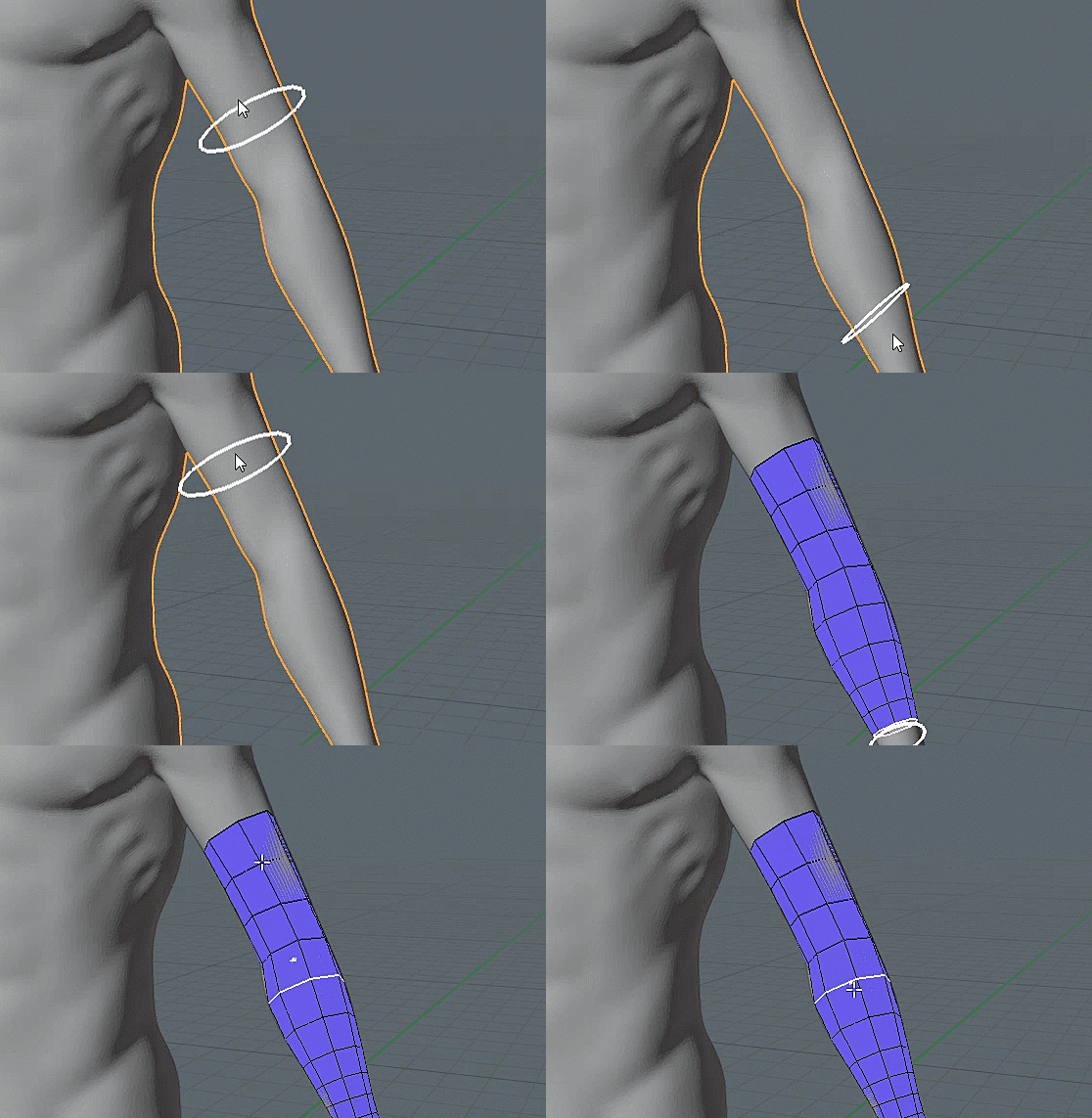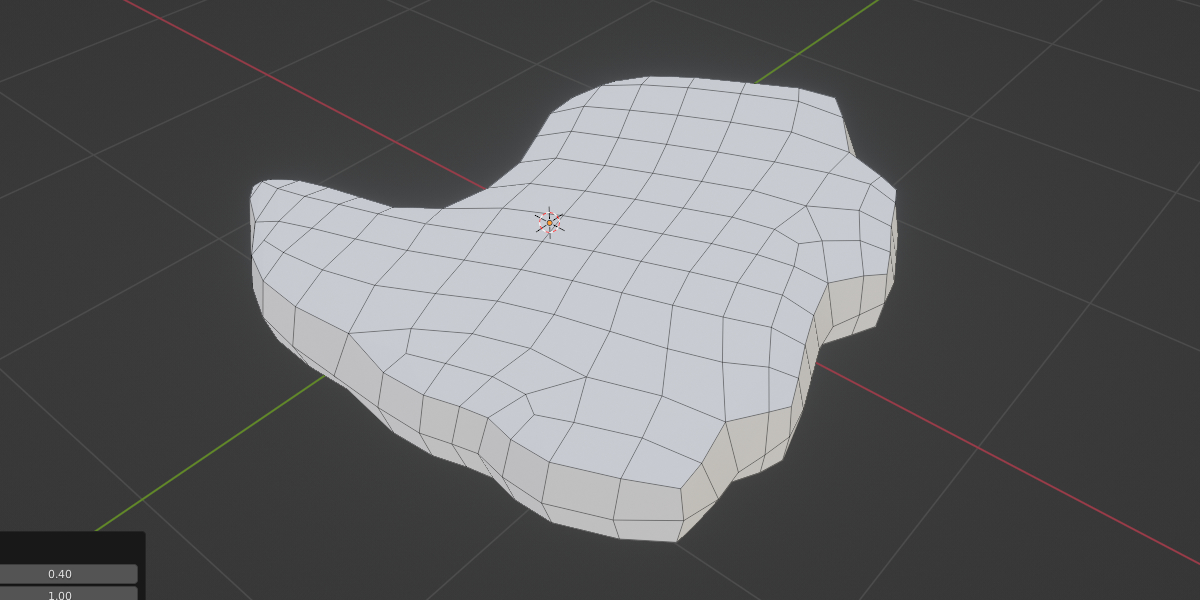
Quadwrap is a Blender add-on for retopologizing cylindrical organic forms such as arms, fingers, legs and horns. It creates and wraps quads around a target mesh with a click-and-drag workflow, reducing some of the manual work of laying out quads on these shapes. Its controls center on rings and edge loops.
The Quadwrap listing describes the add-on’s purpose and release history, while the published guide covers installation and use.
How the ring workflow works
Install the v1.5 ZIP through Blender Preferences, enable QuadWrap, then open its panel under ToolShelf (N) in the Retopology tab. Select the target object and start QuadWrap. Set the ring vertex count before creating geometry: the guide says a left-click drag adds or extends a ring, and a right-click starts another Cloak.
To connect edge loops, set the number of Bridge Cuts and hover over the rings. The guide says the rings turn red when they are ready to bridge; release Shift to complete the operation. You can move, rotate or twist selected rings, fill end caps, and apply the quads with A. Press Esc to leave the modal tool.
Controls and version details
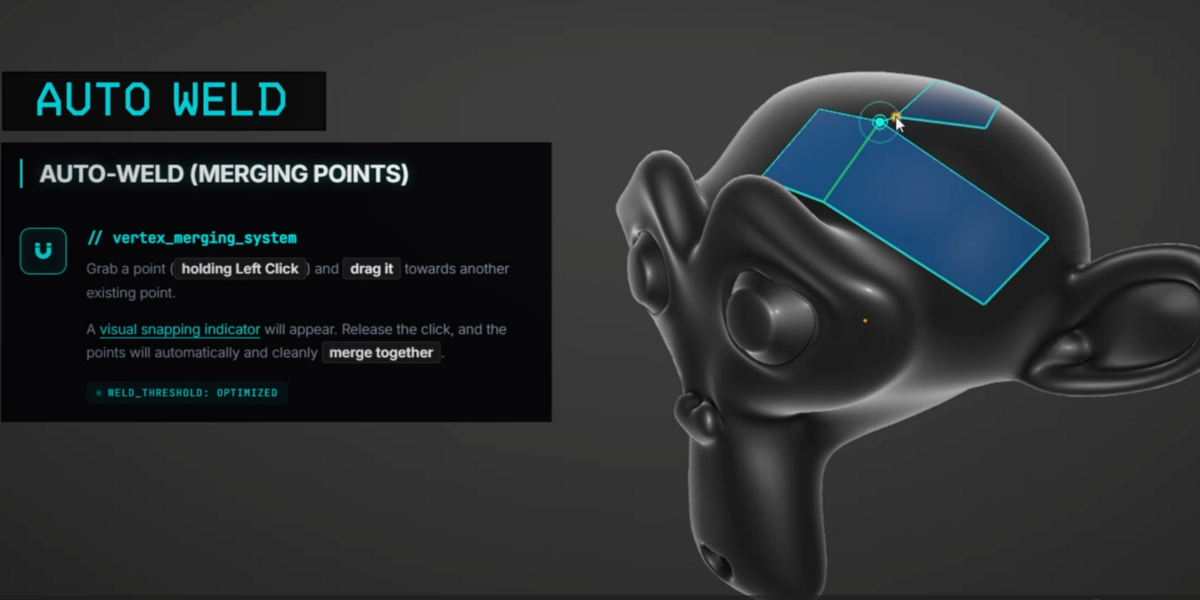
Quadwrap also includes loop relaxation, symmetry and bisect support, bridge segment control, loop deletion, and a dynamic hotkey help panel. These controls are useful when a ring needs adjustment or an opening needs to be closed while building a retopologized surface.
Version 1.5 replaced the older object-based preview with a GPU point preview and changed ring creation so new loops respect the configured ring count. Its release notes also describe a fix for excessive drag extrusion. The listing identifies Blender 5.1; its release history records Blender 5.0 support in v1.4 and Blender 4.0 support in v1.3. The listing gives the license as GPL. Check the current listing and guide for details relevant to your Blender installation.