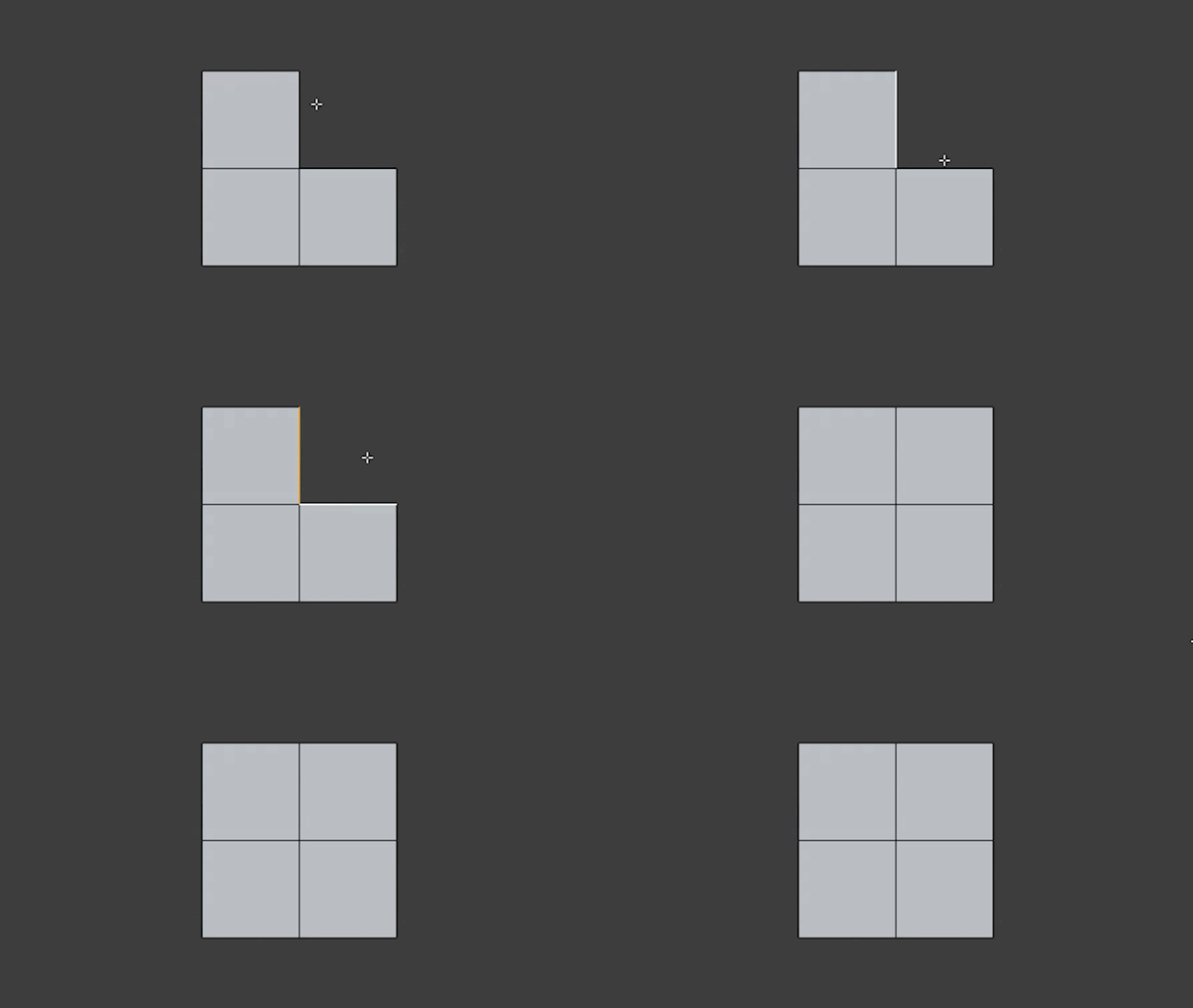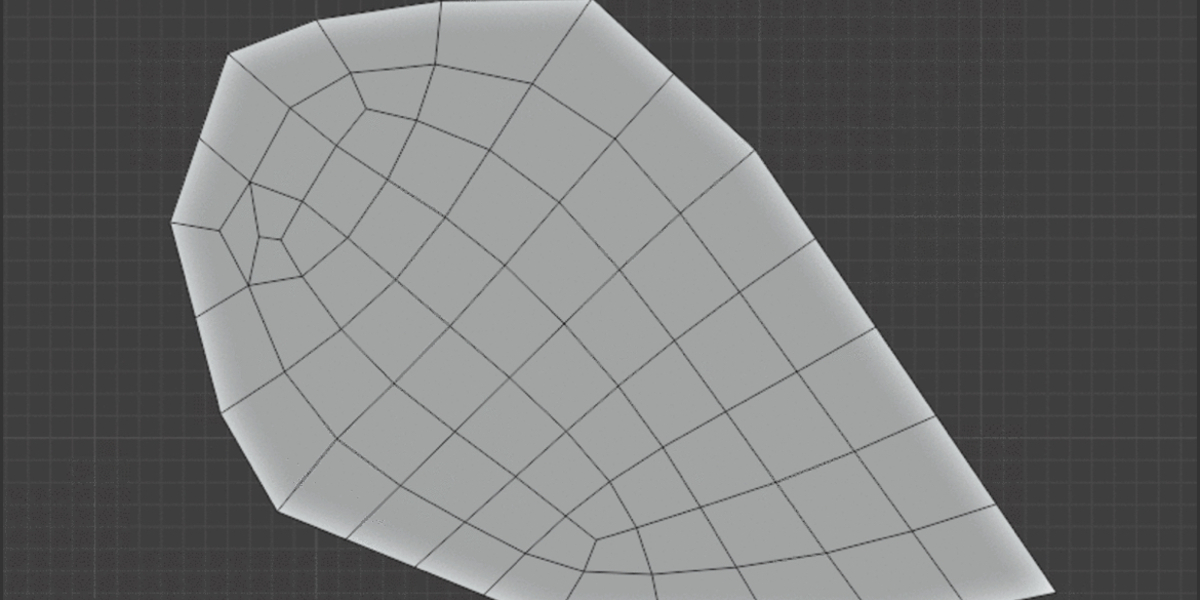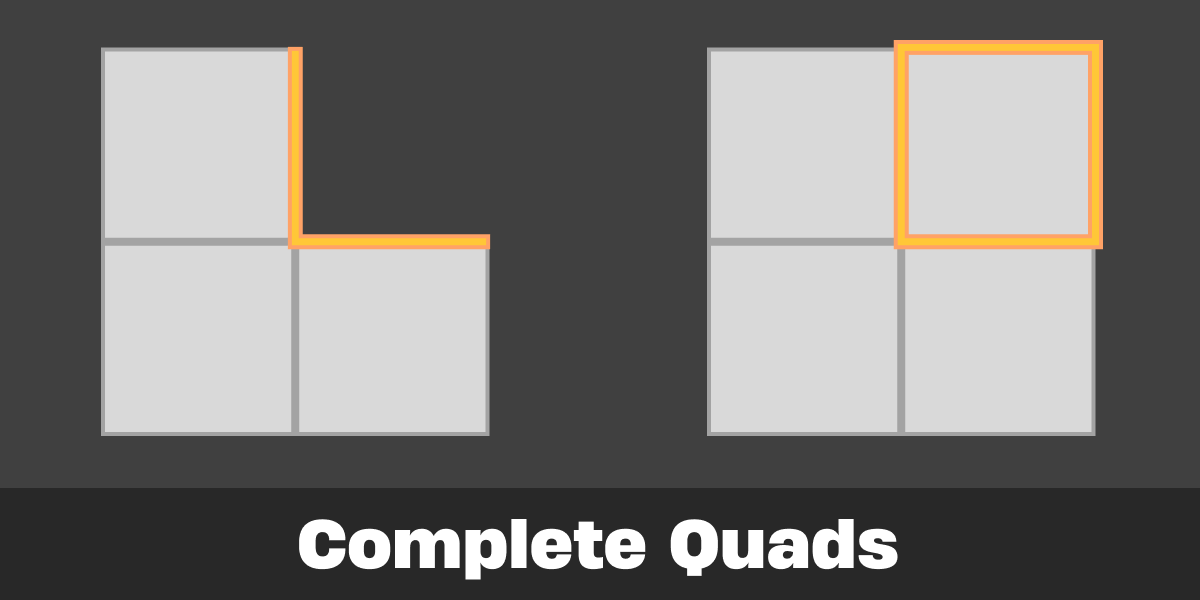
Complete Quads is a Blender add-on for filling a quad from either two selected edges or three selected vertices, provided the selected components share a cornerstone vertex. For other selections, the developer recommends Blender’s built-in Fill tool, available with the F hotkey. See the Complete Quads product listing.
Quad filling and multi-complete
The add-on supports quads shaped as rectangles, squares and parallelograms. Its Shift+R hotkey runs the fill, while warnings and tooltips help explain the tool. Multi-complete lets you fill several quads at once; the listing notes precision stairs as one use. An optional proximity merge uses distance from the selection as its merge criterion.
Where to find it in Blender
Open the N sidebar and choose Complete Quads, or navigate to View3D > Sidebar > Complete Quads. After selecting either a pair of edges or a trio of vertices, use Shift+R when the selection shares a cornerstone vertex. When the selection does not meet that condition, use Blender’s Fill tool instead.
Compatibility and license
The Superhive listing identifies the license as GPL and lists Blender versions from 2.8 through 4.2. It does not establish support for later releases, so check the product listing for compatibility with your Blender version.