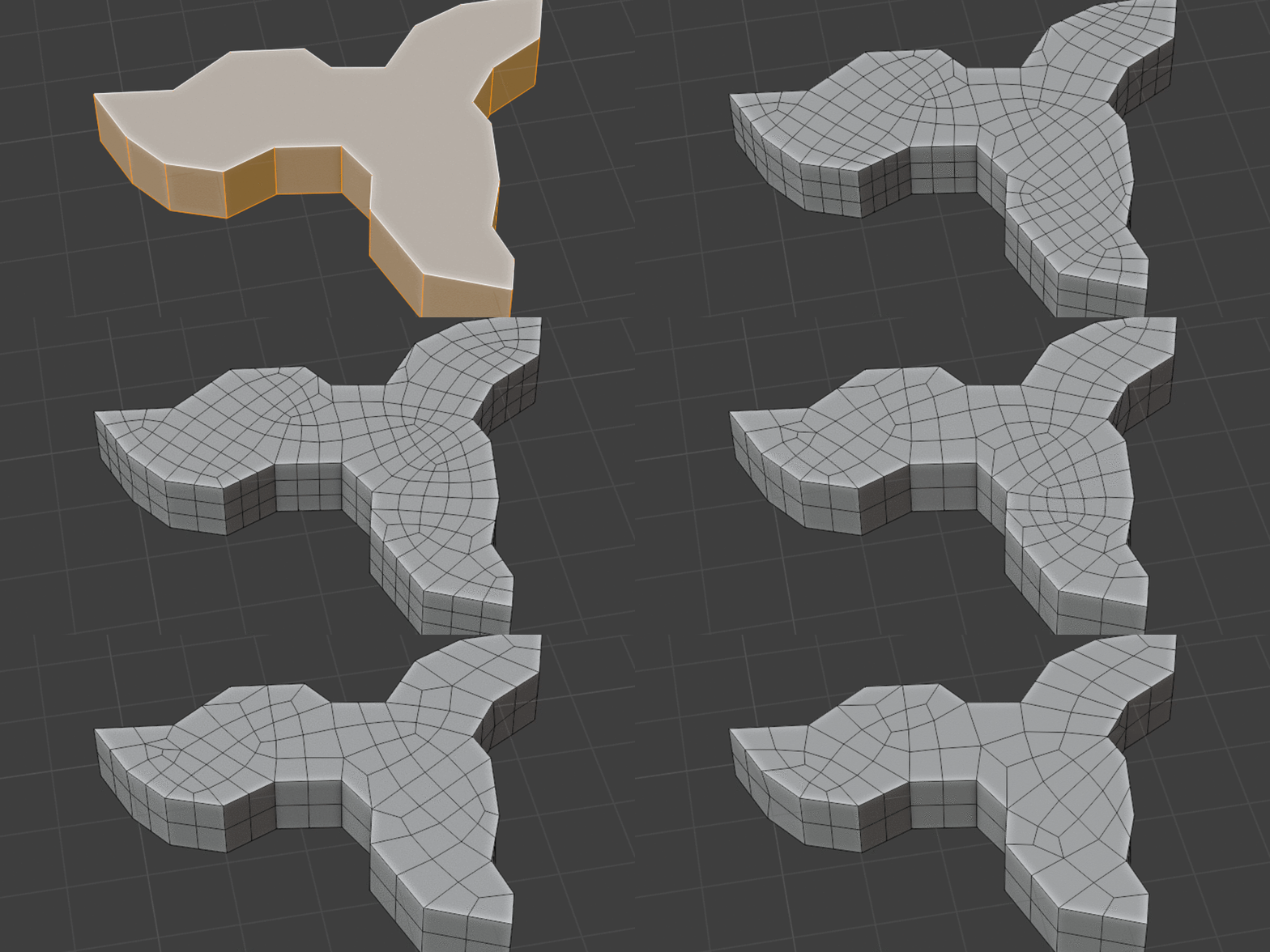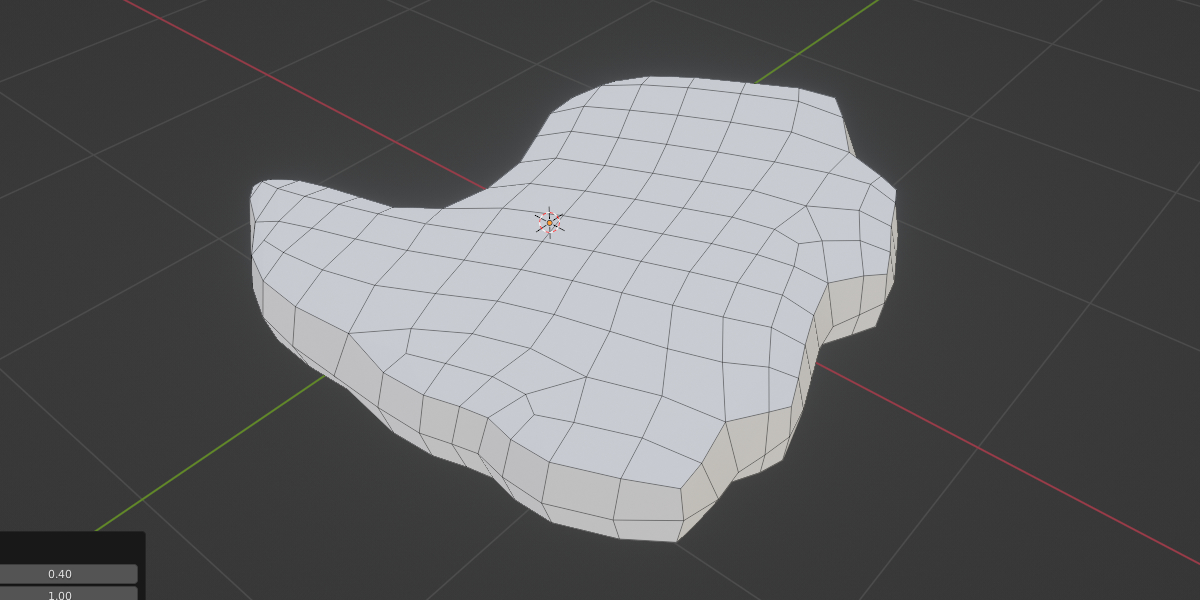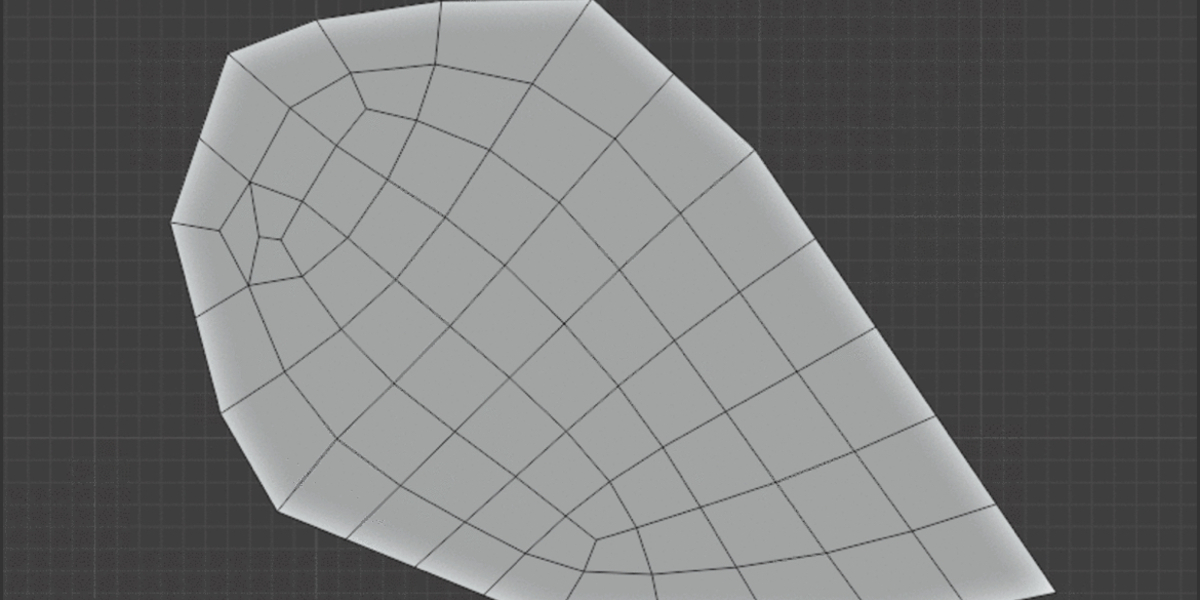
Delta Quad is a Blender add-on for slicing selected large N-gon faces into smaller quads. It is the successor to Beta Quad and is designed for modelers who want to work through mesh areas gradually, while leaving unselected faces alone.
How Delta Quad changes topology
The add-on offers two modes for arranging quad flow and handles low quad counts better than Beta Quad, according to the developer. Its design goal is to use the mesh's original faces and edges to retain the existing shape, rather than cover an entire mesh with uniformly sized quads.
Delta Quad supports progressive conversion. Select a few faces, run the tool, inspect the result, then repeat on nearby faces as needed. This lets you choose which areas to change and when. The tool is written in pure Python, with cross-platform CPU support in mind, including Intel, ARM, and Apple M1 systems.
How to run it in Blender
- Enter Edit mode and switch to Face select mode.
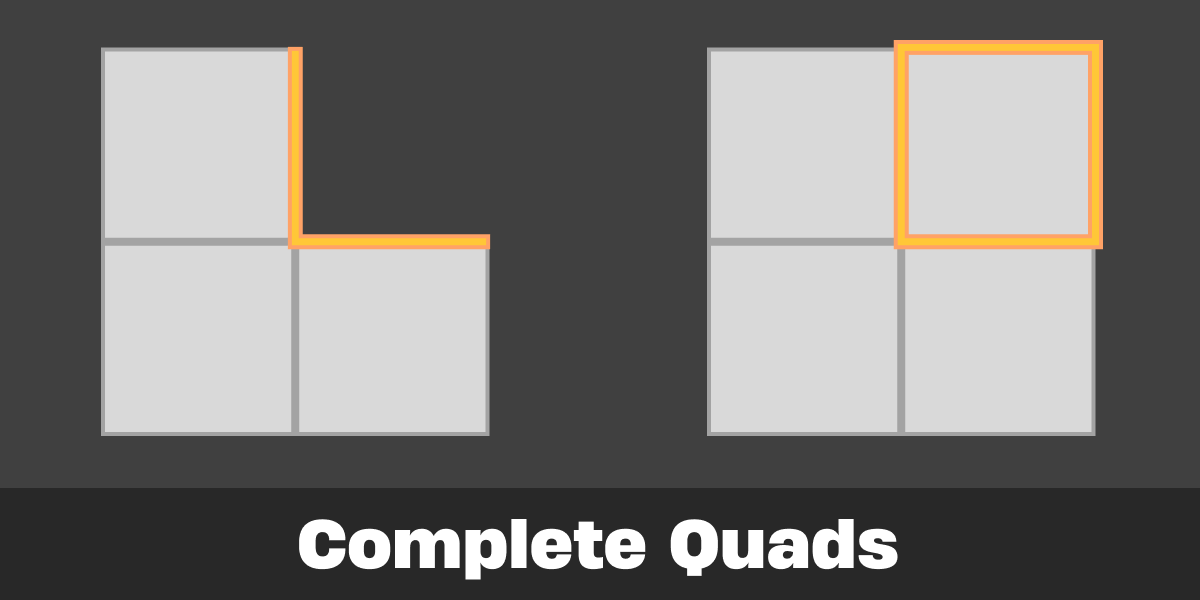
- Select the N-gon faces you want to convert.
- Right-click in the 3D Viewport and choose Delta Quad near the bottom of the context menu.
- Review the resulting quads, then select nearby faces and repeat if you want to continue progressively.
The product listing identifies Delta Quad as Blender Extension compatible and licensed under GPL. The available product information does not explain how the two quad-flow modes differ.
Mesh limits and compatibility
The developer describes Delta Quad as highly experimental and warns that it may not work with every kind of mesh. It is not intended to retopologize a high-density sculpt into a low-quad surface. For that task, use a tool designed for sculpt retopology. For other meshes, test the conversion on a copy before applying it to work you need to preserve.
The product listing identifies release 1.2.0. The supplied records differ on Blender compatibility: the Superhive product page lists versions 2.83 through 5.2, while another listing states 2.83 through 5.1. If you use Blender 5.2, confirm compatibility with the developer before installing because the listings disagree about that version.
Version 1.2.0 notes bug fixes, an improved even-size option, and a sharp setting that defaults to zero degrees for no smoothing. The product page also records earlier fixes to its algorithm and quad layout. Consult the product details from KushiroCG for the current release information.