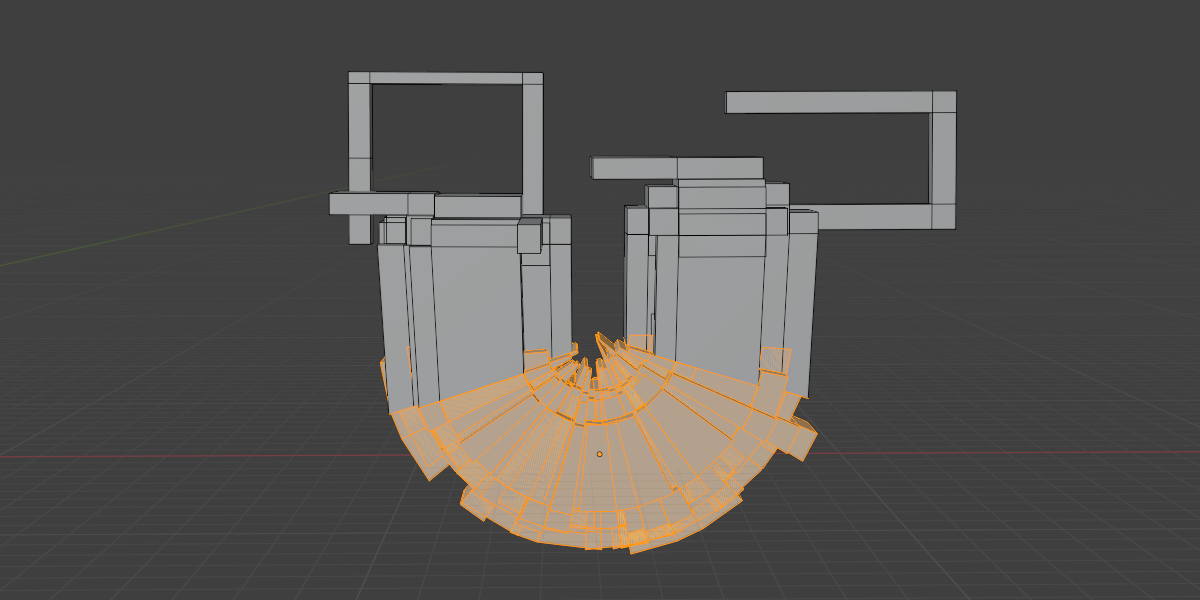
Magic Wand is a Blender add-on by Wiffzackius for topology-aware mesh selection in Edit Mode. Its developer's README describes region growth from a clicked face, edge or vertex through mesh adjacency, with a preview before commit. The Blender Extensions listing describes it as a selection tool.
Compatibility, release and selection workflow
The listing shows version 0.0.4 and Blender 4.2 LTS and newer. The extension record sets Blender 4.2.0 as the minimum version. In Edit Mode, open a mesh and launch Smart 3D Magic Wand from the Magic Wand sidebar tab; press N to toggle the sidebar. Adjust controls for face-angle threshold, curvature, growth distance, tolerance falloff and vertex-color tolerance. The connected-vertex limit restricts selection by vertex count. Hover over a face, edge or vertex and left-click to grow a region through mesh adjacency; a live preview shows the selection before commit. Hard edges, UV seams, material borders and sharp curvature changes can stop expansion, while vertex locks constrain specific areas. A/S/R/I switch add, subtract, replace and intersect behavior. The mouse wheel adjusts the active threshold, Ctrl+wheel adjusts the secondary threshold, and Shift uses larger adjustment steps. V toggles the connected-vertex limit, X toggles connected-only mode, L enters lock mode to freeze vertices, and C clears lock points. Left-click, Space or Enter commits the selection; Esc cancels. Check the official listing for current release information before installing.
Installation
The extension listing offers drag-and-drop installation in Blender, or a download that you can install from disk. Blender's installation instructions describe the Install from Disk option.
License and permissions
Magic Wand is listed under the GNU General Public License v3.0 or later, and the extension listing says it requires no special permissions. Review the license and project details if you plan to redistribute or modify it.