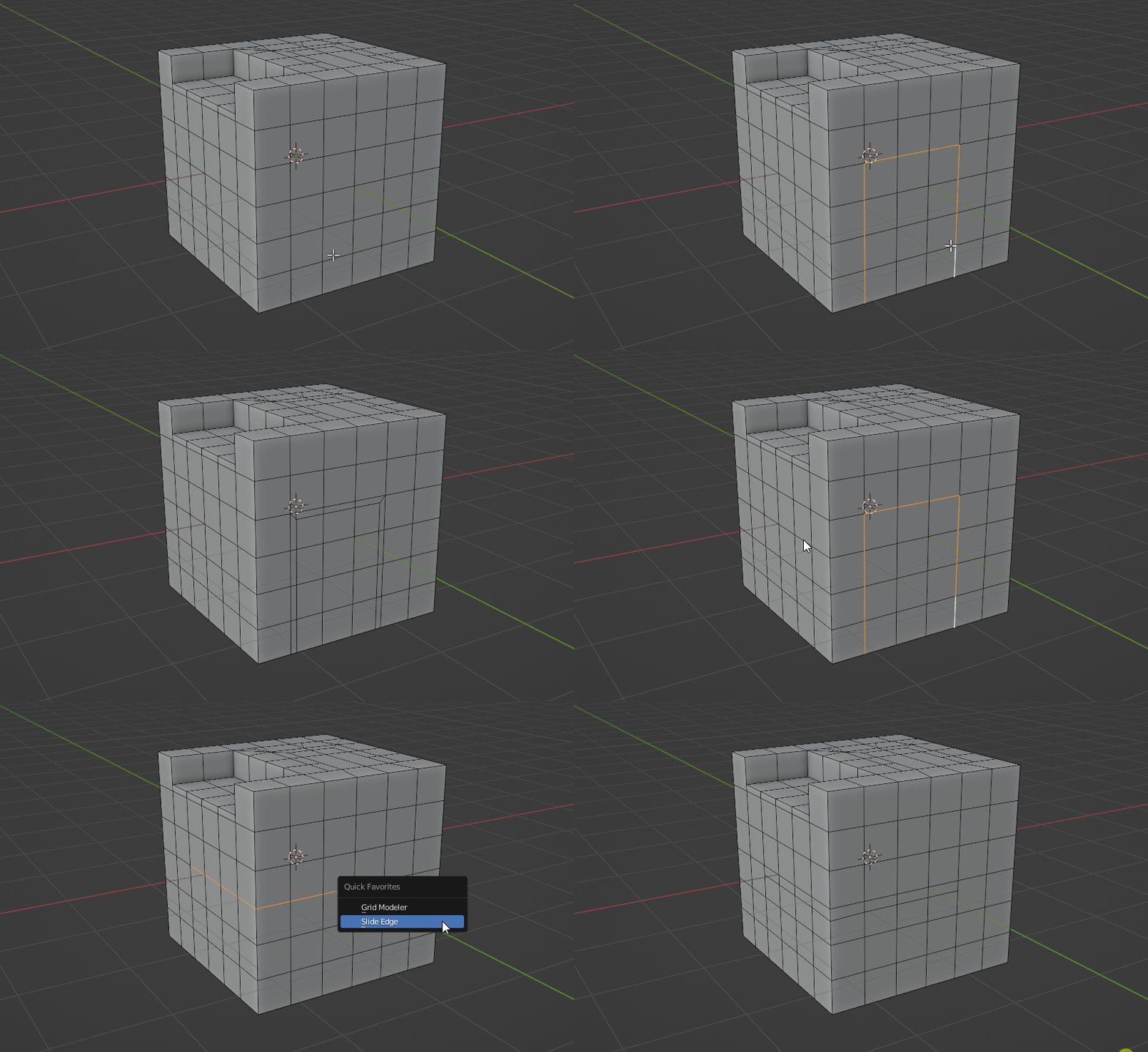
What Slide Edge does
Slide Edge is a Blender add-on by KushiroCG for duplicating selected edges and sliding them inward or outward. The creator describes it for retopology and general modeling.
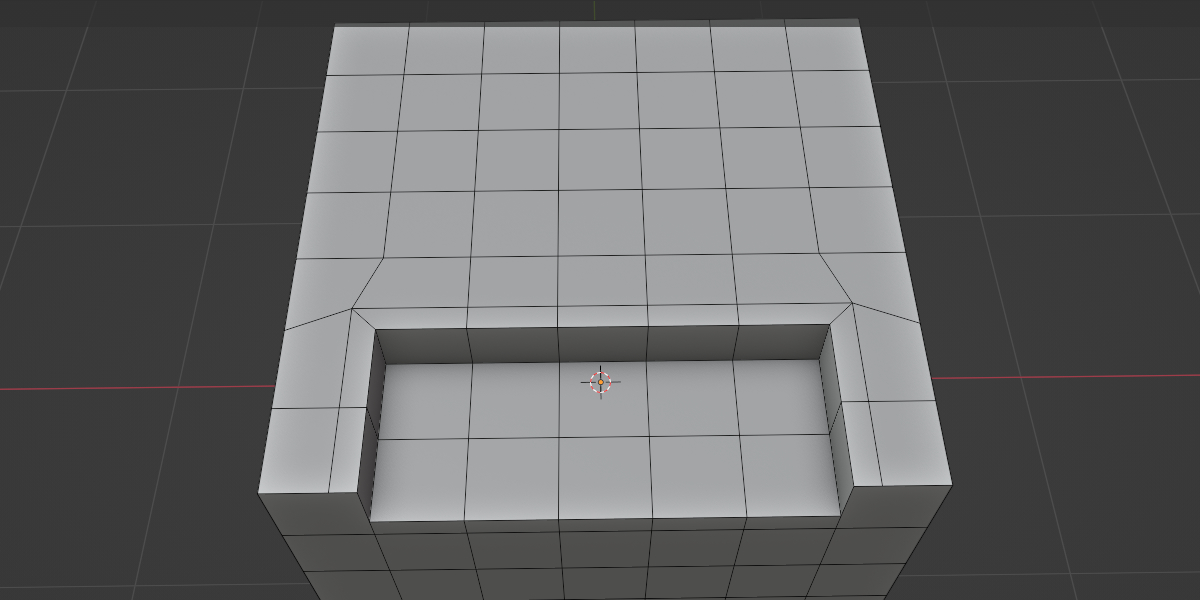
Nearby edges at connected poles move as part of the operation. You can also work with boundary edges or select edges from multiple locations and slide them together.
How to use it
- Switch to Blender Edit Mode and edge mode, then select the edges.
- Right-click in the 3D Viewport and choose Slide Edge from the context menu.
- Move the cursor horizontally to adjust the sliding distance. Hold Shift to make a slower adjustment.
- Left-click to confirm. You can also change the setting in the lower-left menu.
Version 1.2.5 added sliding across the screen without a distance limit. Version 1.2.2 made the slide direction follow cursor movement.
Version and license details
The Superhive listing identifies version 1.6.0, marks the add-on as Blender Extension Compatible, and lists the GPL license. Its Blender compatibility range differs from the range shown in the supplied AnyPlugins catalog copy, so check the Superhive listing for the version that matches your Blender installation.
See the Slide Edge product listing on Superhive for its release notes and current details.