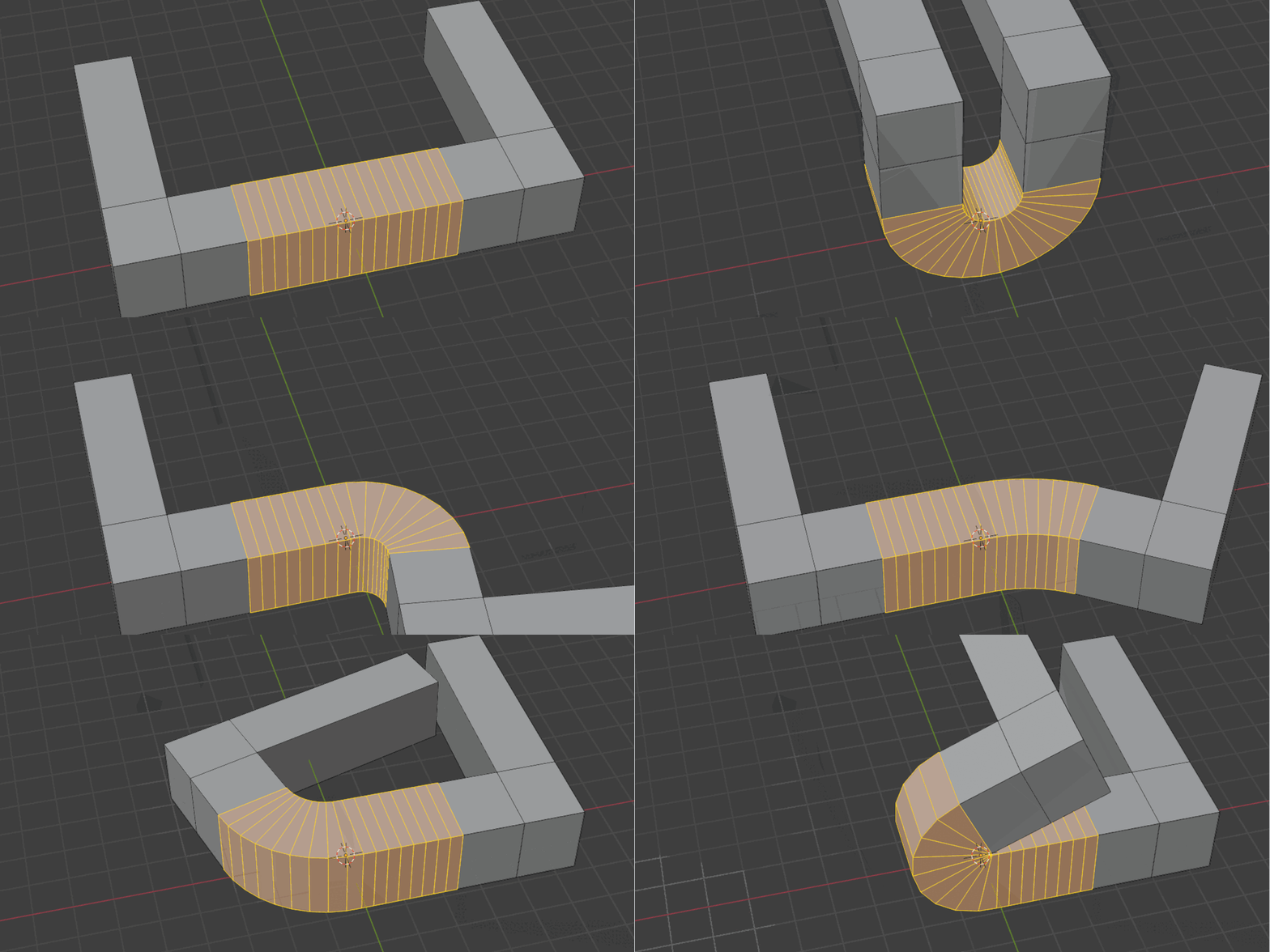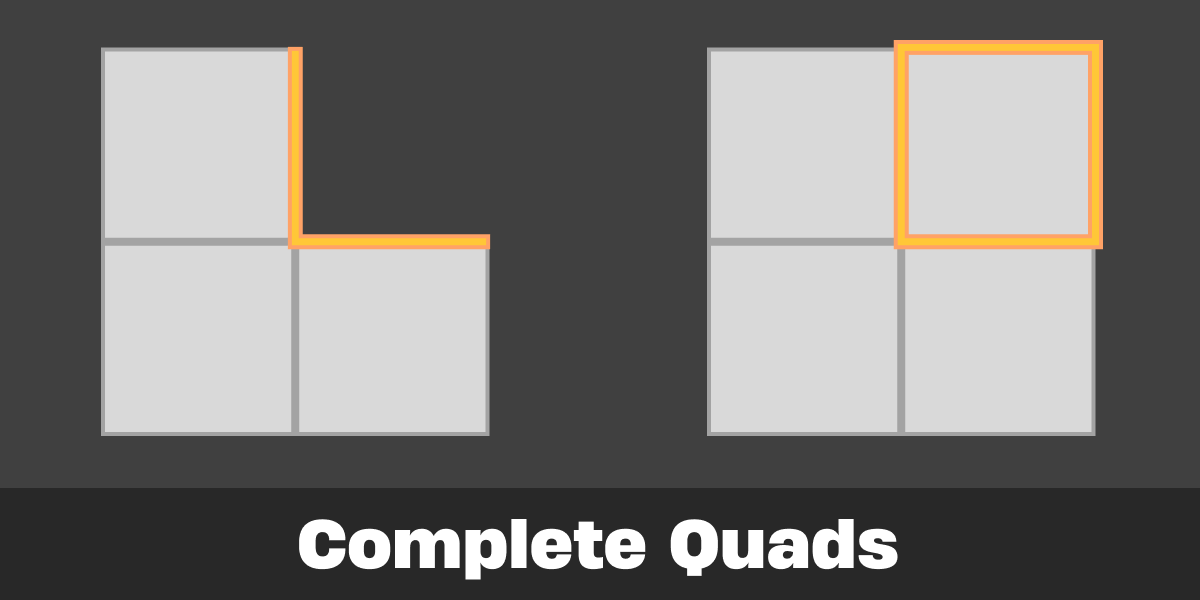
Simple Bend Ex by KushiroCG is the enhanced version of Simple Bend for bending mesh geometry in Blender. Select the faces that define the bend area and run the tool. It detects a bending axis from the geometry, including for rotated meshes and forms that do not follow global X, Y or Z.
Run a bend in Edit mode
Enter Edit mode and switch to Face selection. Select the faces for the bend area, right-click in the 3D Viewport and choose Simple Bend Ex from the context menu. After it runs, adjust the bend angle and other settings in the lower-left tool menu. Running it with no faces selected resets the settings to their defaults. The product documentation lists these steps.
Choose an axis and adjust the bend
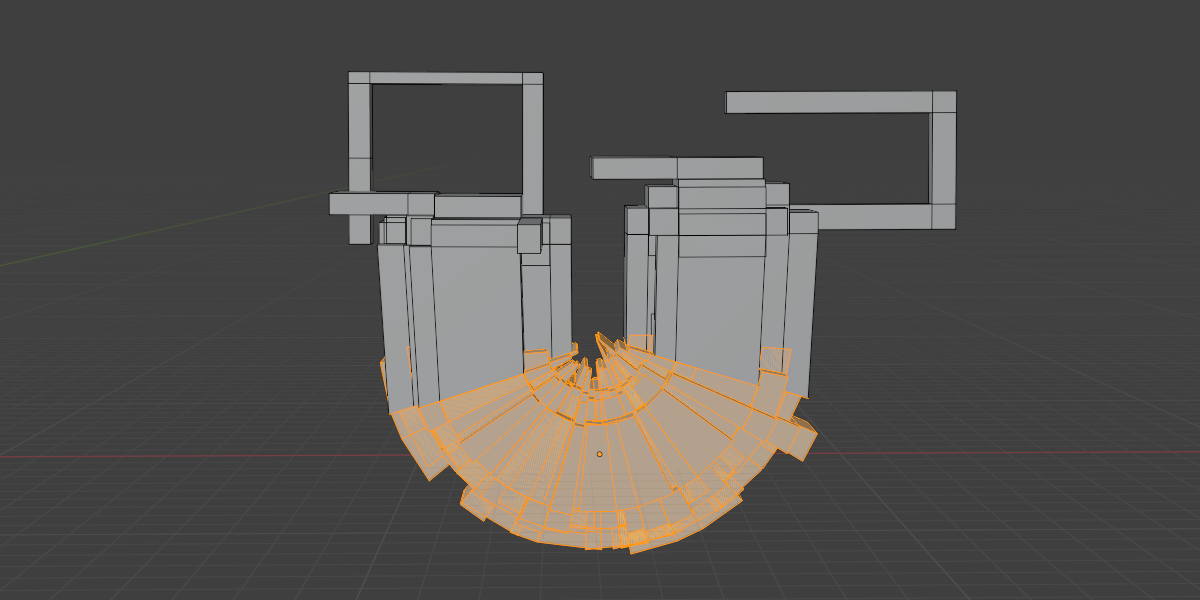
Simple Bend Ex tries to find a suitable bending axis from the mesh geometry. It handles complex and rotated meshes, including a pipe that is not aligned to the global axes. If the detected axis does not suit the mesh, you can override it with global X, Y or Z. The tool can extend the bend area to help avoid self-overlap and shift the bend location along the axis. Its full-width Single Side Bend option uses the full width when bending one side.
The release notes describe several axis-picking modes. The Active Face Axis option uses the selected active face as a reference, using its longest edge and face normal for the bend. In version 2.0.0, axis-picking modes became directly selectable in the redesigned settings.
Slicing and thin faces
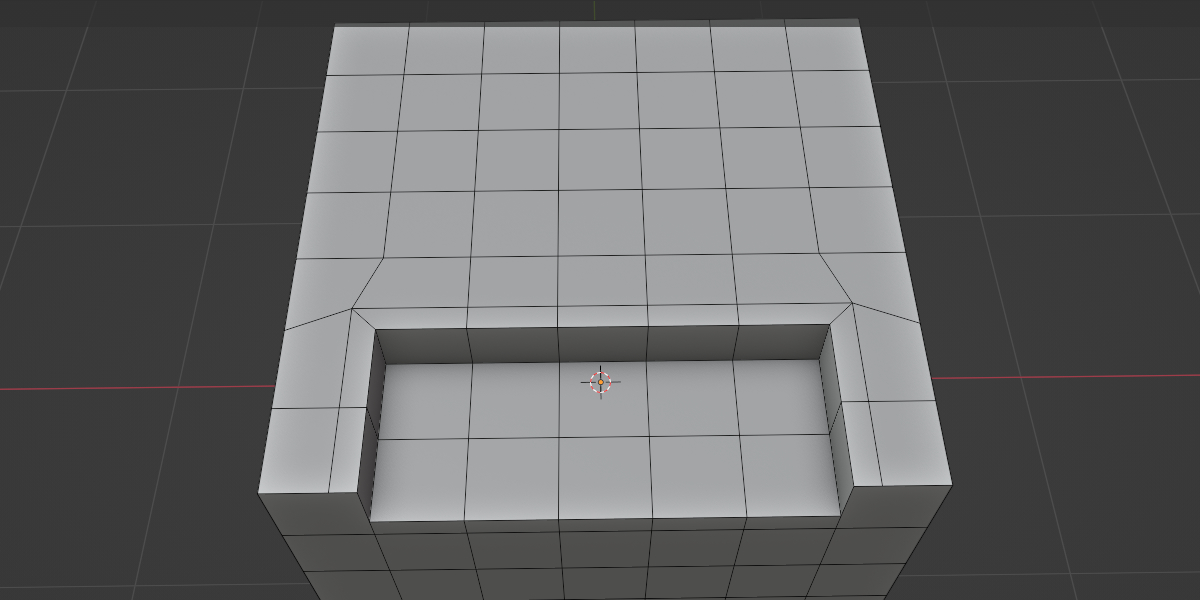
The built-in Slicing feature adds slices along the axis as the mesh bends. You can set the slicing count, disable slicing with a checkbox or use the Slicing Merge option to merge vertices. The release notes say slicing is enabled by default. Version 2.1.0 added support for bending thin faces by selecting one or a few ngon faces.
Version, license and compatibility
Version 2.2.0 fixes a Show Axis bug. The add-on is listed under the GPL license and marked as Blender Extension compatible. The compatibility ranges differ: Superhive lists Blender 2.83 through 5.2, while AnyPlugins lists Blender 2.83 through 5.1. Check the Superhive product listing for compatibility with your Blender release.