What Mesh Copier does
Mesh Copier is a Blender add-on by KushiroCG for copying mesh details onto selected faces. You can define the source with a closed edge loop around the detail, or use a face as the source and include separated mesh pieces. The destination is selected faces on the model.
Choose a source workflow
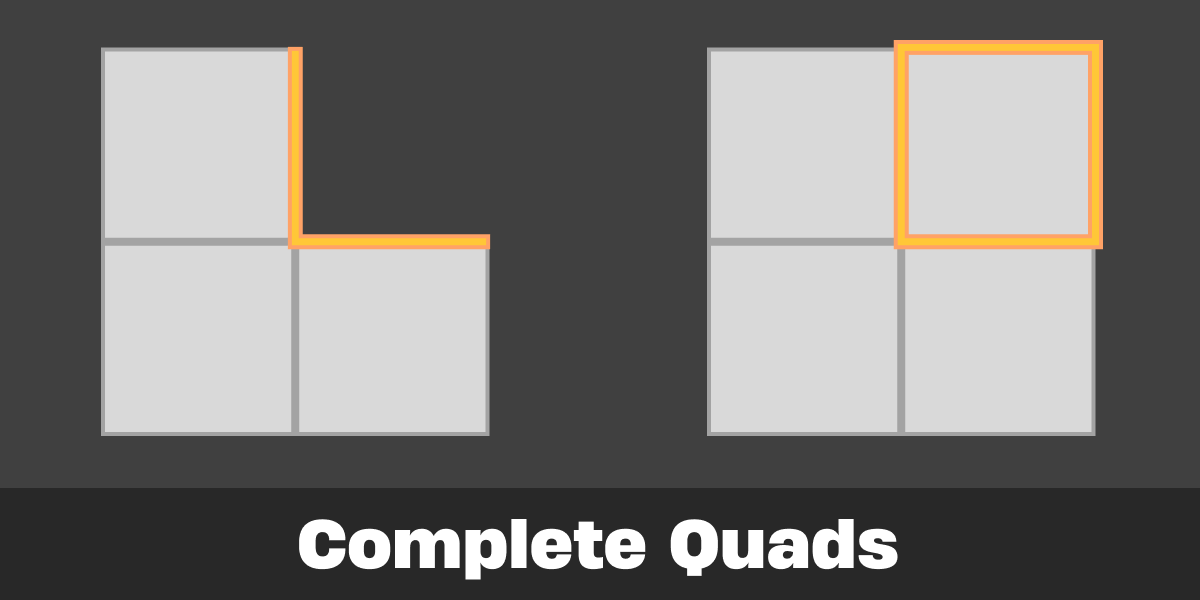
For the edge-ring method, select the closed loop around the detail and run the tool. Choose Set Source; the add-on selects the enclosed region. If it selects the wrong region, adjust the selection in the left-bottom menu. Then select the destination faces, run the tool again and choose Paste. The menu includes settings for orientation and other paste options.
For the face method, select a face and choose Set as Source. Select that face again along with any separated mesh pieces you want to copy, then choose Copy mesh. Select the destination faces and use Paste.
Options and source limits
The product update history lists a horizontal flip option, along with Do not Scale and Do not merge options. It also says pasting merges vertices of the pasted mesh rather than the whole mesh. Mesh Copier does not support curved surfaces as a source; its instructions specify that the source edge ring needs to sit on a flat surface.
Installation and compatibility
Install the add-on from its zip file without unpacking it first. If you installed the unzipped files, the instructions say to uninstall the add-on, remove those files and reinstall by selecting the zip in Blender.
The Superhive listing identifies Mesh Copier as version 2.3.0, a GPL-licensed add-on marked compatible with Blender Extensions. Its stated Blender version range is 2.83–5.2. The update history says version 2.3.0 fixed a missing-face problem. Check the Superhive product listing for the current compatibility details before installing.
The instructions warn that scaling an object in Object Mode can confuse Blender's mesh data for the add-on. To scale, enter Edit Mode, select all and press S.