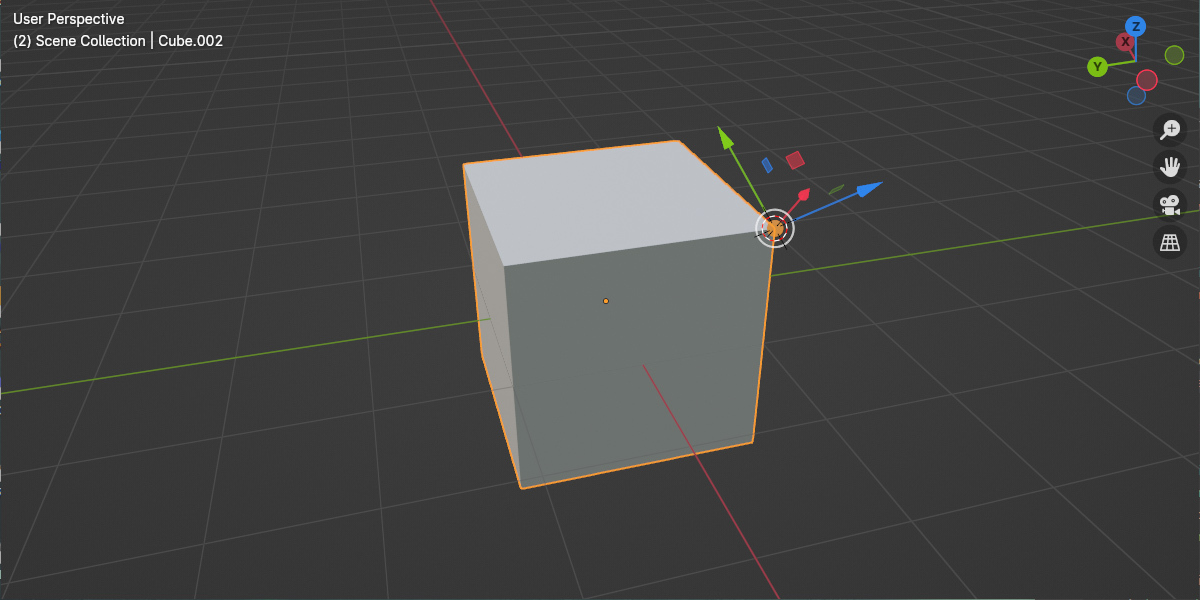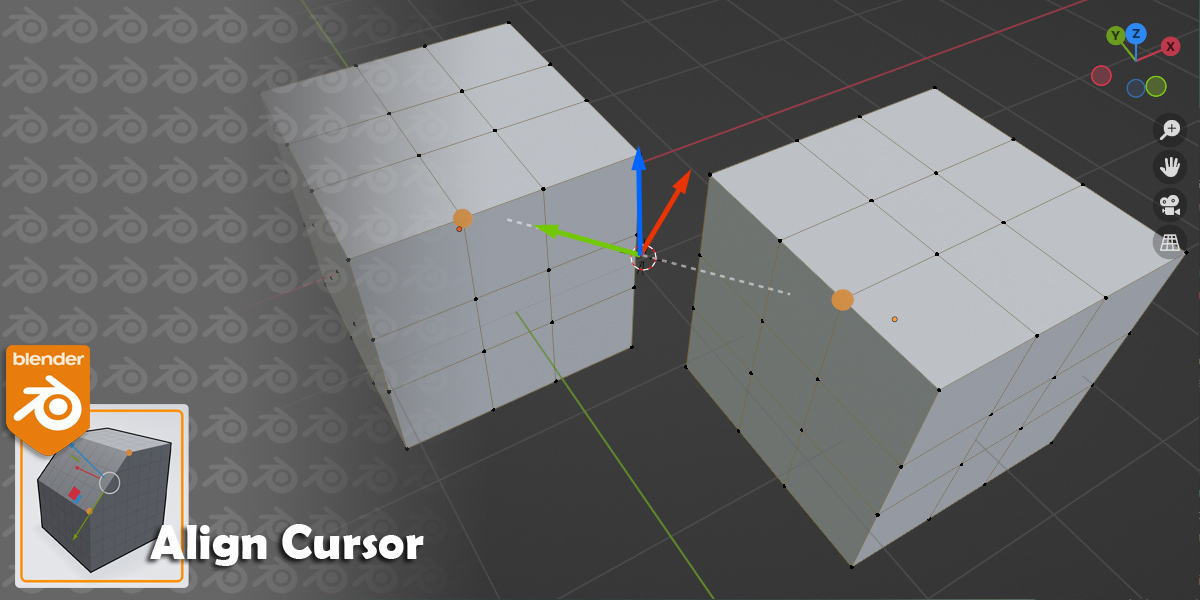
Align Cursor is a Blender add-on from AR Utilities that sets the 3D cursor’s position and orientation from a selection. It works with objects, vertices, edges, faces, and spline knots, so you can place the cursor on a modeling reference instead of only moving it to a selection.
Choose what the cursor uses
Use Location and Use Rotation control whether the selection sets the cursor’s position, orientation, or both. Each has separate X, Y, and Z controls, so you can use only the axes needed. Set Selection Center updates Blender’s selection center. You can keep the current transform center point and change only the cursor alignment.
How selection affects alignment
In object mode, one selected object uses its transform. With two objects, the cursor is placed at their midpoint and its Y axis follows the line between them. With three or more, alignment uses a best-fit plane through their positions.
For mesh components, one vertex places the cursor at that vertex and aligns an axis to its normal. One edge uses its midpoint and aligns the Y axis along the edge; two vertices use their midpoint and the line between them. Three or more vertices, multiple edges, or faces use a best-fit plane. The same alignment rules apply to spline knots and multiple object selections in edit mode; armature bones are also supported in edit and pose modes.
Use face bias or create a grid
When a single edge is selected, Face Bias lets you favor one of its connected faces. The default is 0.5, an even bias. Create Grid makes a grid mesh at the cursor’s resulting position and orientation, giving you points to snap to and a way to keep that orientation for later work. Grid Scale changes its size; Grid Density offers Low, Medium, and High settings. With metric units, those densities correspond to grid lines every 1 metre, 10 centimetres, or 1 centimetre.
Compatibility and version 1.0.3
The listing identifies version 1.0.3 and names Blender 3.6, 4.0, 4.1, and 4.2 as compatible versions. Version 1.0.3 moved the add-on into its own subdirectory to avoid conflicts; its release notes advise removing the old version before installing it. Version 1.0.2 added armature-bone alignment in edit and pose modes.
See the Align Cursor listing on Superhive for the product details and release history.