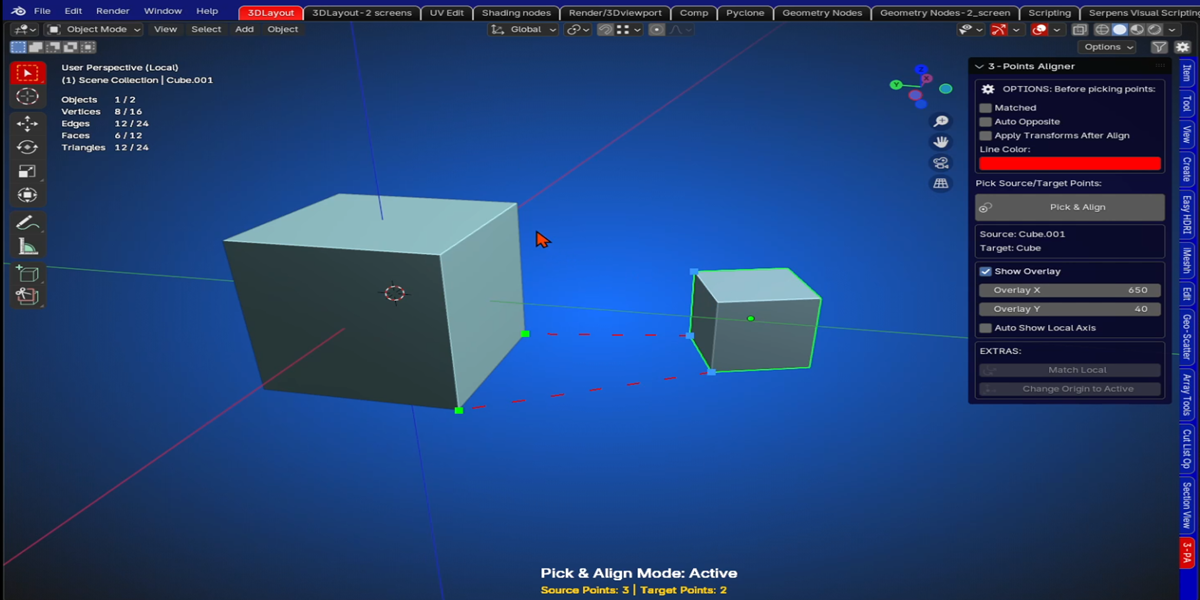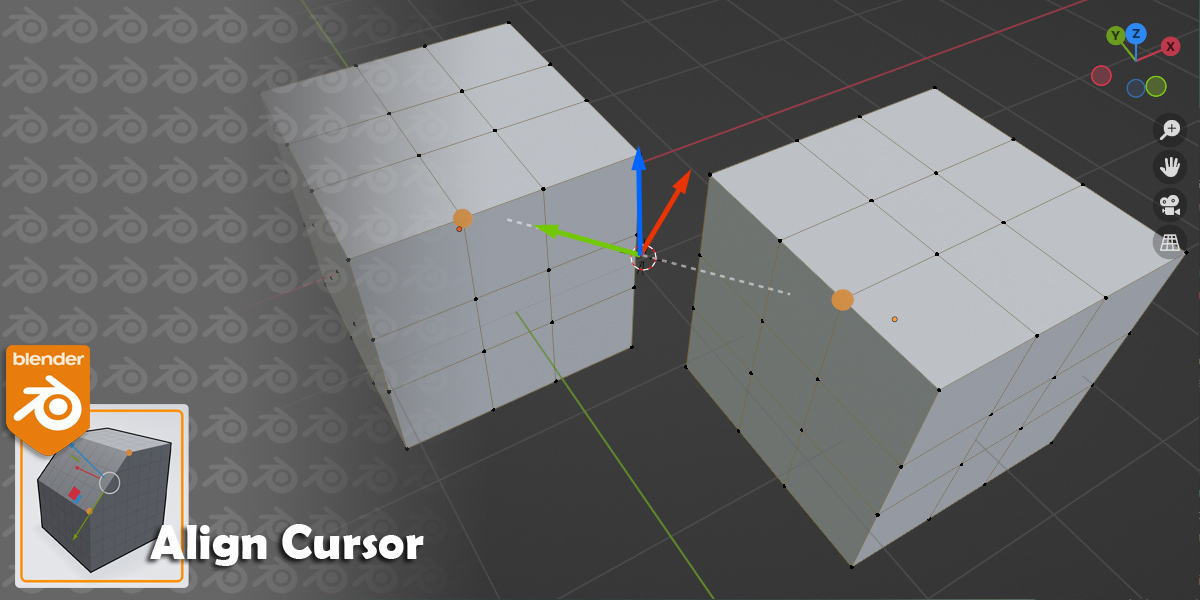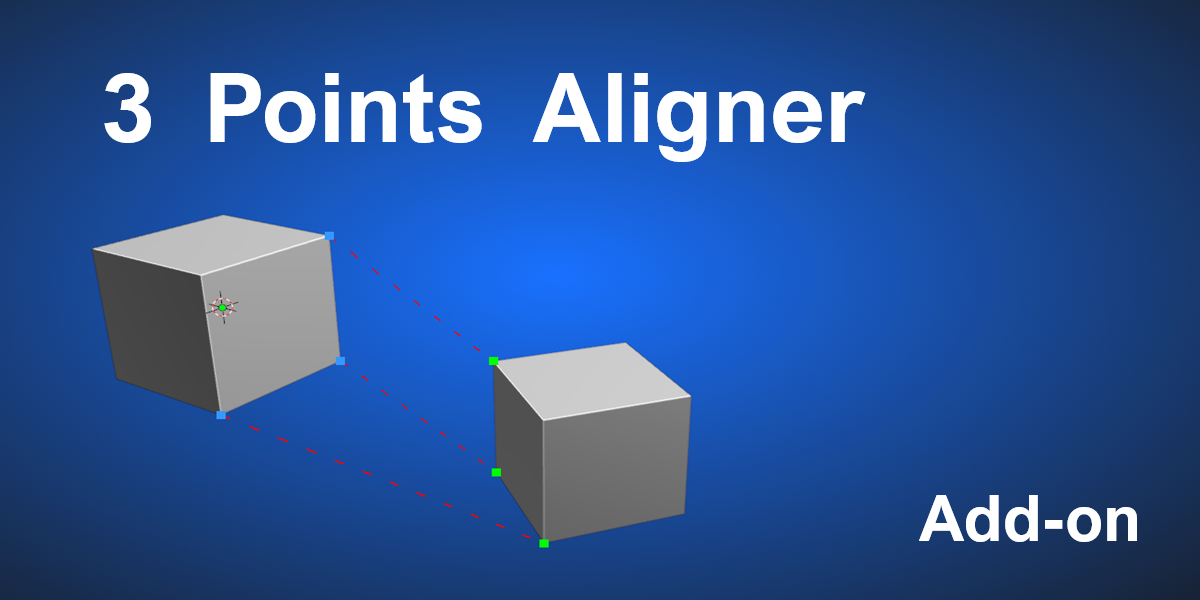
3-Points Aligner is a Blender add-on by KVD that positions a source mesh against a target by matching three picked point pairs. As you hover over the target, the target point snaps to the nearest corner. After you pick three pairs, the source object aligns to the target.
Align a mesh in three point pairs
- Active-select the source mesh. You do not need to select the target at the same time.
- Press Pick and Align, or use the shortcut set in the add-on preferences.
- Pick a point on the source, hover over the target, and left-click the snapped target point. Repeat twice more to complete the alignment.
A movable overlay shows when the tool is active and how many points you have picked on each object. Use its x and y sliders to move it out of the way.
Options for scale and cylindrical parts
- Matched scales the source object to the target. With this option off, the tool only aligns the objects.
- Auto opposite adds the opposite point automatically after you pick a point on an object's diameter. Use it on both source and target when matching cylindrical diameters, especially when a cylindrical part's origin is off-center.
- Apply Transforms sets the source object's scale to 1 when alignment finishes. Separately, you can change the connecting lines' color.
Local-axis and origin controls
Auto show local axis displays an object's local axes when it is selected, so you can see the direction for moving it in local space. If you select a source and target, Match Local rotates the source to match the active object's local axis. Change origin to active rotates the source object's origin to match the active target object's rotation.
Blender versions and documentation
The Superhive product listing states Blender compatibility from 3.5 through 5.0 and marks the add-on as Blender Extension Compatible. It specifies 3_points_aligner_V1 for Blender 4.0 to 4.4, and 3_points_aligner_V1_1 for Blender 4.5 and 5.0. The listing does not identify the build for Blender 3.5 to 3.9, so check with KVD before installing on those versions. The documentation page points to the product page and video for usage guidance; the product FAQ includes installation steps. The listing specifies a GPL license.