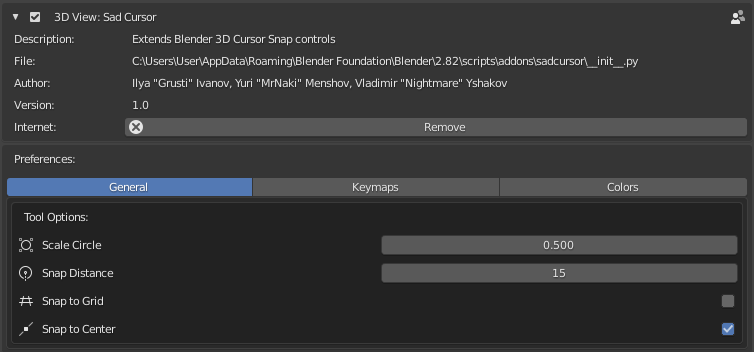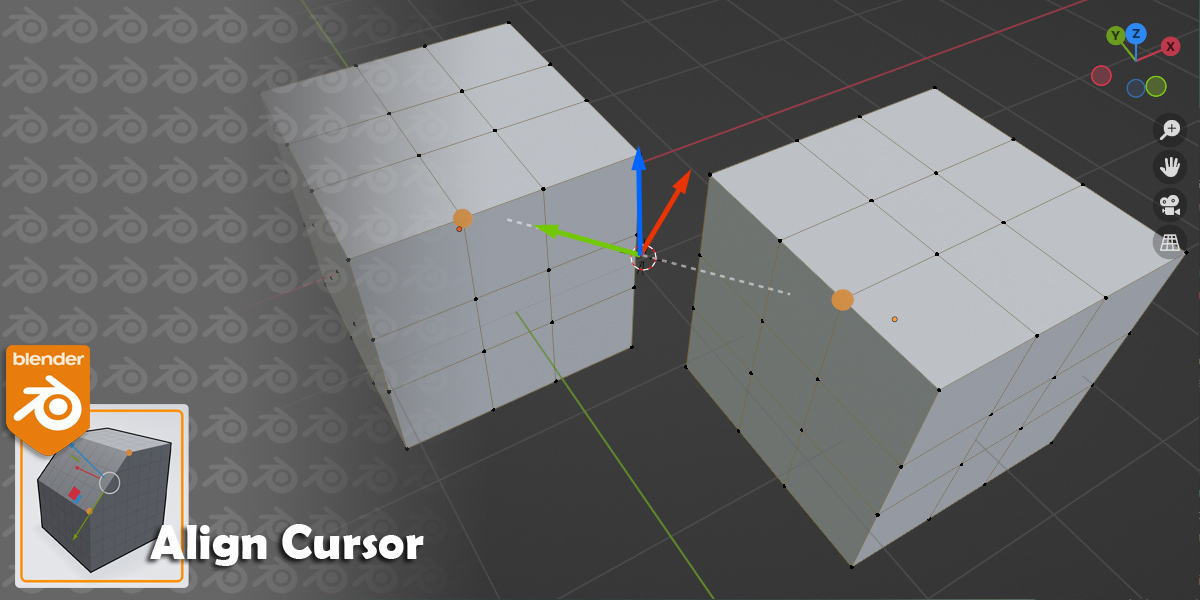
Sadcursor is a Blender add-on by twosadmen for positioning and orienting the 3D cursor with fewer steps. It can snap the cursor to a vertex, edge, or face, and includes commands for setting an object origin at the cursor. The product page lists Blender versions 2.8 through 4.5.
Place and orient the 3D cursor
Choose the tool's activation key in the add-on settings. The listed default is D. With the tool active, use these mouse and keyboard actions:
- Left-click to snap the 3D cursor to a vertex, edge, or face.
- Shift + left-click to change the cursor position without changing its rotation.
- Ctrl + left-click to set the cursor's orientation from the selected geometry.
Press the chosen activation key again to exit the tool options. Sadcursor also lets you assign favorite hotkeys for actions to avoid conflicts with other add-ons.
Set the origin at the cursor
Press W to set the origin to the 3D cursor. The product overview also lists changing moving the mesh pivot to the 3D cursor position. Press E to set the cursor to its default rotation while keeping its location.
Compatibility and license
Superhive lists compatibility with Blender 2.8 through 4.5 and identifies the license as GPL. Check the Sadcursor documentation and product listing for the current details.