What Mojoblendo Tools does
Mojoblendo Tools is a Blender toolkit from Elevons, LLC, with shortcuts and pie menus for view navigation, mesh selection, modeling, the 3D cursor and UV editing. The Superhive product listing describes the tools as workflow changes inspired by Modo. They may suit Blender modelers who want those tasks close at hand while editing.
View, selection and modeling tools
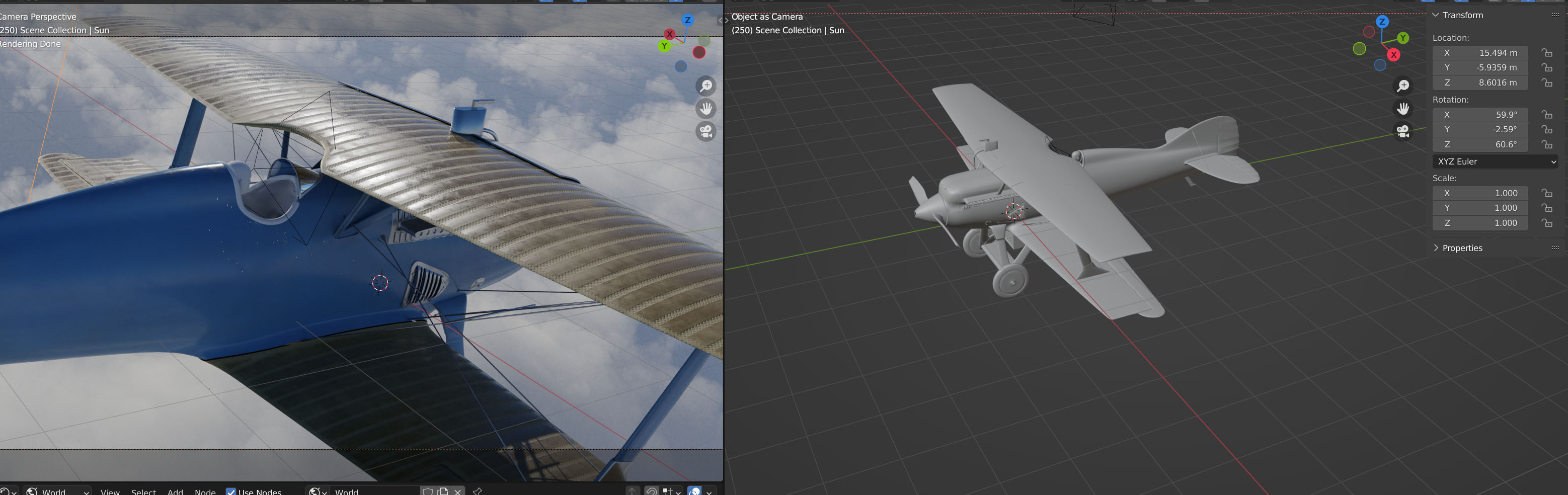
- The Custom View Pie Menu, opened with Ctrl-Space by default, includes View through Camera, View through Object, View Normal To and Toggle Orthographic. View through Object lets you adjust the view through the selected object, which the developer notes can help when positioning lights.
- Save Mesh Select Modes keeps a selection when switching between vertex, edge and face modes. It can optionally override the 1, 2 and 3 keys; Blender's Convert behavior remains available in the Selection Toolbar. By default, the Selection Style Pie Menu opens with Shift-Q.
- By default, Tool Unifiers map Extrude to X, Bevel to B, Dissolve to Backspace and Delete to the Delete key across vertices, edges and faces. Delete also works on objects. Dissolve and Delete run without their usual prompt.
- The Cursor Pie Menu opens with Shift-C by default and adds functions for placing the 3D cursor and working from surfaces.
UV editing and Mirror Mesh
UV Seam Auto Scale uses shared edges to scale one UV island to match another. The developer recommends selecting the full edge loop for the measurement and then the full edge loop on the target island. The tool may produce unexpected results on some islands. The UV Tools Pie Menu, opened with Shift-U by default, also includes Smart UV Unwrap for selected objects and UV transfer between objects with matching geometry.
Version 1.1 adds Mirror Mesh, which mirrors selected faces, edges or vertices around a chosen action center. The listing says the tools are now included in one plugin installation.
Compatibility and listing details
The Superhive listing names Blender 2.93 and versions 3.0 through 3.4. It does not list later Blender versions, so check with the developer about newer releases before installing. The listing describes the license as Royalty Free; that label does not establish the current price. Check the product listing for current price and license terms.