Edge Crease & Bevel Weight Pie Menu is a Blender add-on that gathers edge-crease, bevel-weight, sharp-edge, and bevel-modifier controls in one pie menu. It can open Blender’s default crease or bevel-weight tool, set values to 0 or 1, or apply values configured in the preferences. The add-on switches between vertex crease and edge crease based on the current selection mode.
Set crease and bevel-weight values
The menu provides quick access to crease and bevel-weight operations, including preset values. It can also mark or unmark edges as sharp. For custom values saved in the preferences, the add-on can select matching edges or vertices.
Manage bevel modifiers
You can add a bevel modifier from the pie menu with its limit method set to weight, then adjust basic bevel modifier properties. The add-on supports multiple bevel modifiers and lets you rename the active modifier from the menu. If the object has no bevel modifier, it displays a notice. The pie menu stays open while you change the active bevel modifier.
Review bevel-weight attributes
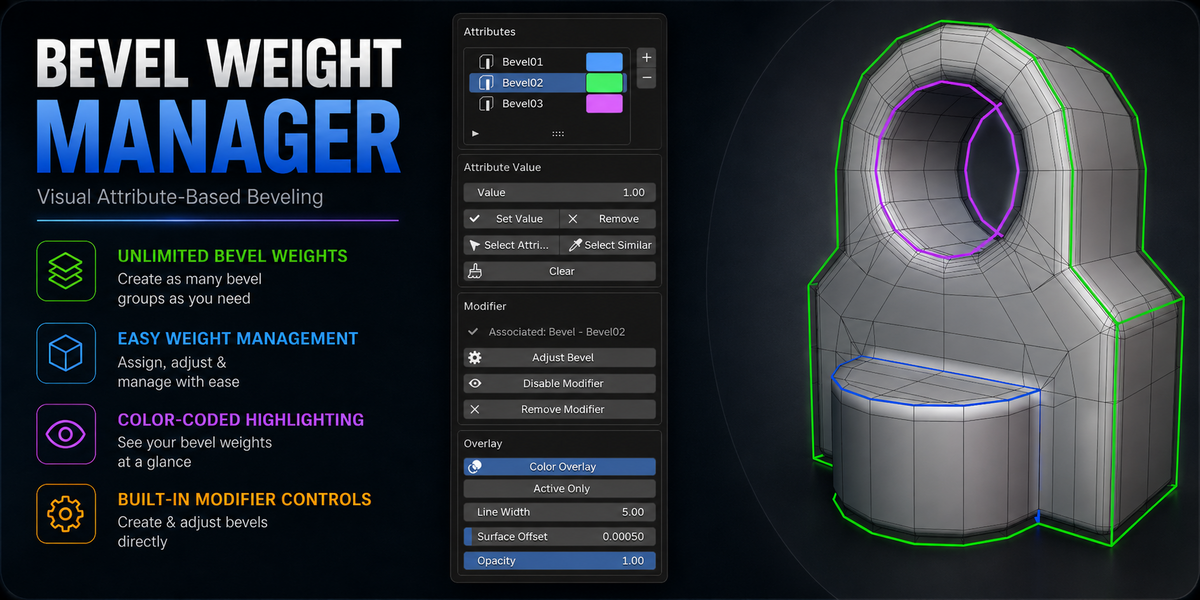
A side panel lists the attributes used as bevel weights and shows the value on the active element. You can add an attribute and assign it as a bevel weight for the active bevel modifier.
Compatibility and availability
The catalog listing gives a supported Blender range of versions 3.0 through 5.0 and identifies the add-on as compatible with Blender Extensions. It lists the license as GPL and the add-on as free. Availability is unclear: the linked Superhive product page currently says the product is no longer available for purchase. Check the creator’s page linked there for current distribution details.