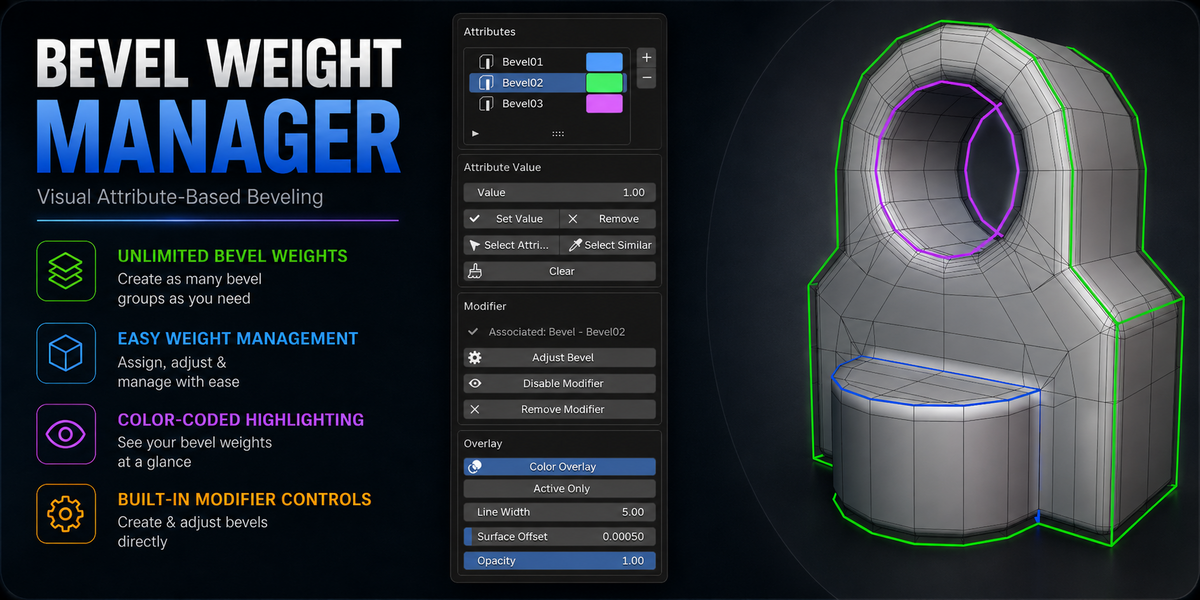
Bevel Weight Manager is a Blender add-on for creating and managing separate bevel attributes for the Bevel Modifier and shader bevels. It brings attribute setup, assignment, viewport previews, and bevel controls into one interface, so you can organize multiple bevel groups on a model.
Manage modifier and shader bevels
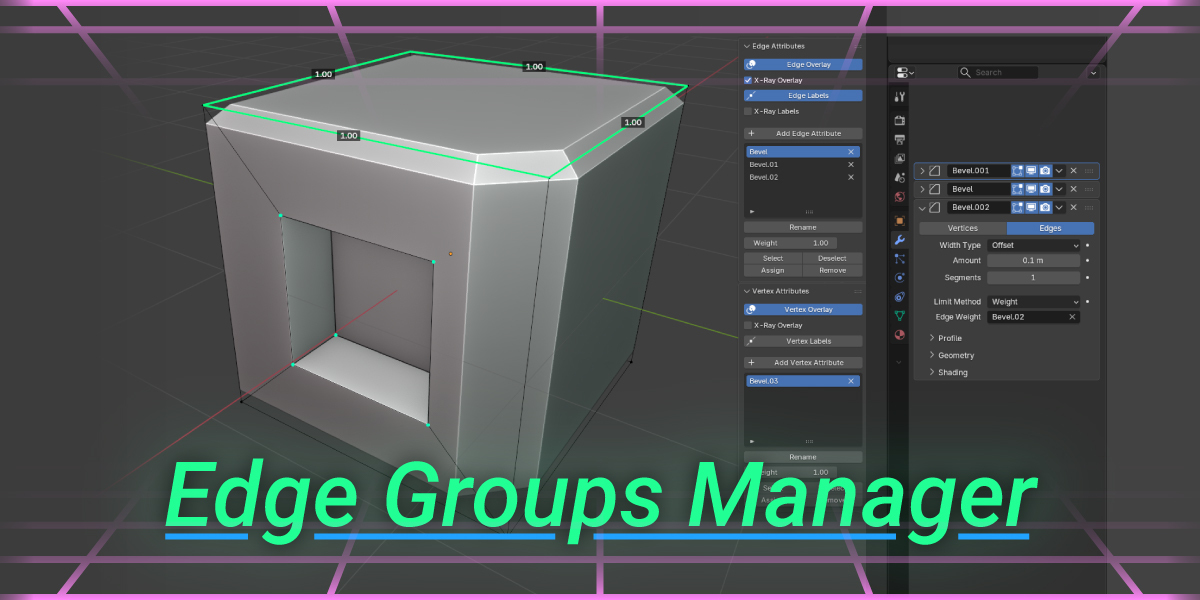
Create, rename, or delete attributes for either modifier bevels or shader bevels. For modifier bevels, assign custom values to selected edges to vary bevel widths within an attribute. Newly created attributes give selected edges a value of 1 by default. Shader bevel attributes can assign different radii across one material without adding geometry.
Shader bevel presets include several starting sizes, and you can save your own radius presets. A custom range can also create radius attributes between start and end values at a chosen increment.
Preview and adjust attributes
The color-coded viewport overlay shows which edges belong to each attribute. Choose a color for each one, display all attributes together, or isolate the selected attribute. Selection tools, assignment and removal controls, and multi-object editing help manage the tagged geometry.
The add-on can set up shader nodes or bevel modifiers with one click. You can also adjust modifier settings or shader bevel radii from its interface.
Reuse modifier setups
Modifier bevel presets save attributes together with their associated bevel modifiers and settings for reuse on other objects or in other scenes. The “Transfer From Active” operator can copy setups between scenes or objects.
Compatibility and license
The Superhive product listing identifies hodgson3d as the creator, marks Bevel Weight Manager as a GPL add-on, and lists compatibility with Blender 4.2 through 5.3. Check the listing for current compatibility and product details before installing.