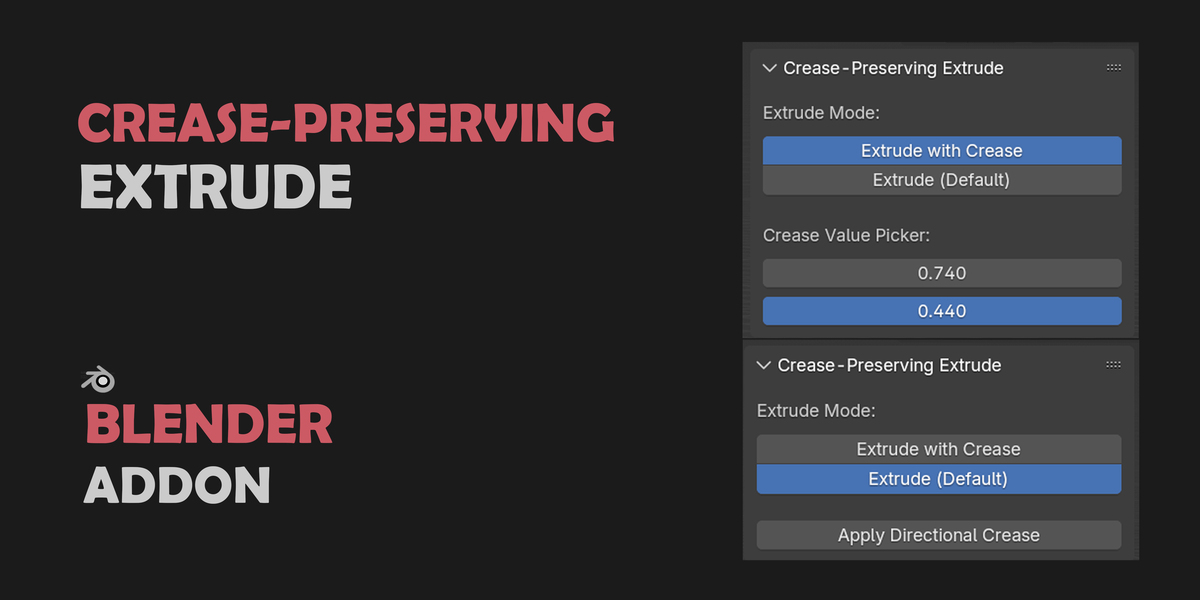
Crease-Preserving Extrude is a Blender add-on that carries crease values from existing edges to newly extruded edges. Its Extrude with Crease mode works with vertex, edge and face extrusions. The add-on also includes a default extrusion option that matches Blender's built-in operation.
How it chooses crease values
The built-in algorithm selects the neighboring edge whose direction most closely aligns with the new edge, then carries over that edge's crease value. If you want a different value, the Crease Value Picker lists possible values from neighboring edges that share a vertex with the new edge.
Two ways to use it
- Choose Extrude with Crease to assign an inherited crease value during a vertex, edge or face extrusion.
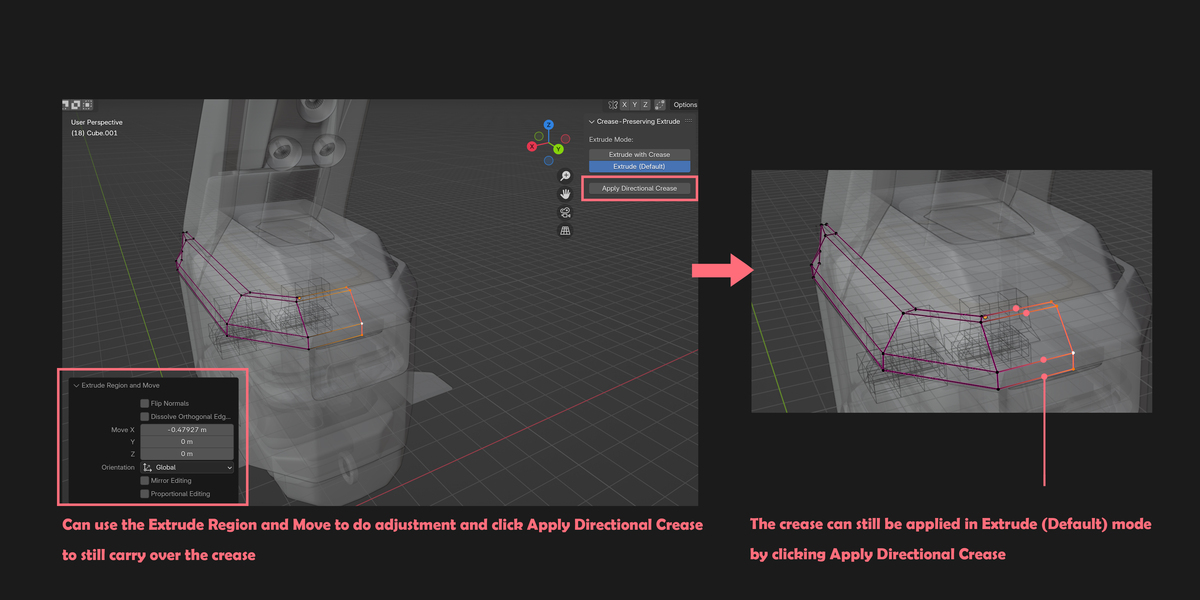
- Choose Extrude (Default), make adjustments in Blender's Adjust Last Operation Panel, then click Apply Directional Crease to add a crease based on neighboring edges.
The Crease Value Picker is available after Apply Directional Crease as well, so you can choose another listed value when the automatic selection does not suit the geometry. Mode switching is available from the sidebar panel.
Operation coverage and limits
The add-on works with most operations in the Alt+E menu in vertex, edge and face select modes. Extrude Repeat and Spin under face extrude are not supported. The Superhive listing identifies Blender 3.4 through 4.5 and a GPL license; check it for installation details and current product information.
This add-on fits Blender modeling workflows where crease values need to carry through repeated extrusions. Check the unsupported face-extrude operations against your workflow before installing.