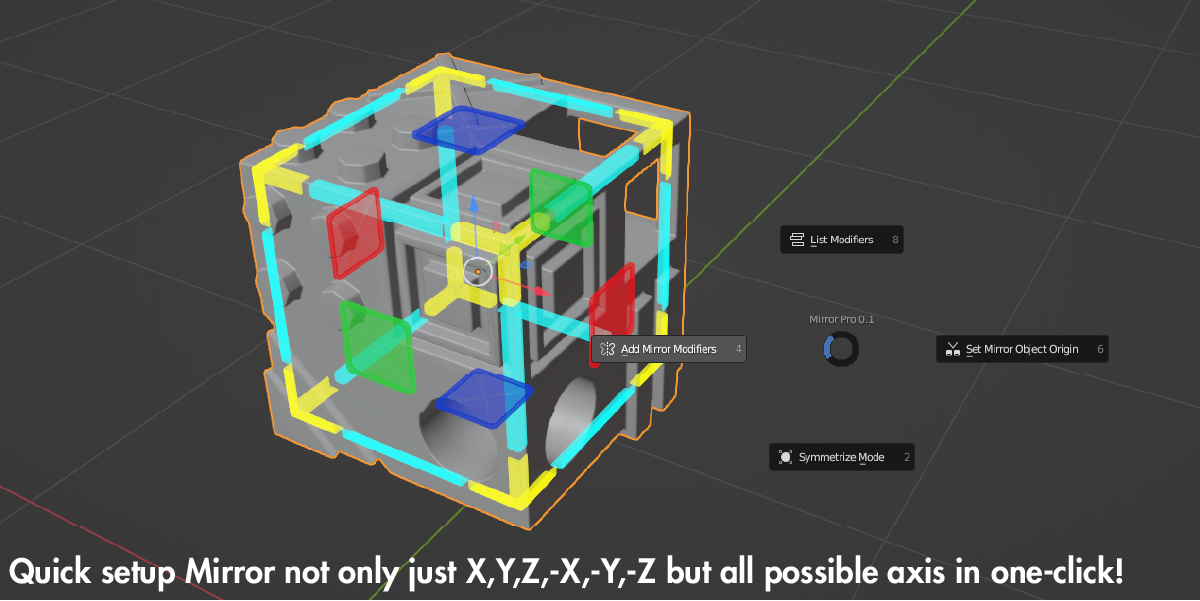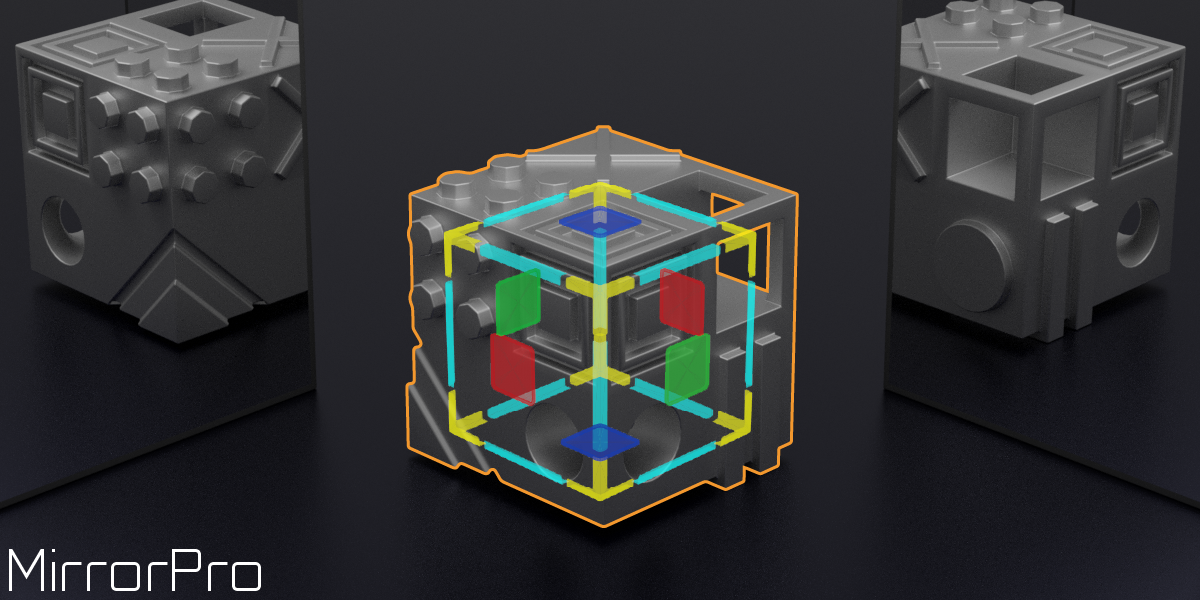
MirrorPro is a Blender add-on by Orcavia for mirroring or symmetrizing objects. An interactive gizmo controls the direction, and the operation can be run with a single click on any axis direction.
Open the pie menu
Press Shift+Ctrl+Q to open MirrorPro’s pie menu. This is the documented default shortcut.
Install MirrorPro
- Keep the downloaded add-on as a ZIP file; do not extract it.
- In Blender, go to Preferences > Add-ons > Install and select
mirrorpro_xxx.zip. - Check the add-on entry to enable MirrorPro.