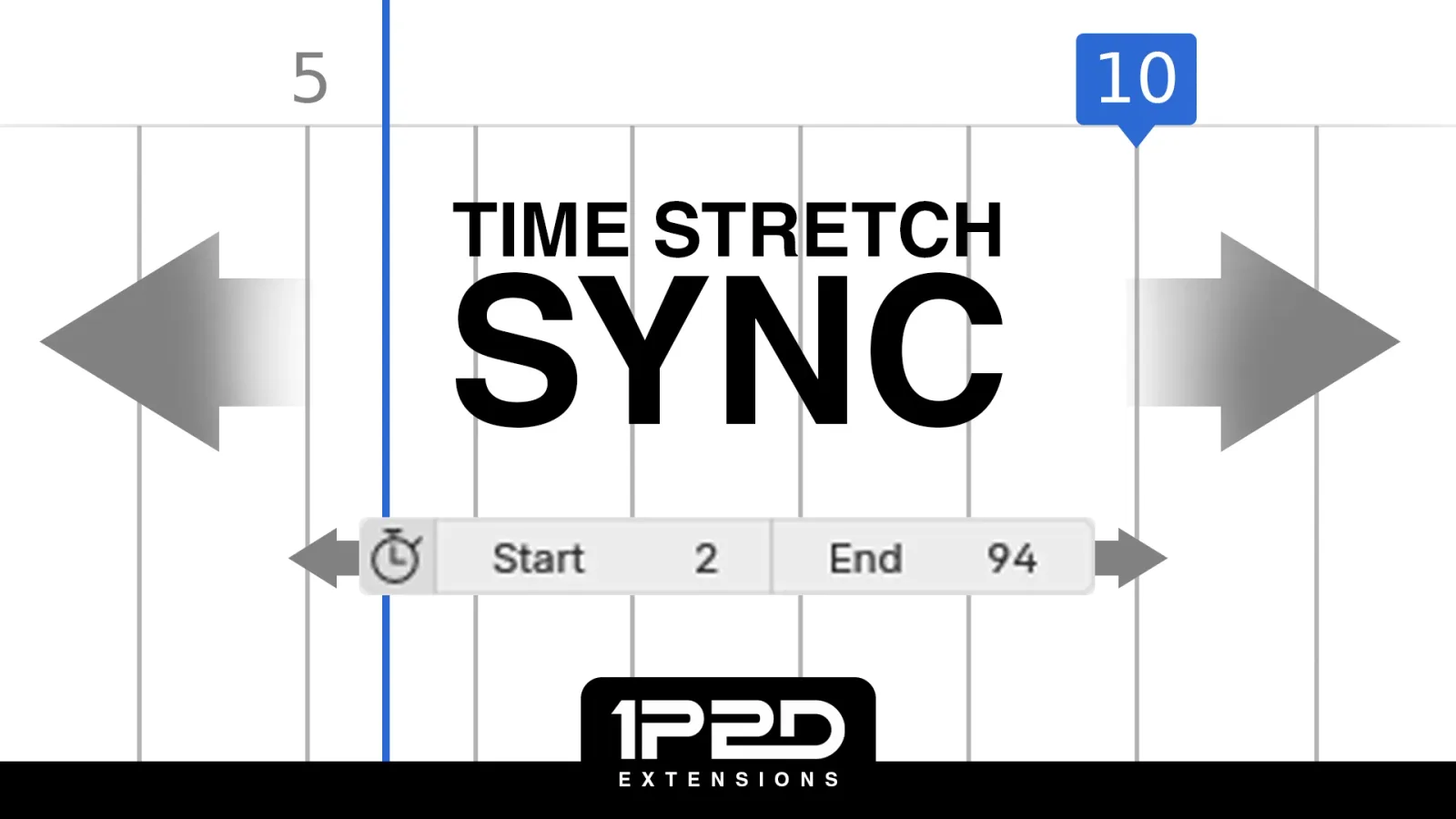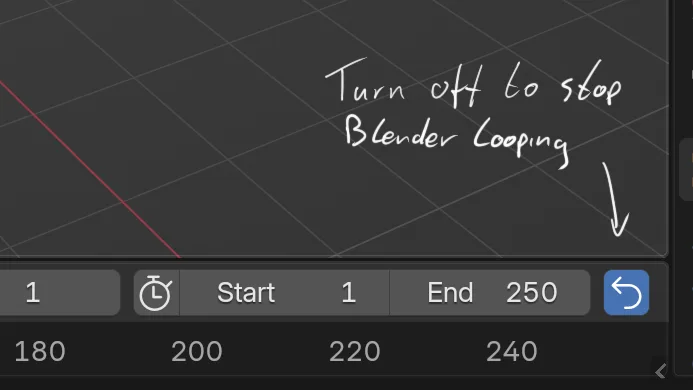
Time Stretch Sync is a Blender add-on by 1P2D that keeps the playhead, Timeline and Preview ranges, and markers in sync during Time Stretching; Timeline Range sync is ignored in Preview mode, and its sync-aware operators require the Operator Override keymaps. Blender's Time Stretching lets you preview animation faster or slower without changing keyframes. By default, Time Stretching ignores the Start/End and Preview ranges, which can crop parts of the animation; it can also shift the playhead's relative position.
What it synchronizes
In Blender's animation editors, the Playhead shows the relative frame and the Playline shows the absolute frame. With Time Stretching enabled, those indicators can separate. Time Stretch Sync adds controls for keeping the playhead in the same relative frame and syncing the Timeline and Preview range start and end frames to the Time Stretching values; it assumes the default Old and New Time Stretching values are 100/100. It can also sync marker positions.
The add-on can show temporary markers at the original frame and Preview range. These markers remain at their original positions when sync is applied, so you can still see the unsynced range.
Finding the controls
After installation, look under Output > Frame Range > Time Stretching > Sync. The listing says you can install by dragging and dropping the add-on into Blender, or by downloading it and choosing Install from Disk. The official Blender Extensions listing has the current release and installation details.
Sync Playhead Position works when you adjust values directly in the interface. The listing notes that it is smoother when triggered with shortcuts. Sync Timeline Range is ignored in Preview mode to avoid conflicts.
Operators and keymaps
The sync-aware Jump to Keyframe, Jump to Marker and View Frame operators use keymaps. Keymaps are optional and disabled by default, but the Operators category requires the Operator Override keymaps to be enabled. When Time Stretching is not detected, these operators behave like Blender's standard operators. The frame and range controls are in the interface and do not require those keymaps.
Compatibility and version 1.1.0
The extension is listed for Blender 4.2 and newer. Its listing notes that the Playhead/Playline display is broken in Blender 5.1. Version 1.1.0 adds marker-position sync, temporary range markers, the three sync-aware operators and guards for render jobs. The extension is licensed under GNU GPL v3.0 or later and requires no special permissions.