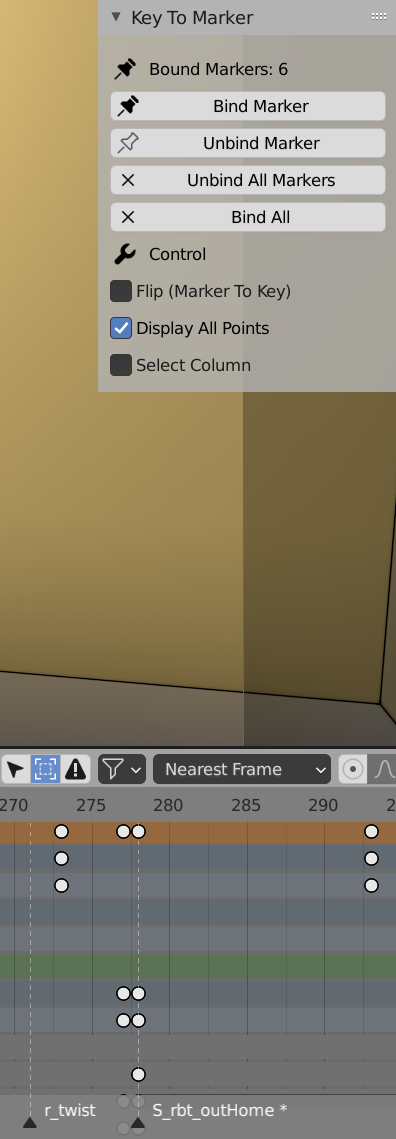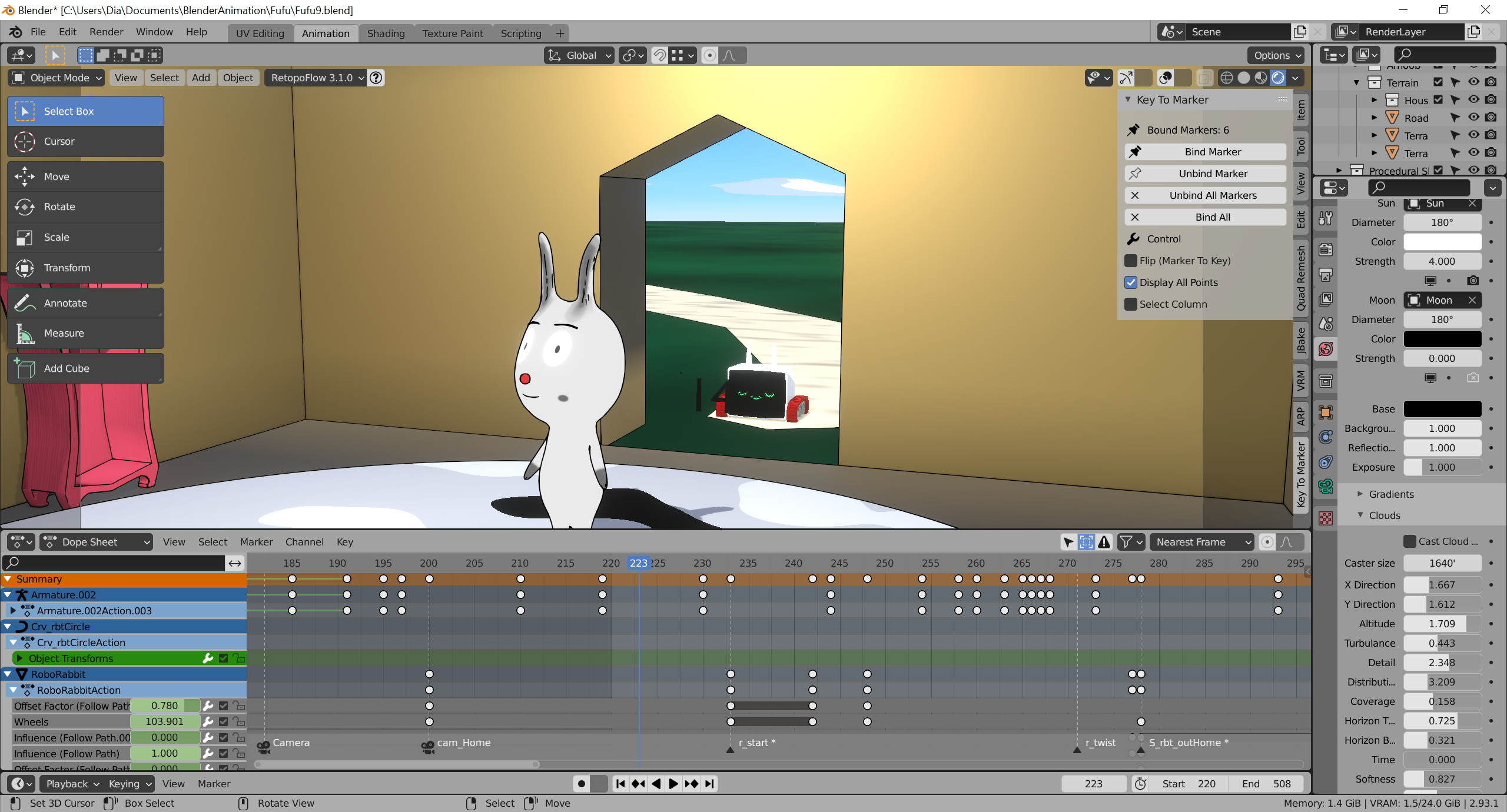
Key To Marker is a Blender add-on that links keyframes with markers in the dope sheet. In Markers Mode, bind a marker to keyframes at the same position; moving the marker then moves those keyframes. In Keyframes Mode, markers follow when all linked keyframes are selected and moved. This keeps the two elements together while you adjust an animation.
How the two modes work
In Markers Mode, select a marker and press Bind. The add-on links keyframes at that position and locks them against direct movement. To move them, move the marker. If you place it on top of other keyframes, the bound keyframes wait until the marker reaches a free spot, then follow again. Press Unbind or delete the marker to erase the link.
Keyframes Mode is intended for scaling and duplicating linked keyframes. Their markers follow when you select and move all linked keyframes. Deleting linked keyframes erases the link, as does placing them on top of other linked keyframes.
Scaling behavior
In the dope sheet, scaling with the mouse keeps the marker link, but entering a numeric value after pressing S can break it. The documentation says work on this fix is postponed because it would cause significant performance loss.
Compatibility and license
The Superhive listing names Blender 2.9, 2.91, 2.92, 2.93, versions 3.0 through 3.6, and 4.0 and 4.1. AnyPlugins lists the add-on as free. Superhive identifies its license as Creative Commons, but the supplied product details do not name a license variant. Check the product listing for current availability and license terms, and consult the Key To Marker documentation for its operating details.