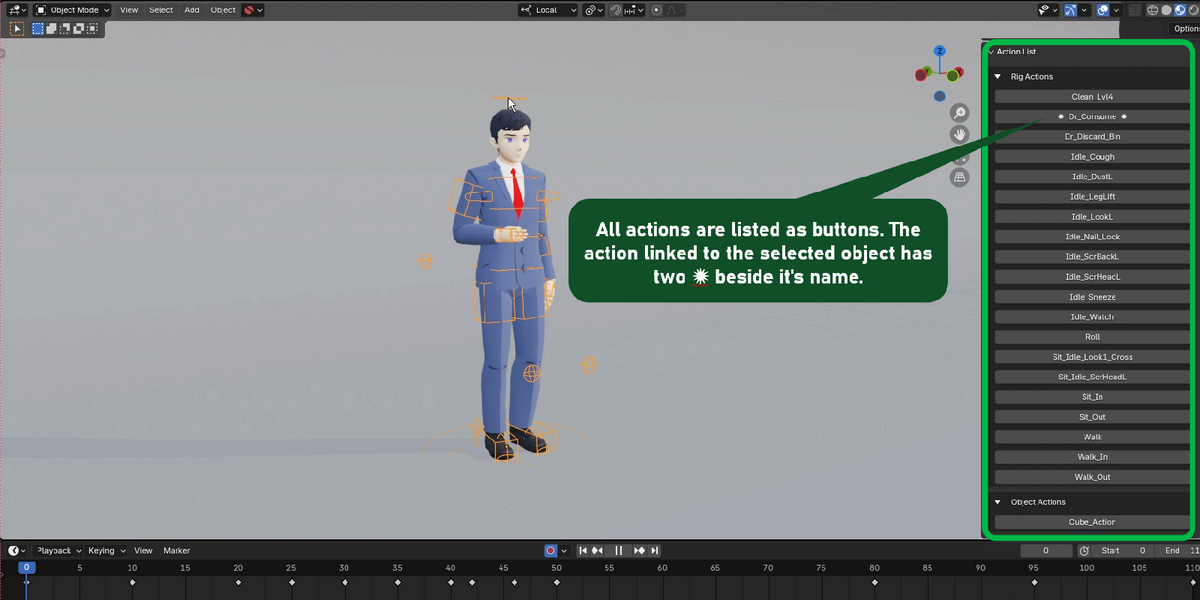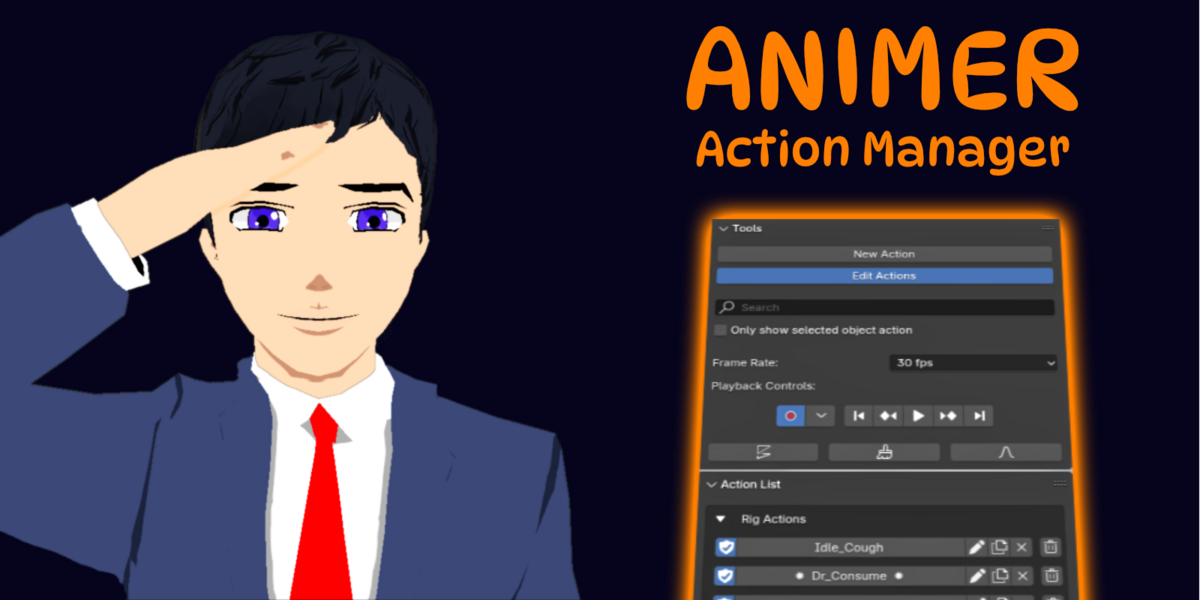
Animer is a Blender add-on by Ken Hes that puts action management and animation controls in a sidebar. Animators who switch among actions can keep the playback range and common controls beside the action list.
Switch and search actions
Actions appear as buttons. Selecting one activates it for the selected object, sets the playback range to the action's first and last keyframes, and switches to Pose mode. An indicator marks the active action, and the list separates Rig and Object actions.
Use the search field to find an action. The Only show selected object action checkbox narrows the list to actions linked to selected objects and disables search. Search is also unavailable when the blend file has no actions. When actions are present, clear the checkbox to show all actions and use search.
Create and edit actions
Select an object before using New Action. Animer creates location and rotation keyframes at frame 0, defines frame 100 as the last frame, and enables the fake user option for the new action.
The Edit Action toggle reveals controls for fake user status, renaming, unlinking an action from the selected object, and deleting it from the blend file. The documentation warns that deletion may not be undoable, so check the selected action before removing it.
Animation controls
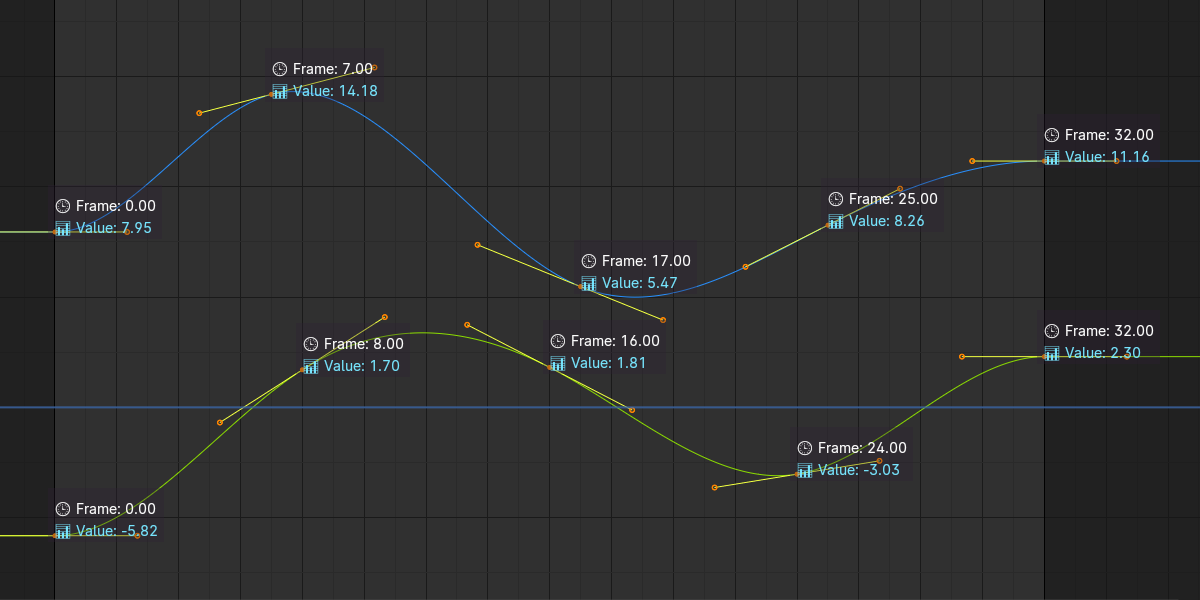
The sidebar also groups frame rate settings, auto-key, and playback controls. Its Discontinuity tool fixes gimbal rotation lock on keyframes. Clean Keys removes unnecessary keyframes, while Smooth Keys smooths keyframe curves.
Compatibility and included content
The Superhive listing identifies Animer as a Blender Extension-compatible add-on under the GPL license and lists Blender 4.4, 4.3, and 4.2 as compatible versions. AnyPlugins lists the add-on as free; check the Superhive product listing for current availability and terms.
Animer does not include characters or animations. The characters and animations shown are approved examples from the indie game Vending Dokan! Kozy Kiosk by Aftabi Games. See the Animer documentation for details on its action list and tools.