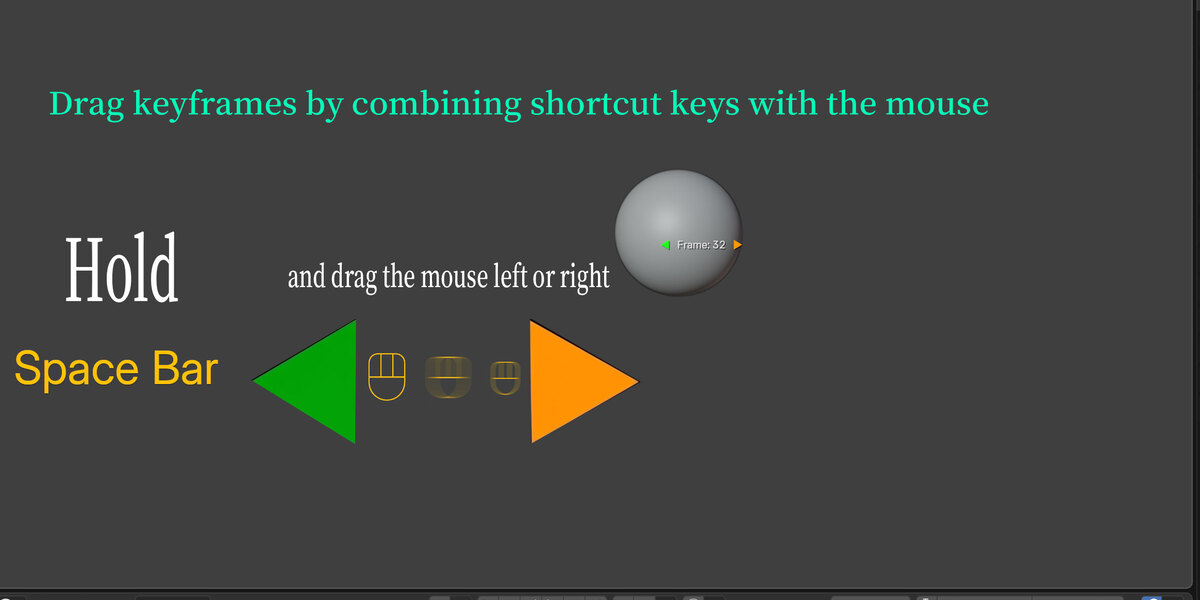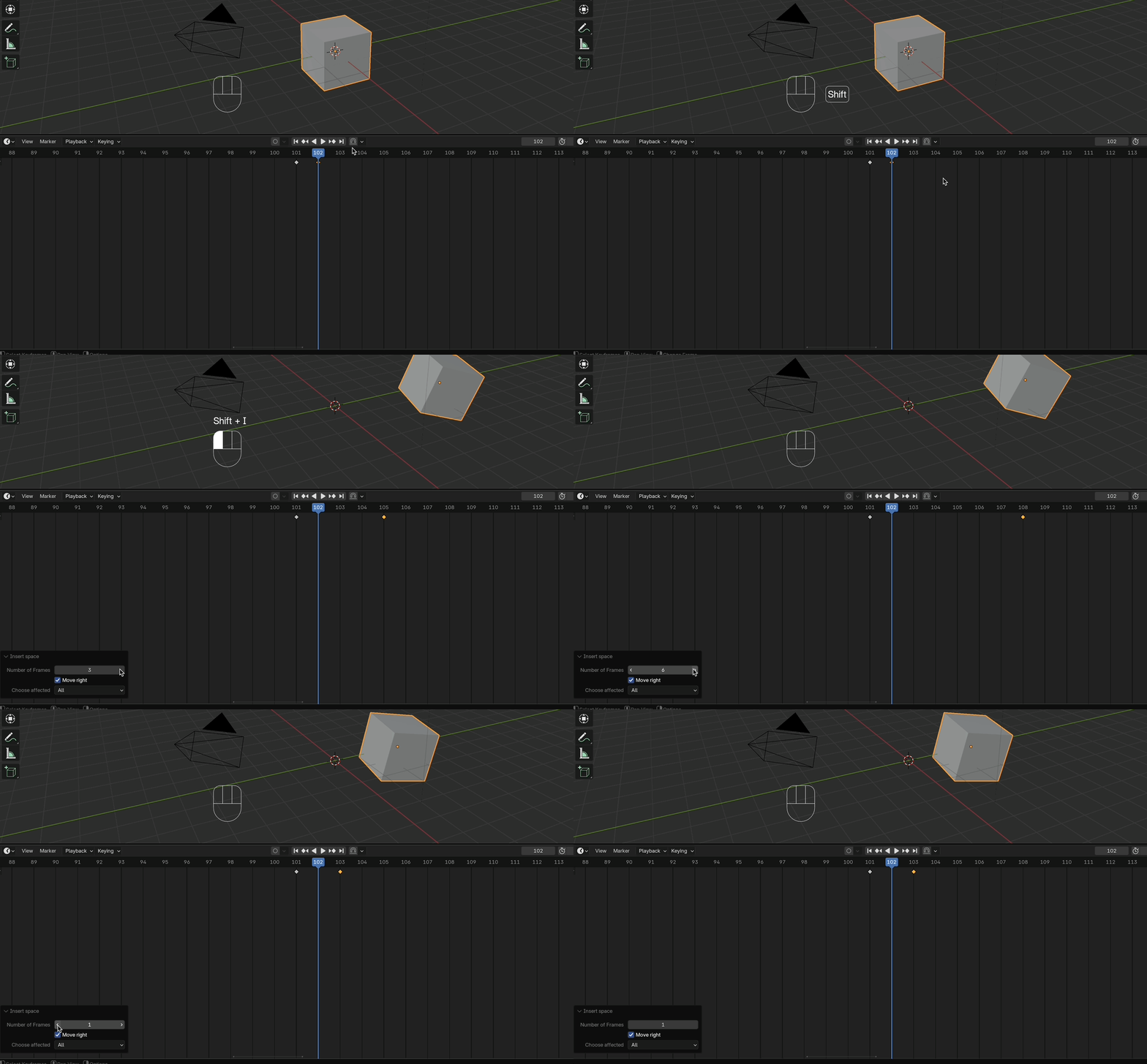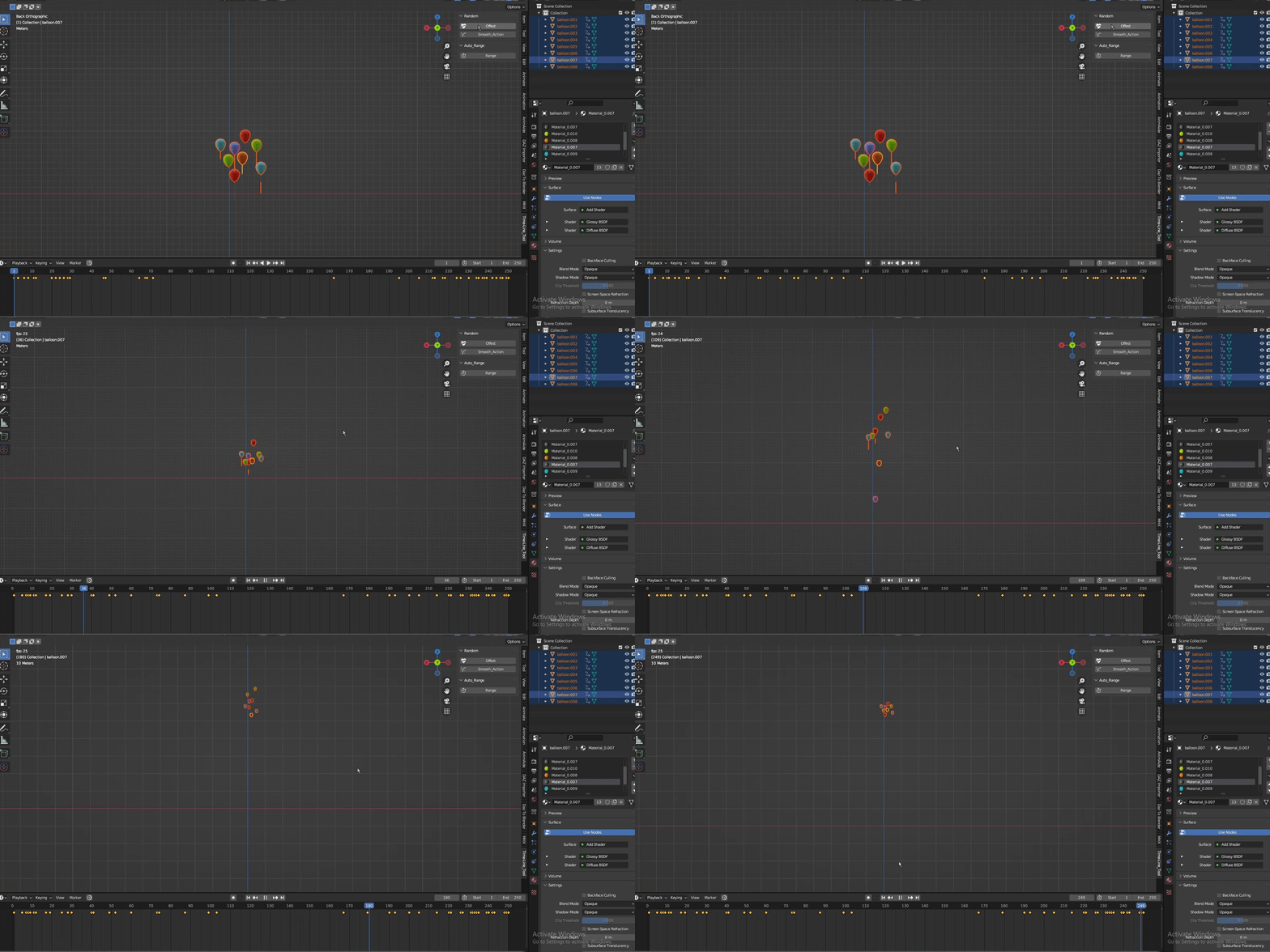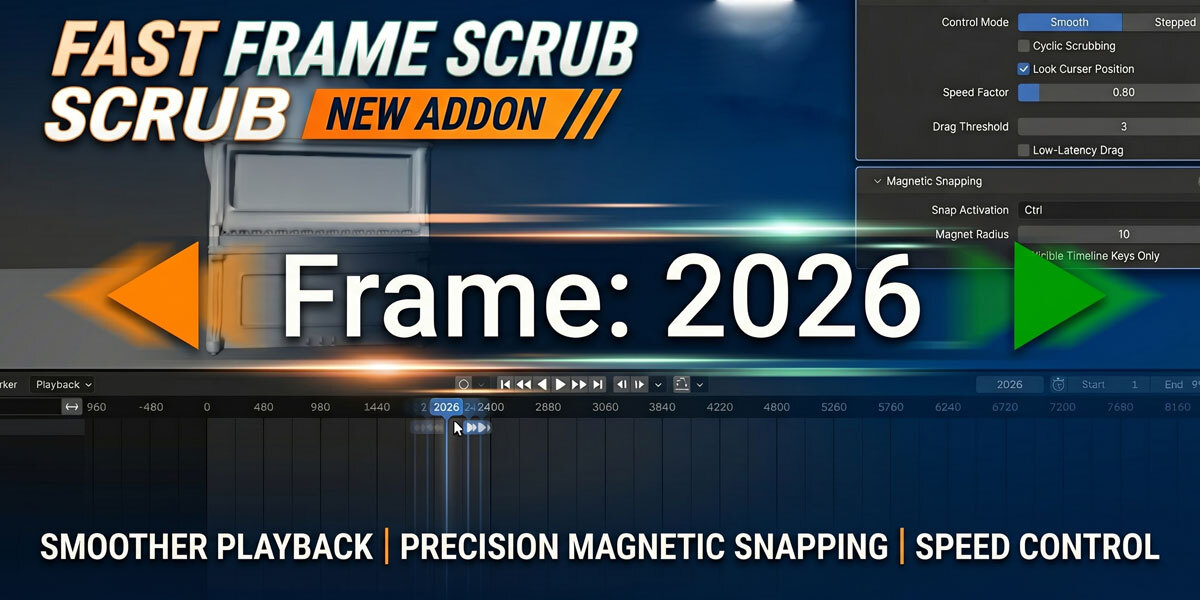
Fast_Frame_Scrub_Basic is a Blender add-on for checking animation timing without opening the Timeline editor. Hold its configured trigger and drag to move forward or backward through frames while staying in the editor you are using.
Editor support and scrubbing controls
Scrubbing works from any window or editor, including the 3D Viewport, Node Editor, and Graph Editor. The default trigger is Spacebar or mouse drag.
- Press and hold your designated trigger.
- Drag the mouse forward or backward through time.
- Hold a modifier key if you want to snap to a nearby keyframe.
- Release the trigger to return to your normal workflow.
Motion modes and keyframe snapping
Holding a chosen modifier, such as Ctrl, Alt, or Shift, magnetically snaps the scrub to nearby keyframes. The add-on also has Smooth mode for checking overall rhythm and Stepped mode for frame-by-frame blocking.
Frame display and cursor lock
A customizable heads-up display shows the current frame and snap status. Smart Cursor Lock temporarily hides and locks the cursor while you drag, helping you keep your screen position during a scrub.
Version and license details
The Superhive product listing specifies Blender 4.3 to 5.1, marks the add-on as Blender Extension compatible, and lists a GPL license. It includes 12 months of support from DoitTsui and product updates. Check the listing for current details, especially if you use a Blender version outside that range.