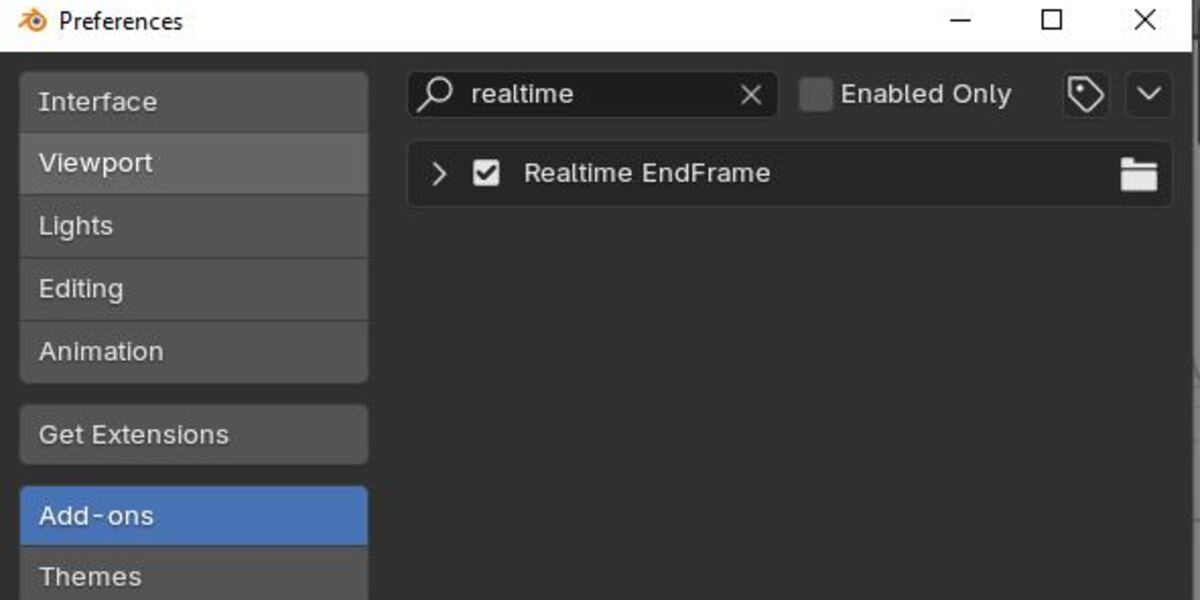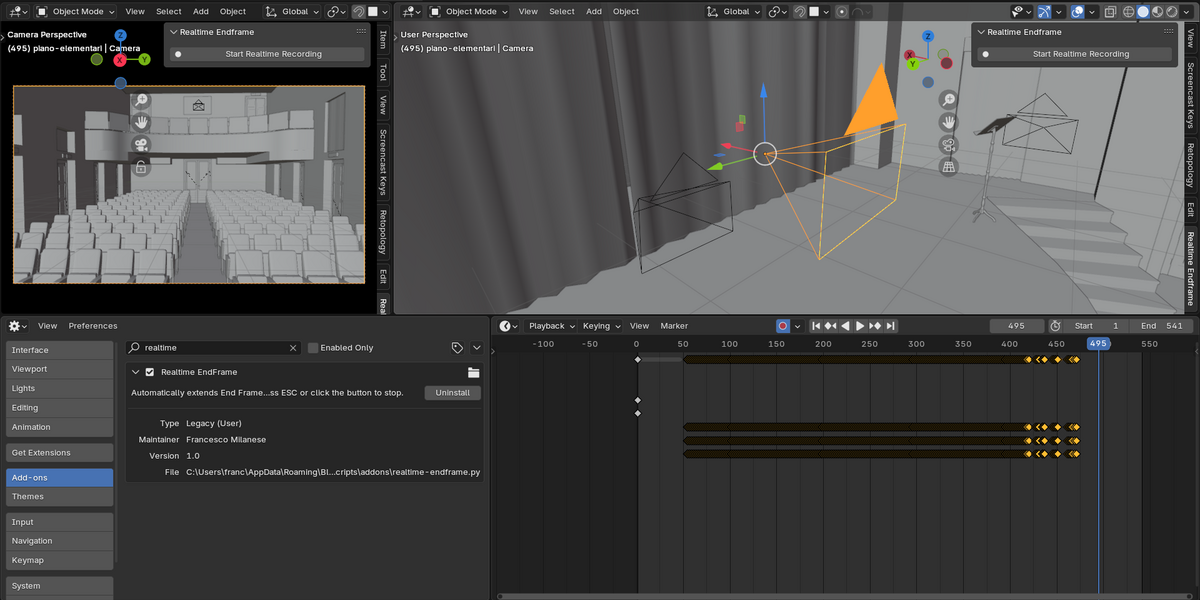
Realtime Endframe Add-On extends Blender’s timeline during animation playback, so you can record keyframes without choosing a final frame in advance. As the current frame approaches the End Frame, the add-on moves it forward to keep playback running.
How recording works
Open the add-on tab in the 3D Viewport Sidebar, also called the N panel, and click Start Recording. When you are finished, press Esc or click the button again. Playback stops, the final frame is set, and the timeline is trimmed to match.
For real-time keyframing
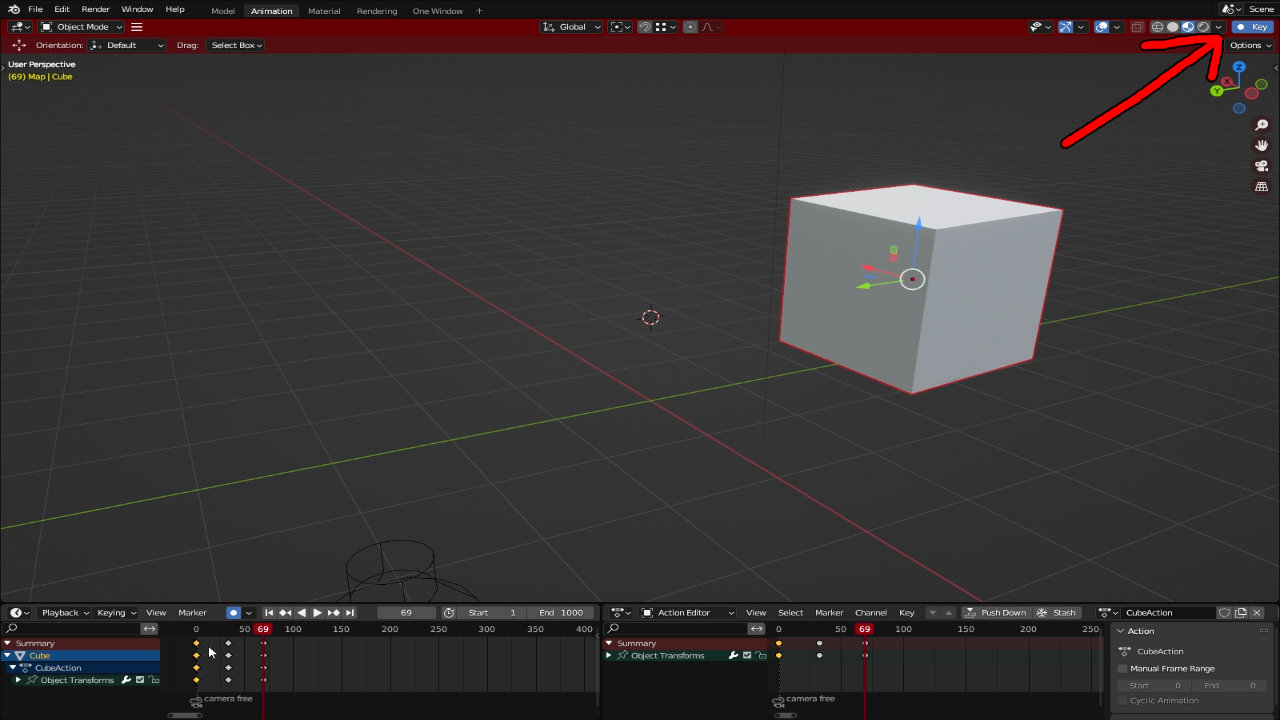
Developer Francesco Milanese describes using the add-on for archviz animation with Walk mode and Auto Keying, where the recording length is hard to know in advance. The product listing says the add-on leaves Auto Keying settings and previously set keyframes unchanged, and needs no setup.
Blender version and license
The product listing says the add-on was made and tested with Blender 4.3 and identifies its license as GPL. The supplied product information does not state support for other Blender versions, so check the listing before using it with another release.