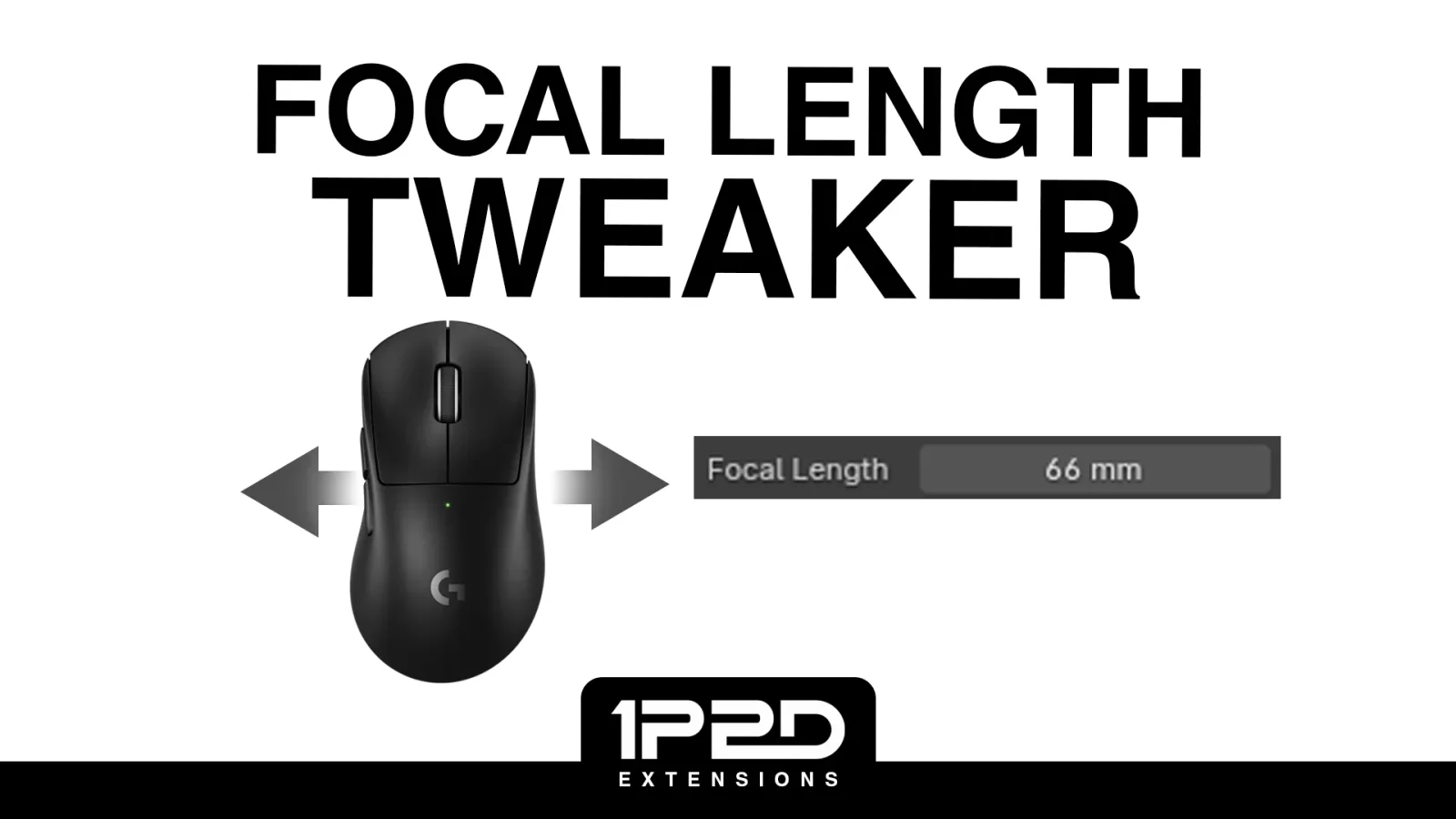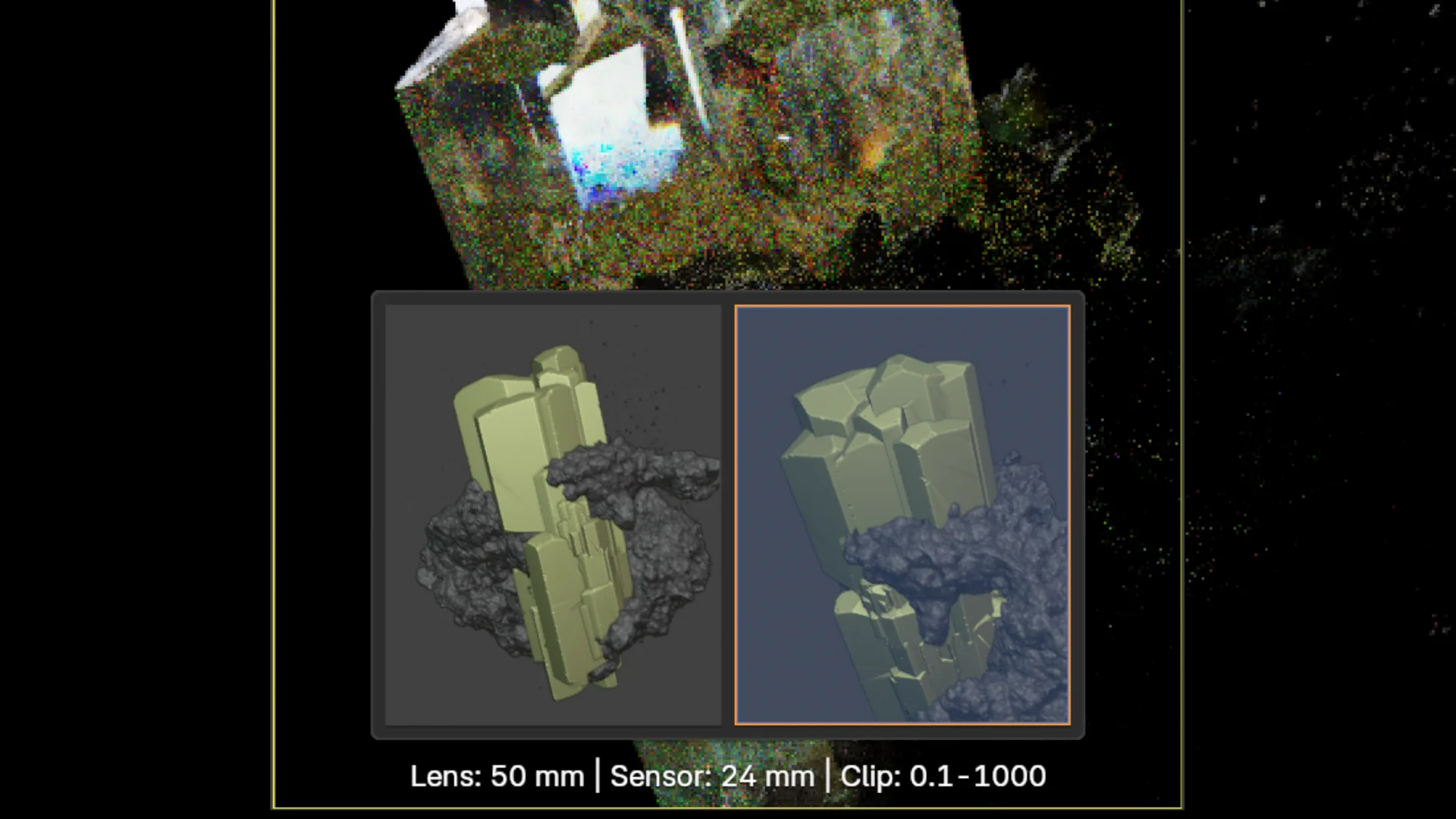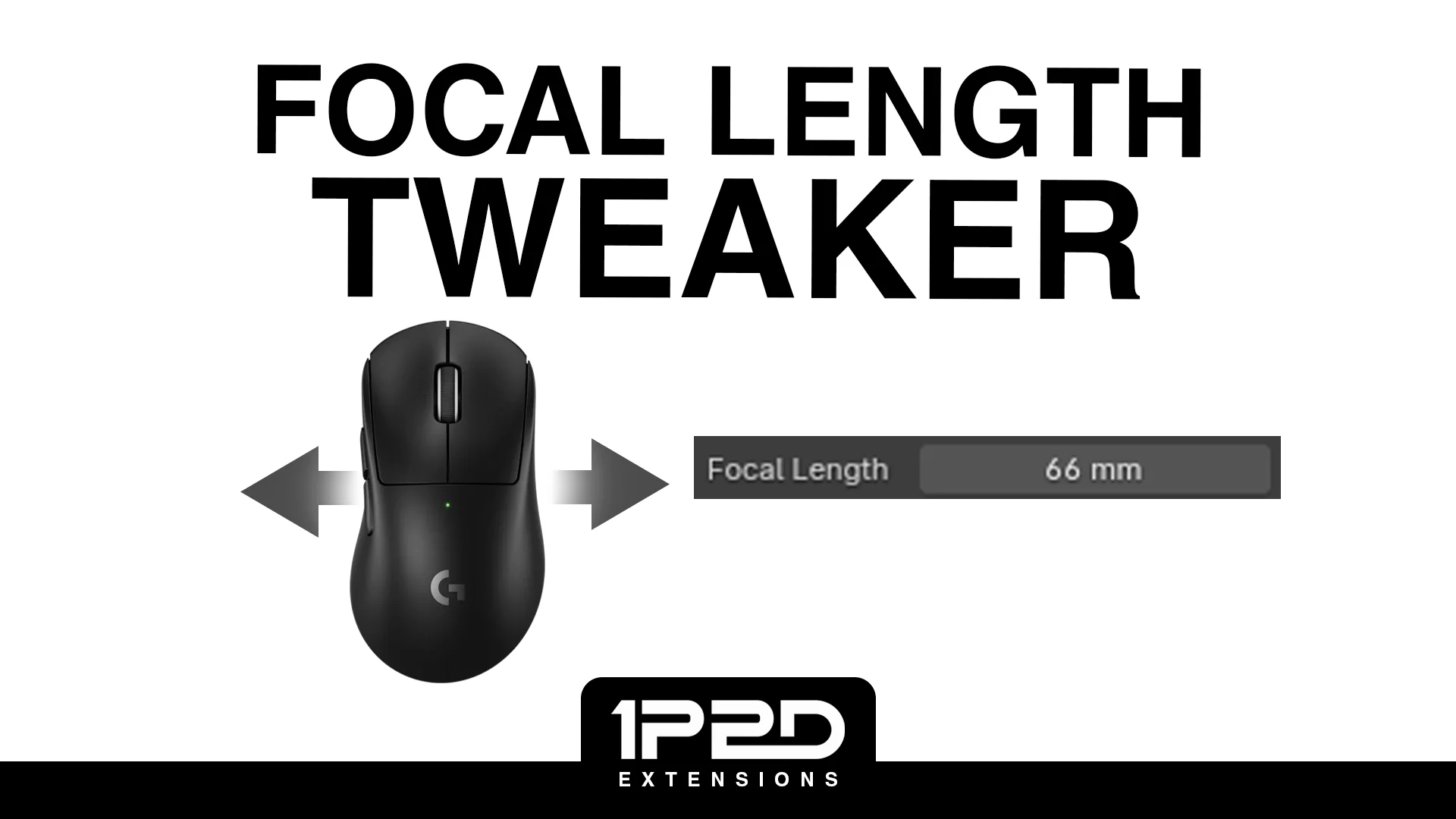
Focal Length Tweaker is a Blender add-on by 1P2D for changing viewport and camera focal length with a mouse. Its default shortcut is Ctrl+Alt+MMB, and you can change the keymap in the add-on settings or Blender's main keymap menu.
Mouse controls and keymaps
Use Ctrl+Alt+MMB for the focal-length control. A double-click with the same shortcut switches between orthographic and perspective views. The add-on also lets you choose horizontal or vertical mouse-drag direction.
The listing says holding Shift activates Precision Mode to rotate a light with finer accuracy, provided Shift is not already part of the keymap.
Compatibility and version
The Blender Extensions listing specifies Blender 4.2.0 or later. Version 1.0.2 was released on April 23, 2026. Its release note says viewport overlays are displayed only in the active viewport. The extension requires no special permissions and is licensed under GNU GPL version 3.0 or later.
Installation
The extension listing provides drag-and-drop installation and a download option for installing from disk. See Focal Length Tweaker on Blender Extensions for the release and compatibility details, and Blender's instructions for installing extensions from disk.