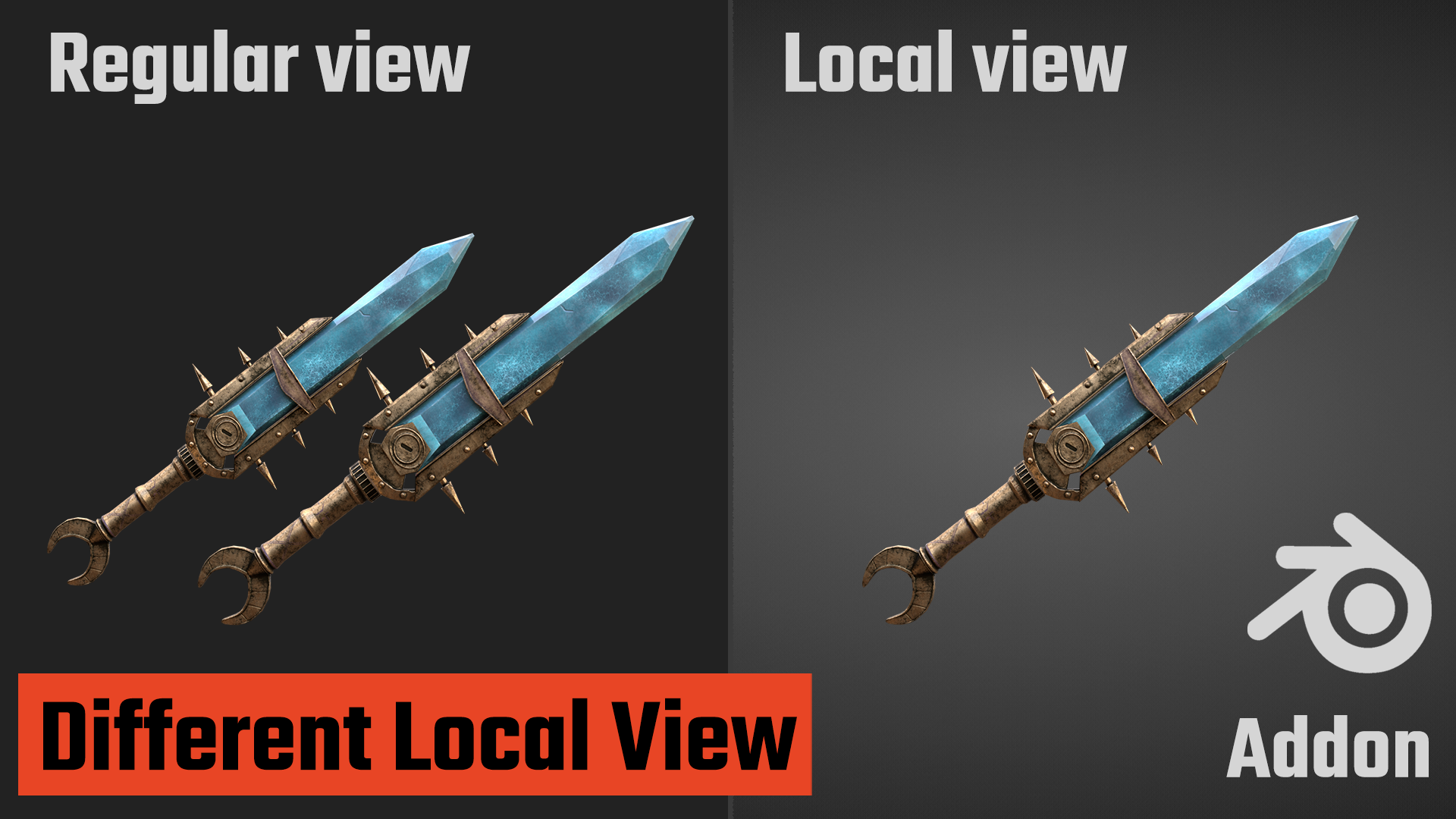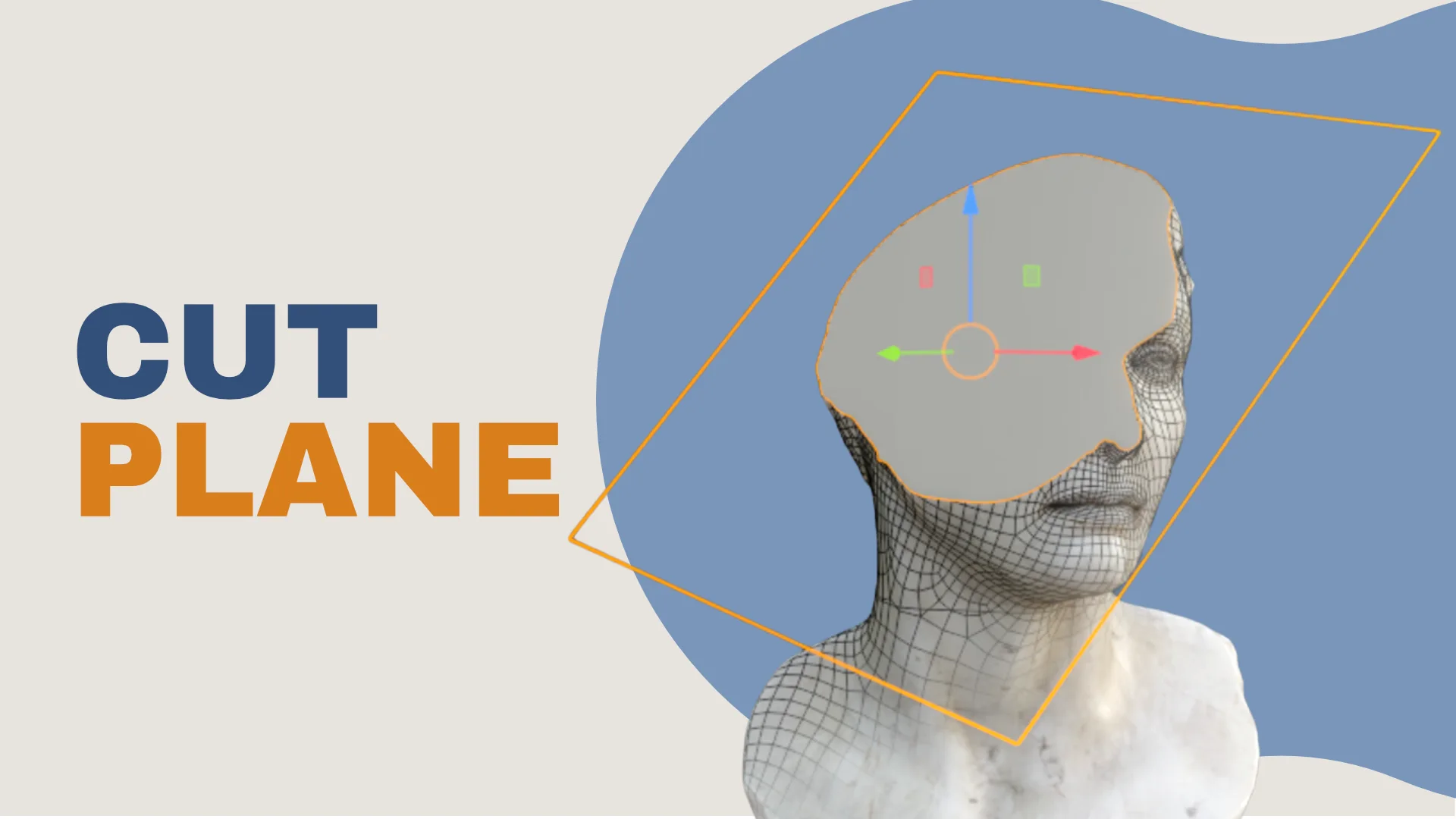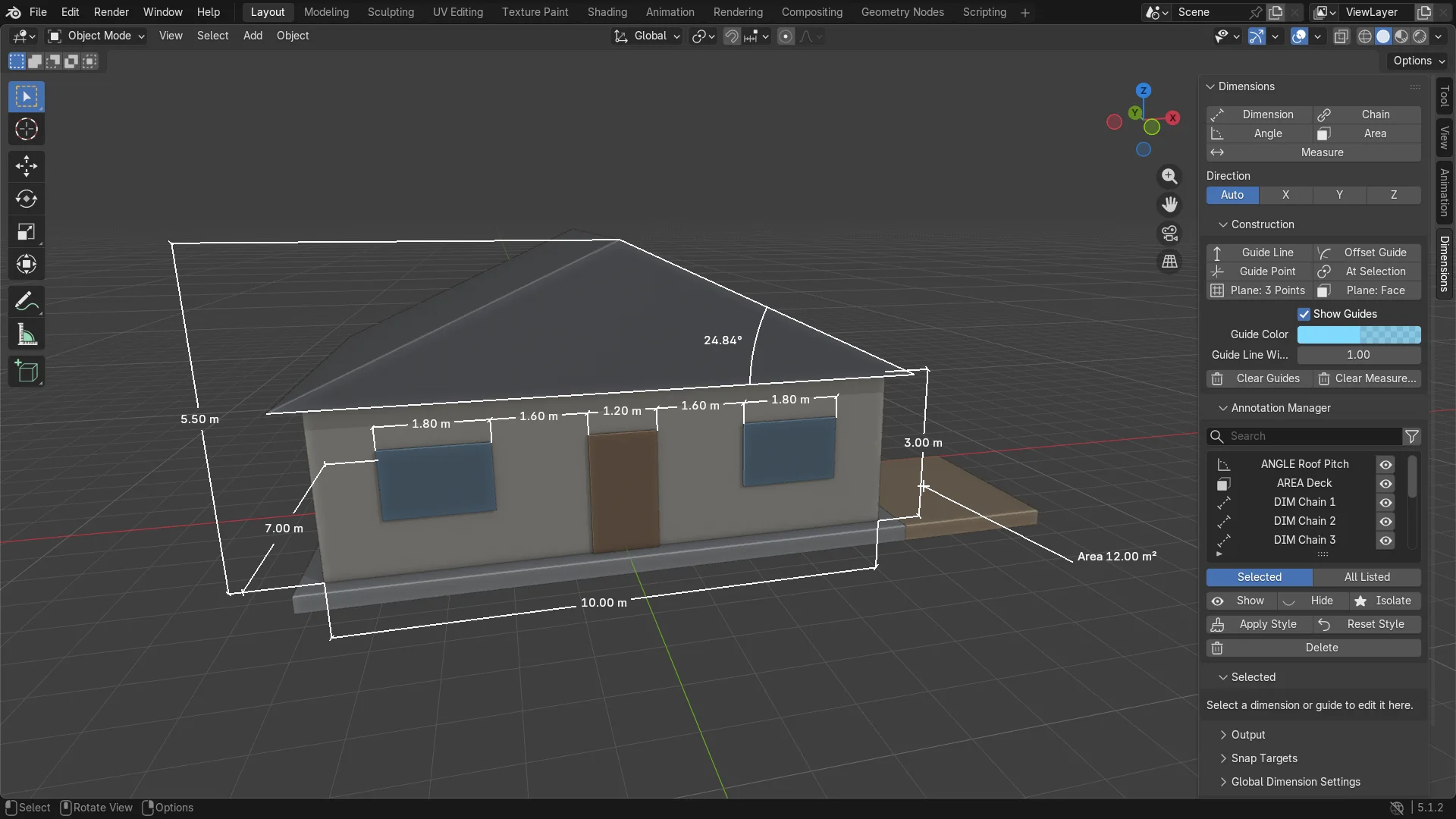
Themeable Modes and Views is a Blender add-on by 1P2D that draws visual cues in the 3D View. It helps make context such as Local View, camera navigation, and interaction modes easier to spot, especially when working in a maximized viewport.
What the viewport cues show
When Local View is active, the add-on can draw a border in the four corners of the viewport. You can customize the border color and thickness, and change the viewport background color for Local View. Additional borders can indicate Lock to Object and Navigation in Camera View, along with Edit, Sculpt, Vertex, Weight, and Texture modes.
A behavior preference controls how the custom borders work with Blender’s Overlays setting, including whether the borders can override it. This gives you a way to keep the context markers visible while adjusting how other viewport overlays appear.
When it may help
Local View isolates objects in the viewport, and Blender’s other view and mode states can be easy to miss while concentrating on a model. Themeable Modes and Views adds visible status cues for those states. It may suit a workflow where you switch among isolated views, camera navigation, or the listed interaction modes and want a quick visual reminder of the current context.
Compatibility and license
The Blender Extensions listing identifies 1P2D as the maintainer and lists version 0.2.1, Blender 4.2.0 as the minimum version, and GNU GPL v3.0 or later as the license. Check the listing for current release and compatibility details before installing.