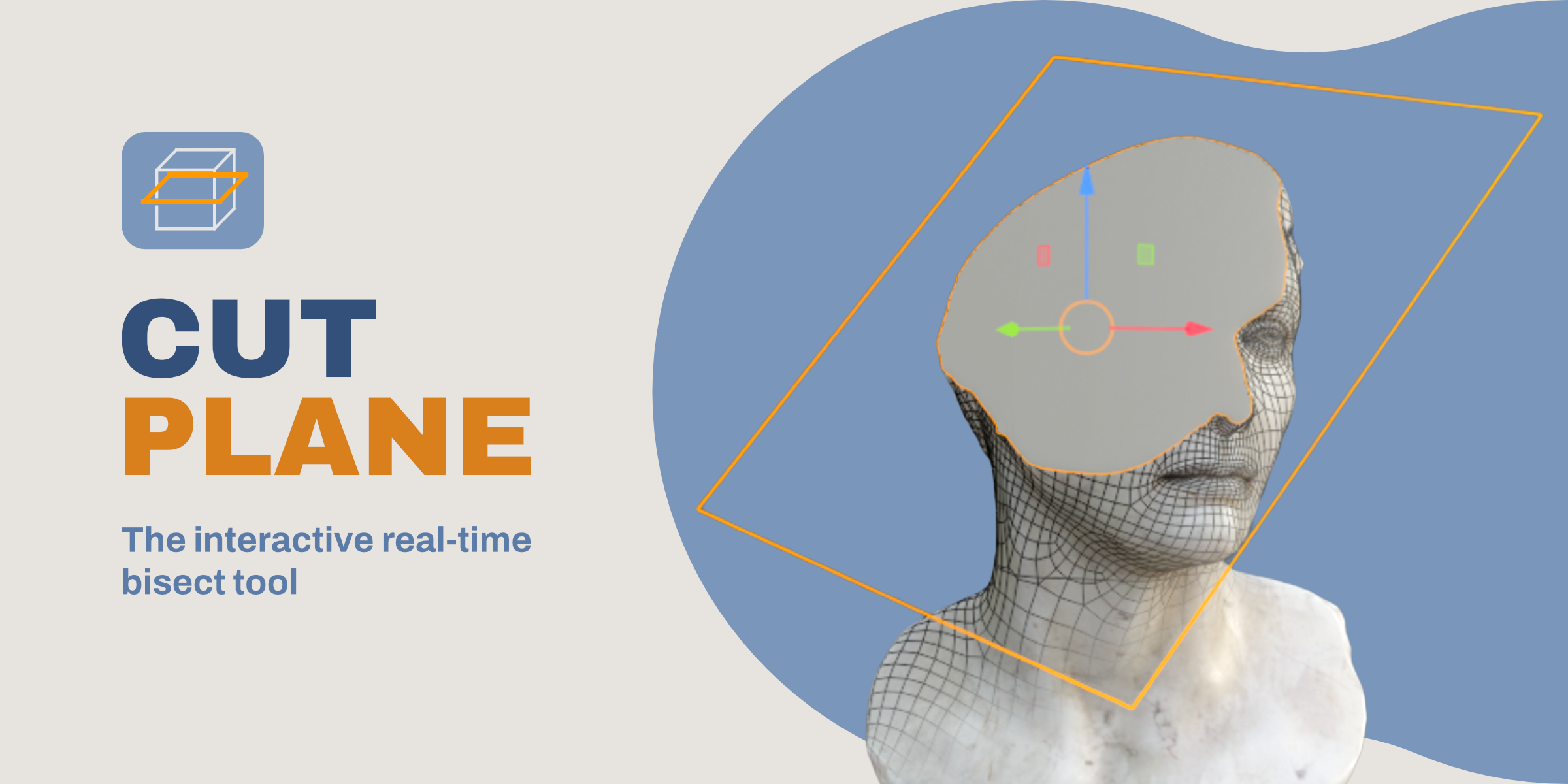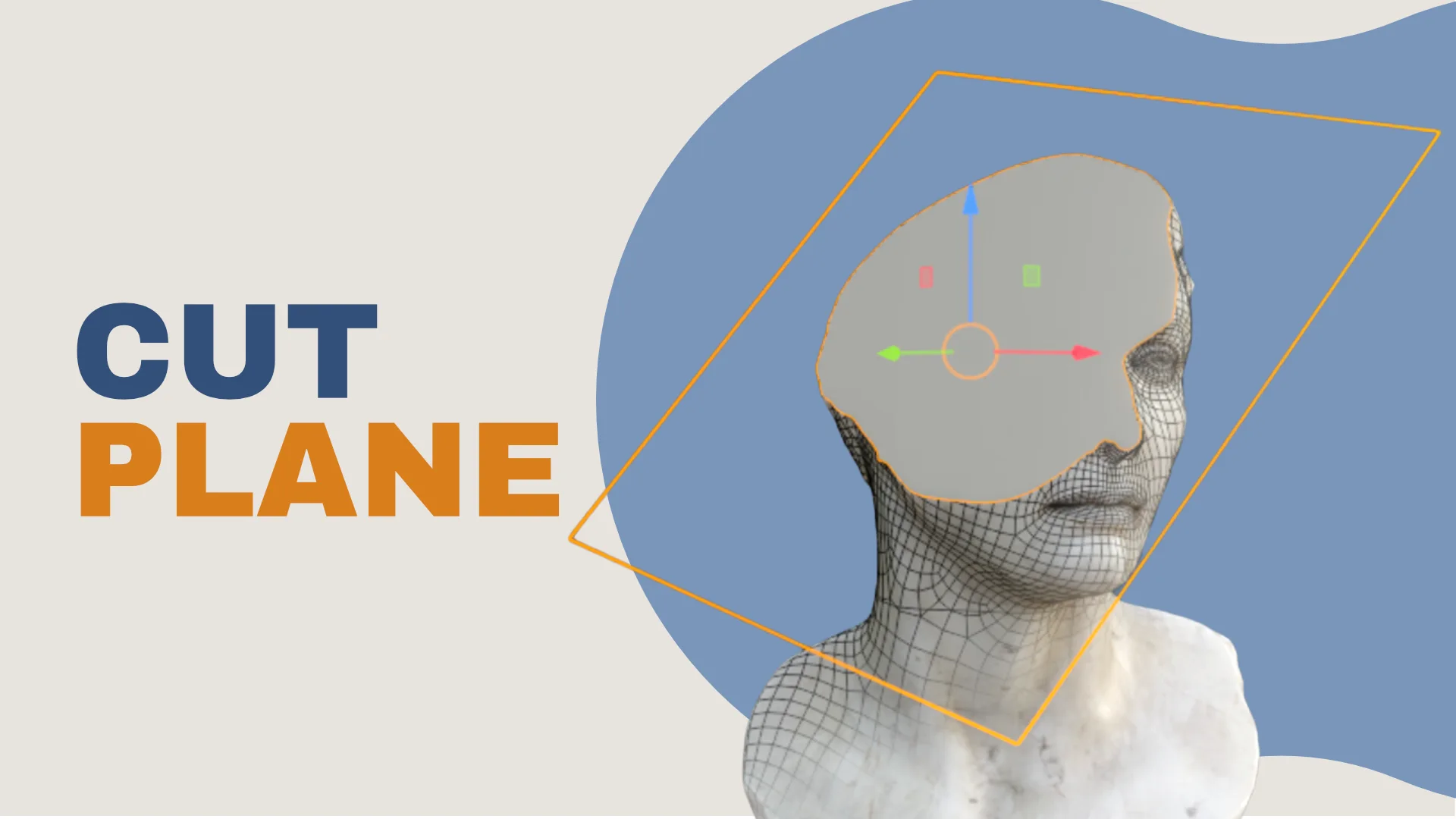
Cut Plane is a Blender add-on for cutting meshes in Edit Mode with a positionable plane and live preview. Move or rotate the plane to preview the cut, then press Enter to commit; meshes with shape keys or very high polygon counts do not show that preview.
Mesh cutting in the 3D View
Fill caps the side you keep when Clear Inner or Clear Outer removes the other side. Selected Only limits the cut to selected geometry. Mirror X/Y/Z adds reflected cuts through the Anchor once the plane moves away from it. For axis-constrained rotation and numeric angle entry, see the controls described in the FAQ below.
Blender compatibility and installation
The catalogue lists version 1.2.0, with Blender 4.5.0 as the minimum version. Check that requirement before installing. The Cut Plane extension entry has the current release details and download, and the Blender manual’s Install from Disk instructions explain how to install an extension archive.
Project details
The catalogue identifies Firg as the maintainer and lists the extension’s licenses as GPL-3.0-or-later and CC0-1.0. The listing also links to the project repository and its issue tracker.