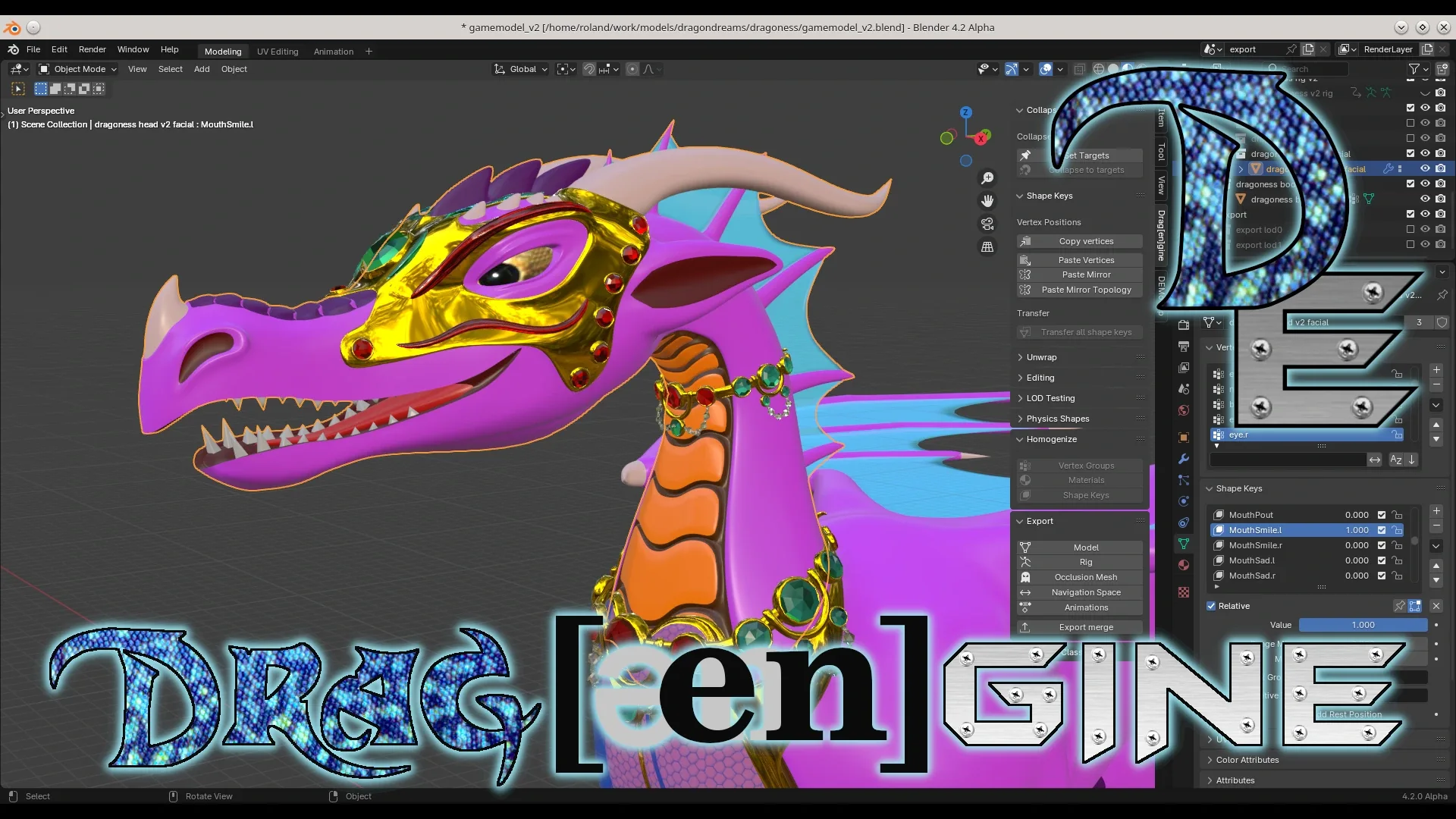
Drag[en]gine Import/Export is a Blender add-on from DragonDreams for preparing resources for the Drag[en]gine Game Engine. It exports model, rig, animation, navigation-space and occlusion-mesh resources, and imports rig and animation resources. The Blender Extensions listing has the current package details and links to the DragonDreams Blender wiki.
Import and export formats
The add-on exports five Drag[en]gine resource types: models (.demodel), rigs (.derig), animations (.deanim), navigation spaces (.denavspace) and occlusion meshes (.deoccmesh). Its listed import support covers rigs (.derig) and animations (.deanim).
Import and export support differ: the listing names two import types and five export types. If your workflow depends on importing another resource type, check the DragonDreams wiki for its documentation before relying on the add-on for that task.
Working with Drag[en]gine properties
The add-on includes helper tools for common tasks that are tedious with Blender's built-in tools. It also provides panels with Drag[en]gine properties that are applied during export. Their labels start with “Drag[en]gine,” which helps distinguish them from Blender's other panels when preparing an export.
The listing describes the helper tools generally but does not enumerate each operation. Consult the linked wiki for panel and workflow details if you need to confirm a particular task or setting.
Compatibility, license and installation
The Blender Extensions record lists Blender 4.2.0 as the minimum version and identifies release 1.34.0. The add-on is distributed under the GNU General Public License version 3.0 or later. It requests file access for importing and exporting resources.
The extension page offers two installation routes: drag the downloaded add-on into Blender, or download it and use Blender's Install from Disk option. Check the current extension listing for the package and compatibility details before installing.
What changed in version 1.34.0
The 1.34.0 release note, dated August 28, 2026, adds “export bone” support to animation export to assist animations using the “mover” concept. For other release changes, consult the add-on's version history.
Who should consider it
Consider Drag[en]gine Import/Export when you author assets in Blender for the Drag[en]gine Game Engine and need the resource types listed above. It is also relevant when you need to bring rig or animation resources into Blender. If your workflow depends on other import formats or a specific helper operation, confirm that support in the DragonDreams documentation first.