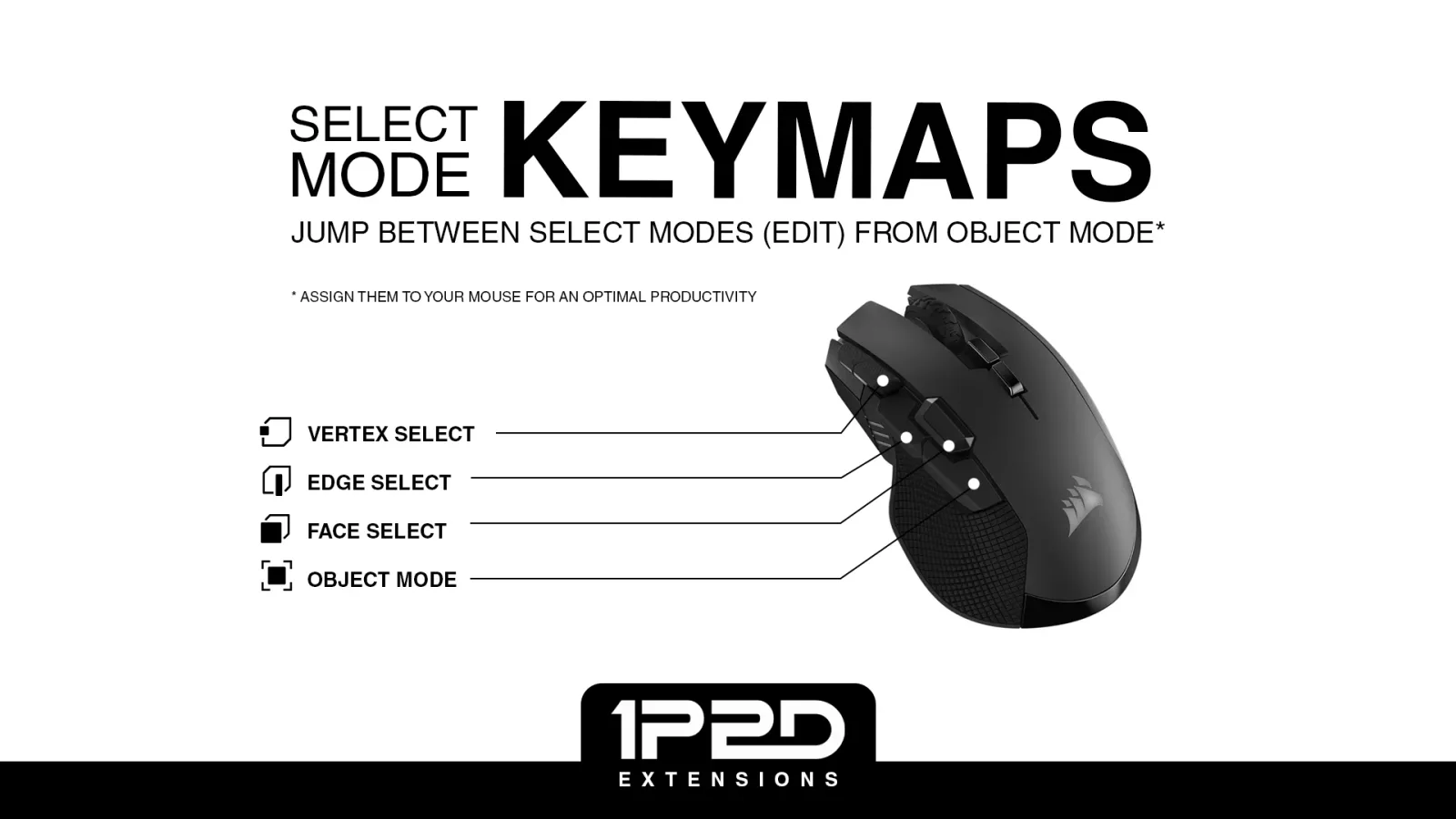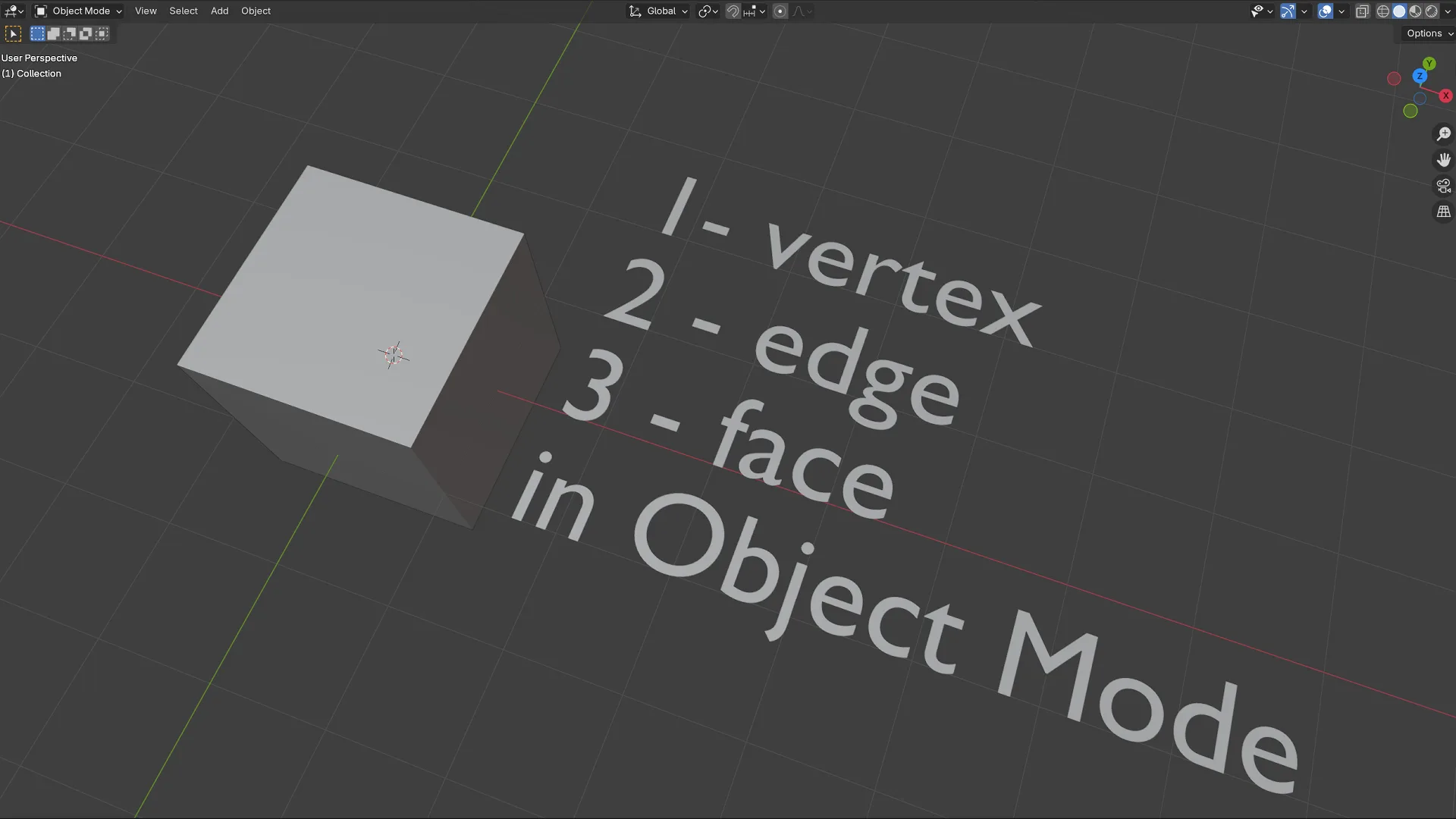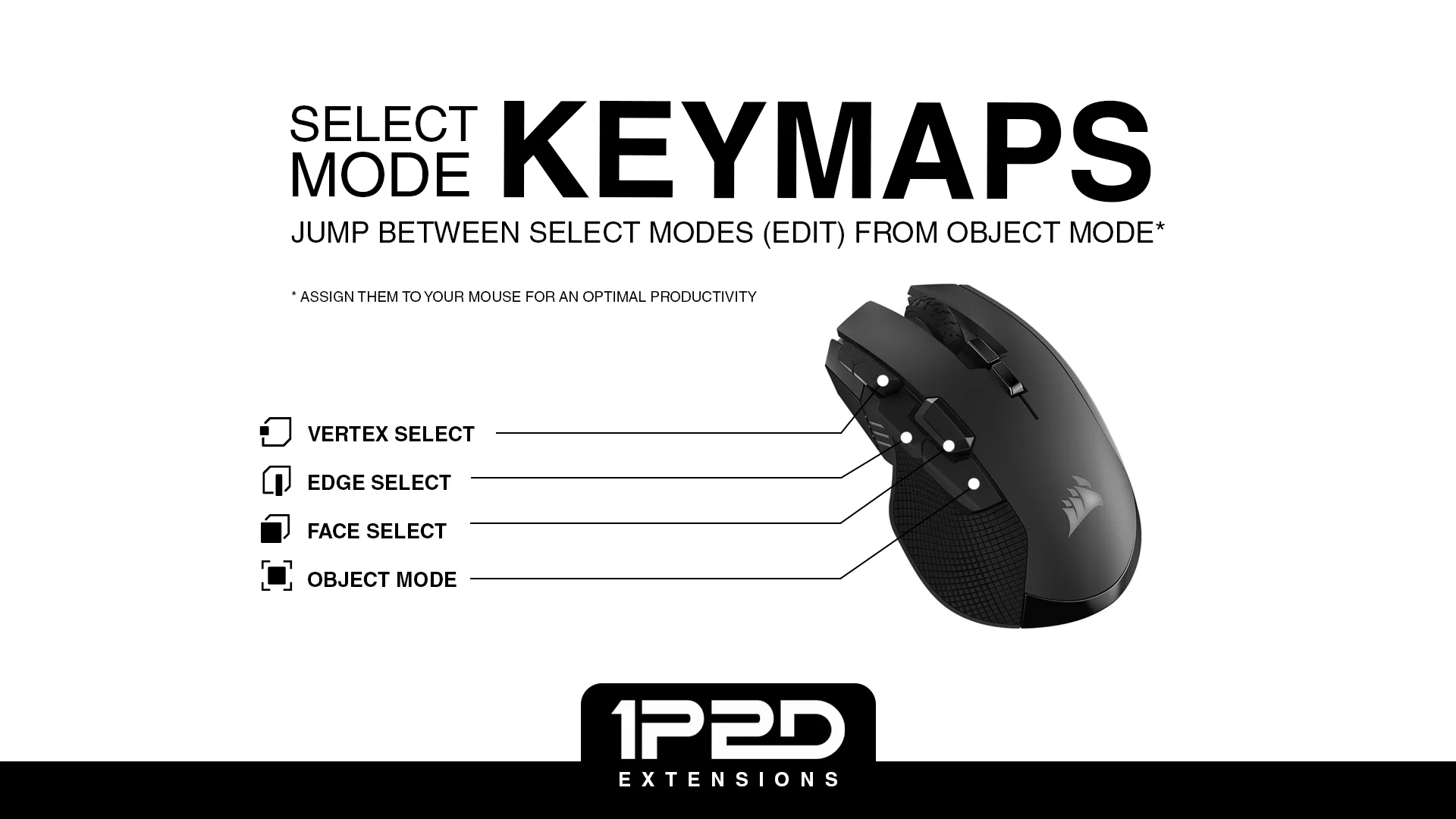
Select Mode Keymaps is a Blender add-on by 1P2D for switching between Object and Edit Mode and choosing Face, Edge, or Vertex Select with keyboard shortcuts. Its selection shortcuts are available directly from Object Mode. Version 1.0.1 supports Blender 4.5.0 and later.
Default shortcuts
- ,: Toggle Object/Edit Mode
- Ctrl + ,: Face Select Mode
- Shift + ,: Edge Select Mode
- Alt + ,: Vertex Select Mode
The comma key is the common key for all four actions; the modifier selects the Face, Edge, or Vertex command. This setup may suit Blender users who want those mode changes on direct shortcuts while working from Object Mode.
Selection mode behavior
Select Mode Keymaps does not combine selection modes. Its use_extend setting is False, so choosing Face, Edge, or Vertex Select replaces the current mode instead of extending it. Consider this behavior if your workflow depends on combined selection modes.
Compatibility and installation
The Blender Extensions listing identifies version 1.0.1 as compatible with Blender 4.5.0 and later. Its release notes say that keymap handling was updated for Blender 4.5+. The listing provides drag-and-drop installation or a download that you can install from disk using Blender's extension installation instructions.
See the Select Mode Keymaps listing on Blender Extensions for the current release details and download.