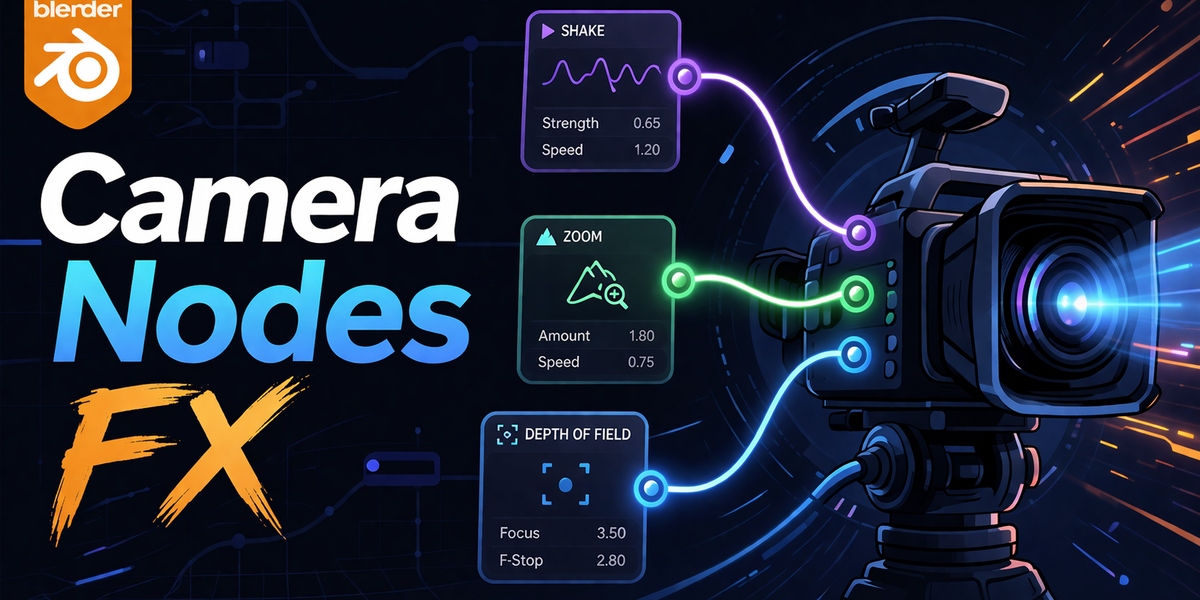
Camera Nodes Fx is a Blender add-on for building camera motion and settings in a visual node graph. Version 1.0 includes 78 nodes across eight categories. Connect inputs to camera effects, moves and animation controls, then bake a finished rig to standard Blender keyframes.
How the camera node graph works
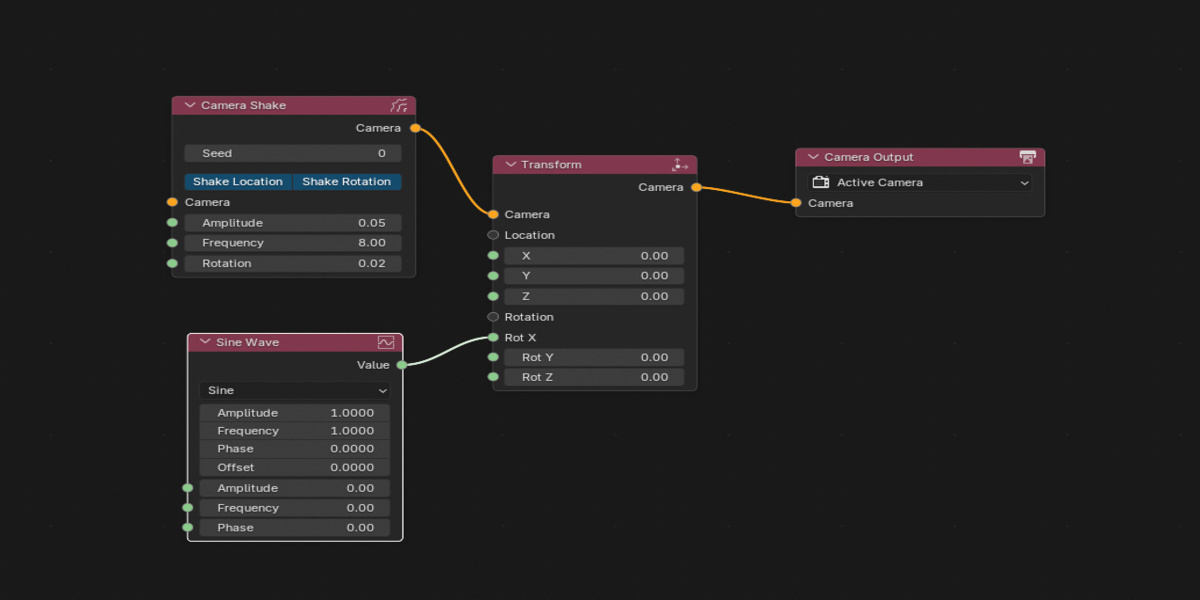
Input nodes calculate values for each frame. Effect and move nodes use those values to change camera state, including position, rotation, lens and depth of field. A Camera Output node writes the result to the active scene camera. For example, a Sine Wave can drive a shake's amplitude, while a Frame node controls its speed.
When a socket is unlinked, you can edit its value directly. When an input is connected, the connected node supplies the value. This lets you combine time-based motion with fixed settings in the same rig.
Camera effects and motion
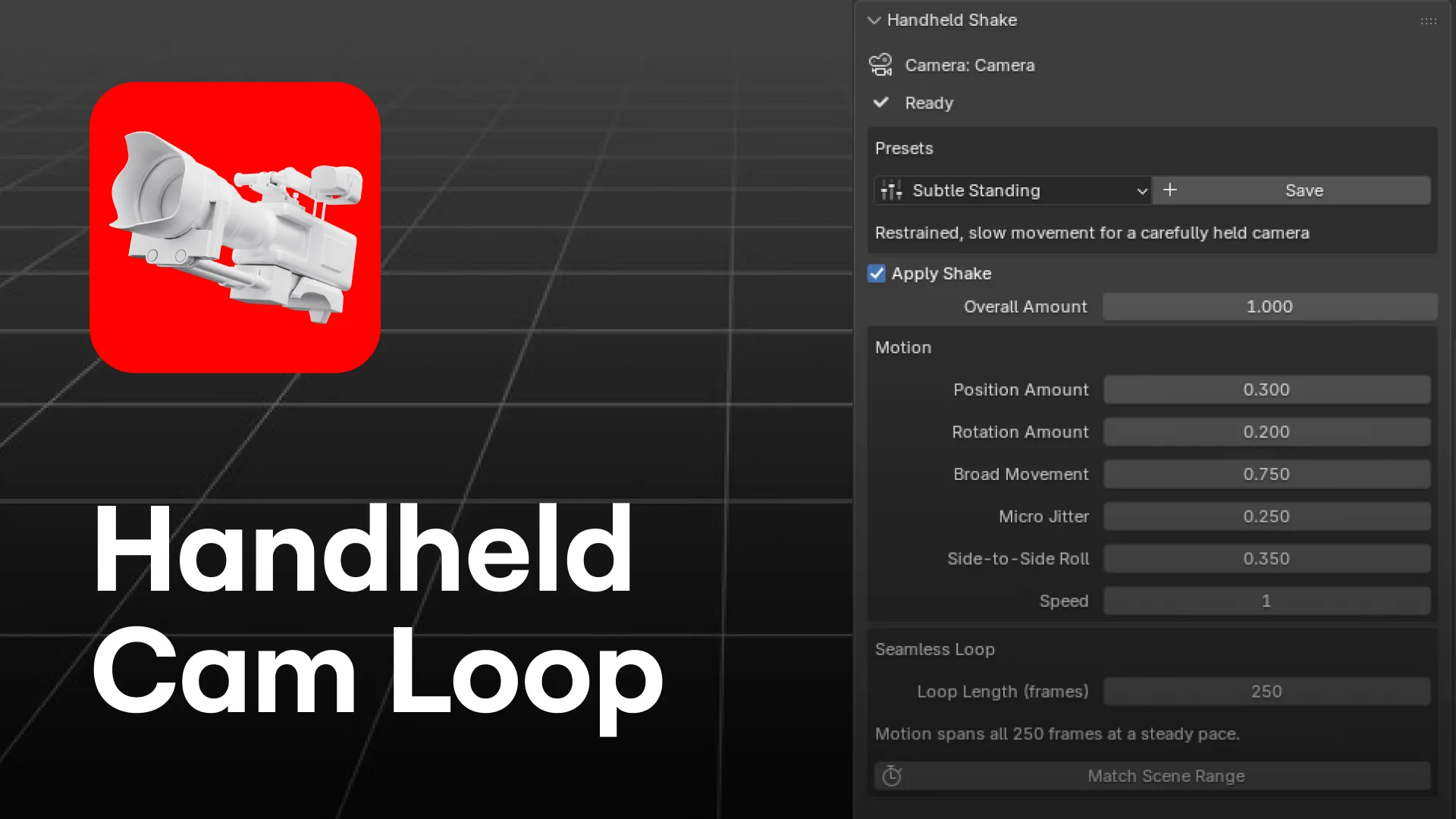
The eight node categories cover camera settings, inputs, transforms, motion, moves, animation, mixing and math. The documented nodes include Camera Shake, Handheld, Horizon Lock, Circle Orbit, Dolly Zoom, Path Follow, Rack Focus, Camera Blend, Map Range and Expression Driver. You can layer effects, mix camera rigs, or use input nodes such as Ramp, Random Value, Counter and Ping Pong to drive sockets.
Set up a first rig
- Check whether the product listing supports your Blender version before setting up a rig; its listed range is Blender 4.0 to 5.1. Then switch an editor to the Node Editor, choose Camera Nodes from the tree-type menu and click New.
- Add effect or move nodes, such as Shake, Orbit or Handheld, and connect the camera chain to Camera Output.
- Connect input nodes to the sockets you want to animate. For example, use a Sine Wave for shake amplitude or a Frame node for speed.
- Preview the motion in the viewport. When the rig is ready, use Bake to Keyframes to convert it to standard Blender animation data.
Installation and compatibility
The documentation describes the add-on as a single Python file with no dependencies or packages. It gives an installation path through Blender Preferences: install the downloaded ZIP under Edit > Preferences > Add-ons, enable Camera Nodes, then select Camera Nodes in the Node Editor. The documentation says Blender 4.0 or newer is required. The product listing specifies Blender 4.0 through 5.1, so check the product listing for the current compatibility range. See the Camera Nodes Fx documentation for installation details and node examples.
Baking and rendering
You can adjust a rig procedurally, then use Bake to Keyframes at any time to convert it to standard Blender animation data for any renderer or pipeline handoff.