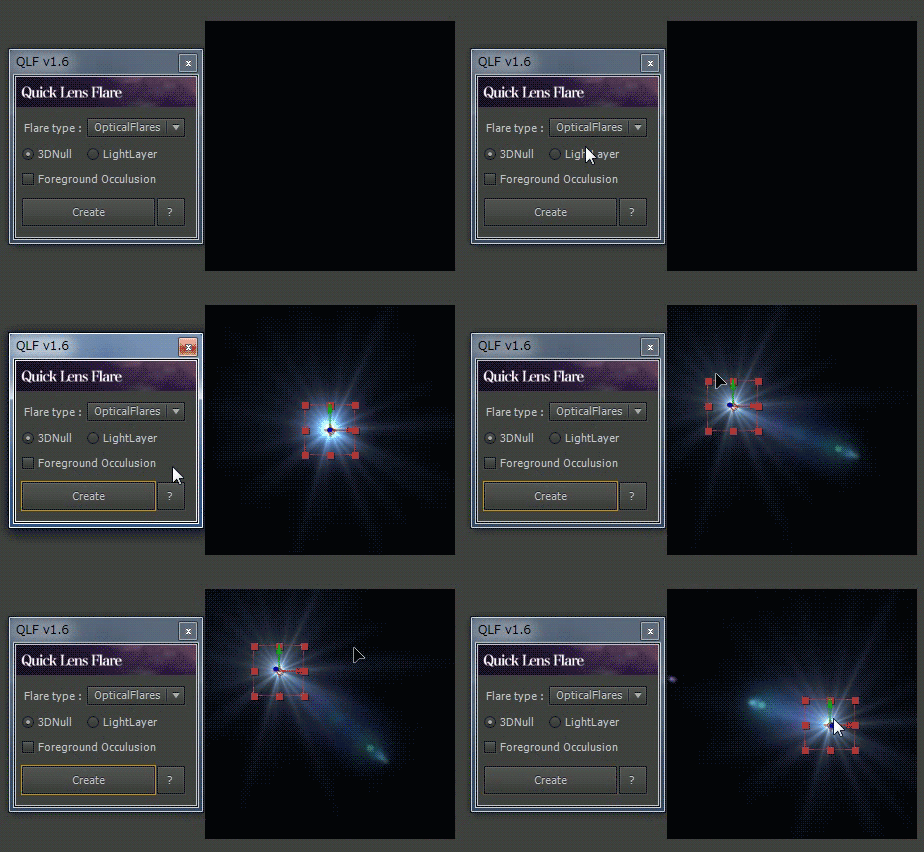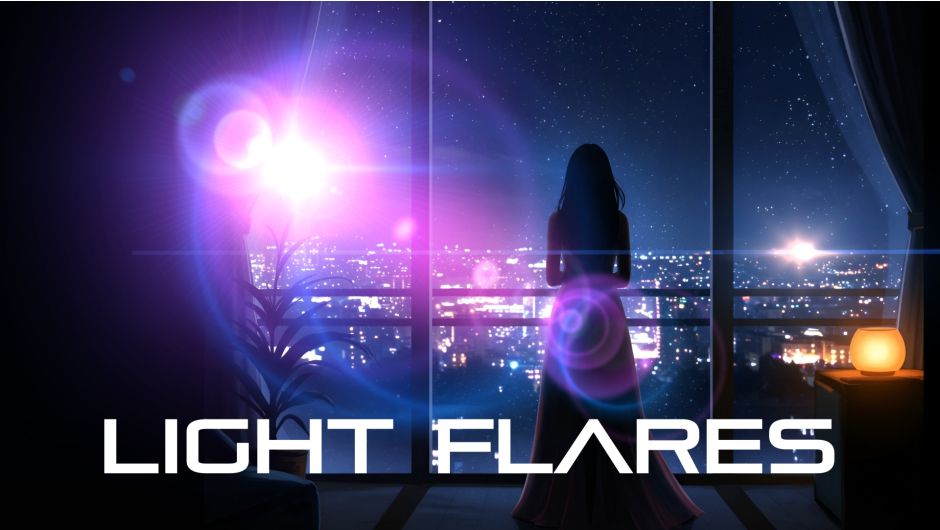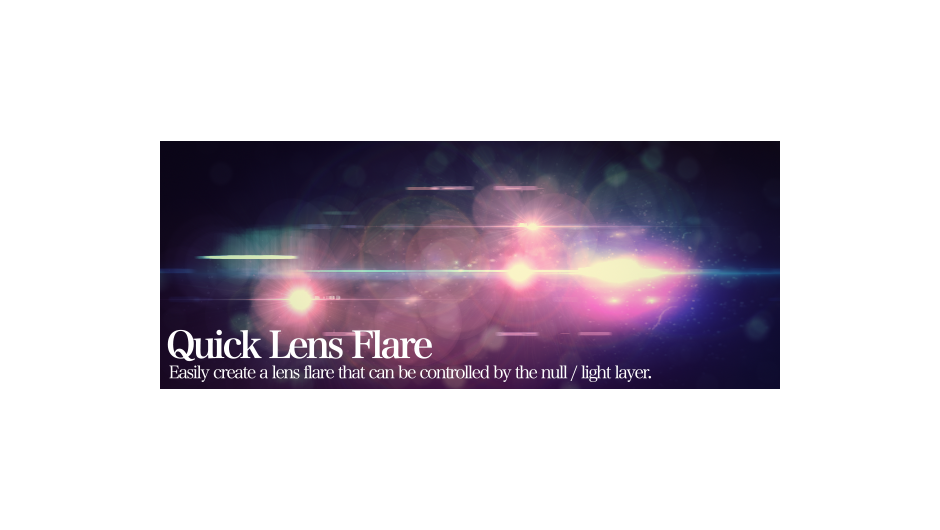
Quick Lens Flare is an After Effects ScriptUI panel for creating a lens flare controlled by a null or light layer. That layer-based control makes it easier to place the flare in a 3D composition. The script works with Video Copilot’s Optical Flares or After Effects’ default Lens Flare effect, and it can add optional foreground occlusion.
Choose a flare and control layer
When you create a flare, choose the flare type and the control layer type. Quick Lens Flare then links the flare to the selected null or light layer. The product listing describes the panel’s options and supported effects on the Quick Lens Flare product page.
Create a flare in a composition
- Open the composition that will contain the flare.
- Select the flare type and whether to control it with a null or light layer.
- If using foreground occlusion, enable the Foreground Occlusion option and select the layer that should occlude the flare.
- Press Create.
Install and open the panel
The product is distributed as QuickLensFlare.jsxbin. Copy it into the ScriptUI Panels folder for your After Effects installation. On Windows, the listed folder is under Program Files\Adobe\After Effects <version>\Support Files\Scripts\ScriptUI Panels. On Mac, it is under Applications/Adobe After Effects <version>/Scripts/ScriptUI Panels. Then open the Window menu in After Effects and select QuickLensFlare.jsxbin. If the panel does not appear in that menu, the product instructions say to restart After Effects.
Compatibility and who it suits
The product page lists compatibility from After Effects 2024 back through CS5, including the intermediate releases shown there. It does not list releases newer than 2024, so check the current compatibility details before using it with a later version. Quick Lens Flare is relevant when a composition needs a layer-controlled flare, support for either Optical Flares or After Effects’ default Lens Flare effect, or an optional occlusion layer.