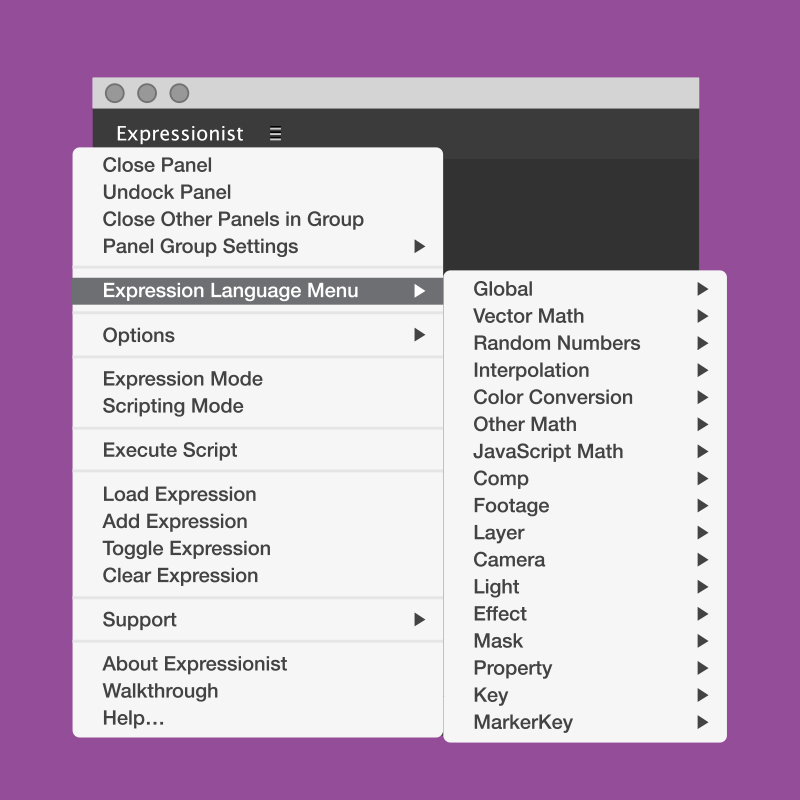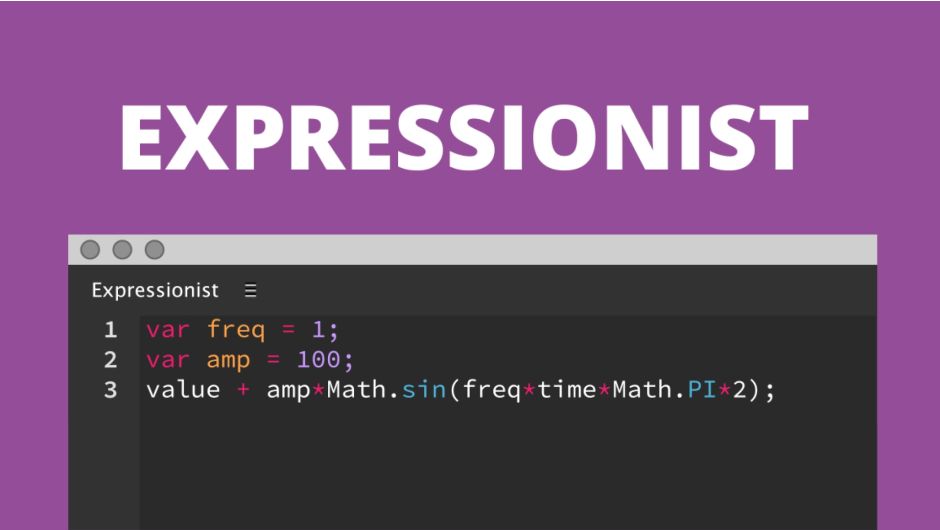
Expressionist is an After Effects panel for writing and managing expressions. Its editor includes syntax highlighting, line numbers, multiple cursors, smart indentation, automatic bracket closing, word wrap, active-line highlighting and adjustable font size. Optional Sublime Text shortcuts are available.
Write expressions across properties
Select one or more properties in the timeline, write an expression in the editor, then add it to the selected properties. You can also load an existing expression for editing, toggle expressions on or off for selected properties, or clear them. Inline errors appear on the line that caused them.
The pick whip inserts references to properties, layers, compositions and project-panel items. For multidimensional properties, a widget lets you choose which dimension to reference.
Run scripts inside After Effects
Switch to Scripting Mode to write and execute a script without leaving After Effects. When Sublime Text shortcuts are enabled, the shortcut for adding an expression or executing a script is Cmd-Alt-Enter on Mac or Ctrl-Alt-Enter on Windows.
Installation, compatibility and licensing
Install Expressionist with the aescripts ZXP Installer, then open it from Window > Extensions > Expressionist. The Expressionist manual requires After Effects 2025 (25.0) or newer; earlier versions are unsupported.
The aescripts listing currently shows Expressionist at $0.00. Its EULA grants use of one copy and requires appropriate licenses for additional copies or users. The manual says the free tools are provided as-is, without a guarantee that they will keep working in the next Adobe Creative Cloud version.