What MoBar Pro does
MoBar Pro is an extension for Adobe After Effects with a searchable collection of utilities. Its categories cover selection, layers, keyframes, easing, compositions, project tasks, guides, view controls, expressions, shapes, text and animation. It suits people who already know After Effects and want quicker access to routine operations.
Examples of the work
- For keyframes, apply easing presets to selected keys, adjust incoming and outgoing influence, or clone and mirror keys.
- Find Effects searches by name, scope and status, then lets you batch-enable, disable, delete or reveal matching effects. Composition tools include batch settings and batch renaming.
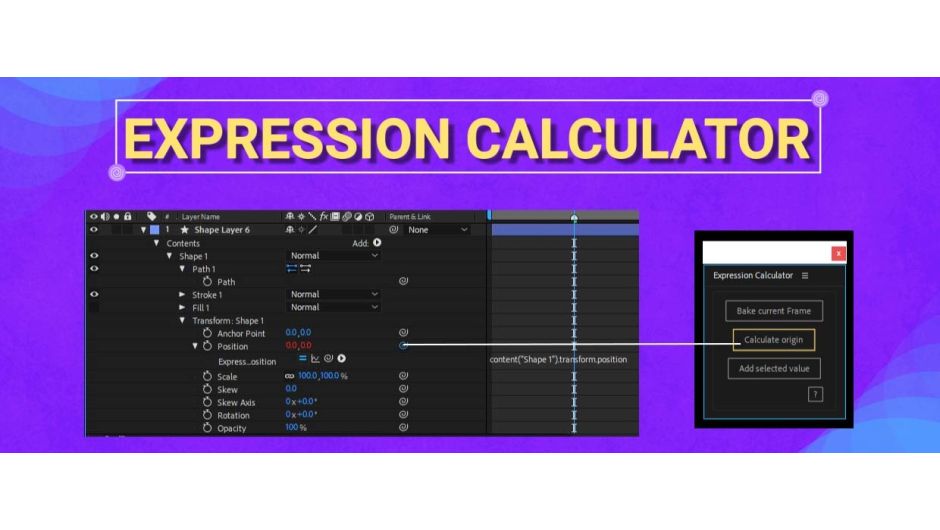
- The Expression Editor lists expressions on selected layers, including disabled ones. Other expression tools can find and replace expression text across selected properties or a project.
Fit the panel to your workflow
Search covers MoBar tools, effects installed in After Effects and scripts in locations you have added. You can add your own scripts, expressions, effects, presets and extensions to the main panel or user panels, and assign icons to them. Categories and user panels can be docked in the After Effects workspace. You can also assign keyboard shortcuts to tools. The first time you set up shortcuts for an After Effects version, the documented setup requires copying files to its Scripts folder and restarting the application.
Setup, compatibility and licensing
Motion Ape's documentation lists After Effects 2021 or later as the requirement and supports Windows and Mac. MoBar installs as a ZXP extension. The recommended setup uses the ZXP/UXP Installer; after installation, restart After Effects and open MoBar from Window > Extensions. If After Effects prompts for script access, enable "Allow Scripts to Write Files and Access Network" in Scripting & Expressions settings.
The trial starts the first time you open MoBar and does not require a key or sign-up. After it ends, MoBar continues in its free version with up to 10 tool runs per day; search, custom panels, custom buttons and your own scripts remain available. Paid plans include monthly and yearly subscriptions that renew automatically, or a lifetime license with a one-time payment. A license is for one user and can be active on two computers. Motion Ape's terms permit commercial use of finished work without an extra fee or credit.