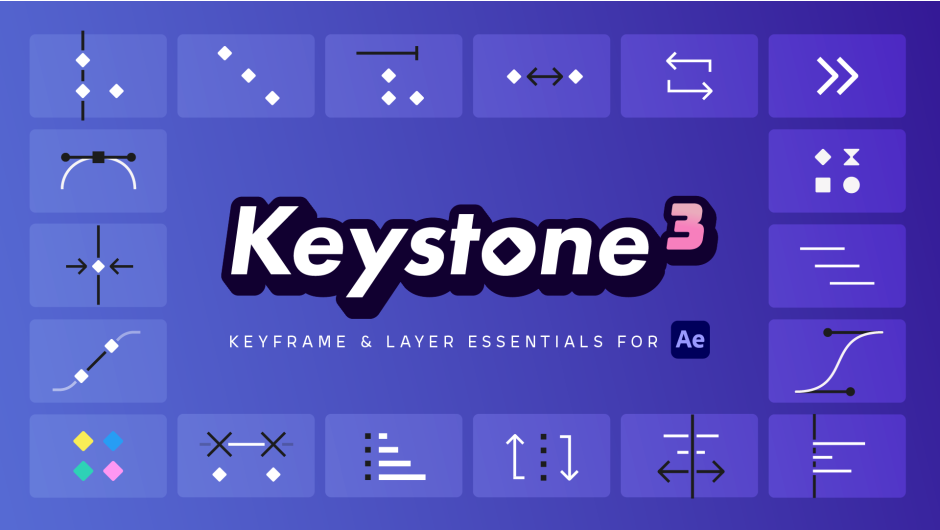
Keystone is an After Effects extension for working with keyframes and layers in one panel. It fits motion designers who regularly adjust animated properties, distribute timing across a group, or organize a busy composition.
Keyframe edits and timing
The Keyframe Values section can add, multiply, or round values on selected keyframes, with options for which dimensions to affect. Keystone also provides controls for aligning and stretching keyframes, staggering keyframes or layers, and linking or unlinking them. Keystone calculates keyframe moves to preserve existing easing. The Constant Speed option aligns tangents and preserves constant speed when other Keystone operations are used.
Stagger controls include a Bezier controller, three calculation methods, and a cumulative mode. You can set the scope for keyframe and layer operations: by layer by default, by property across layers with Alt-click, or globally with Shift-click, moving selected items as one block.
Layer and anchor point work
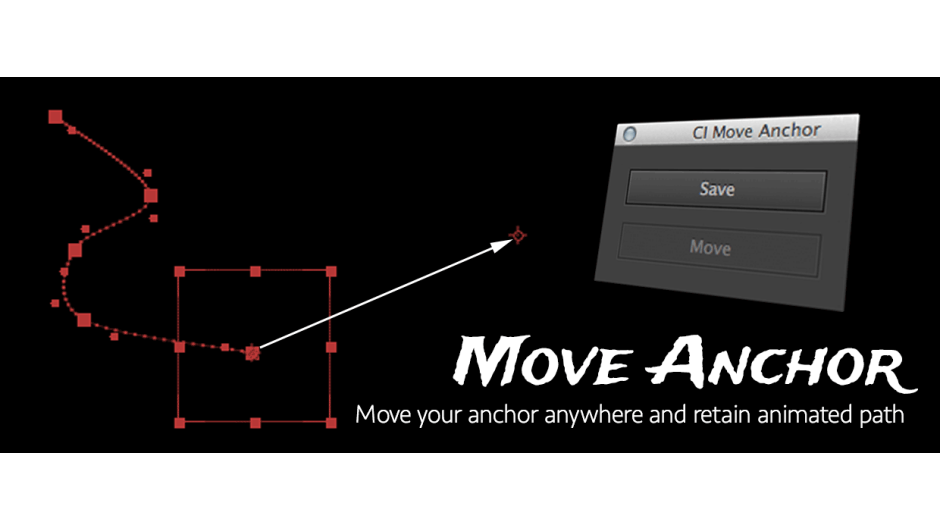
The Layer Order section sorts layers using different methods, and Keystone includes color label controls. Its Anchor section can reposition anchor points or create null layers. Targets include individual layers, layer groups, the composition, custom coordinates, and the internal anchor points of shape and text layers.
The panel can be rearranged by dragging sections, and section shortcuts let you show or hide them. You can open up to four independent Keystone instances, each with separate preferences, which can help keep different panel layouts for separate tasks.
Installation and compatibility
Keystone installs as a ZXP extension, not as a JSX script, so it does not go in After Effects' ScriptsUI Panels folder. The developer recommends the aescripts Manager App for installation and updates. For manual installation, download the ZXP from My Downloads & Licenses in your aescripts account, unzip it, and install it with ZXP Installer. Restart After Effects, then open Keystone from Window > Extensions. The current aescripts listing names compatibility with After Effects 2022 through 2027.
aescripts lists a free trial. Its EULA allows one copy and restricts multi-user or multi-computer use unless the appropriate license is obtained for each copy or user.