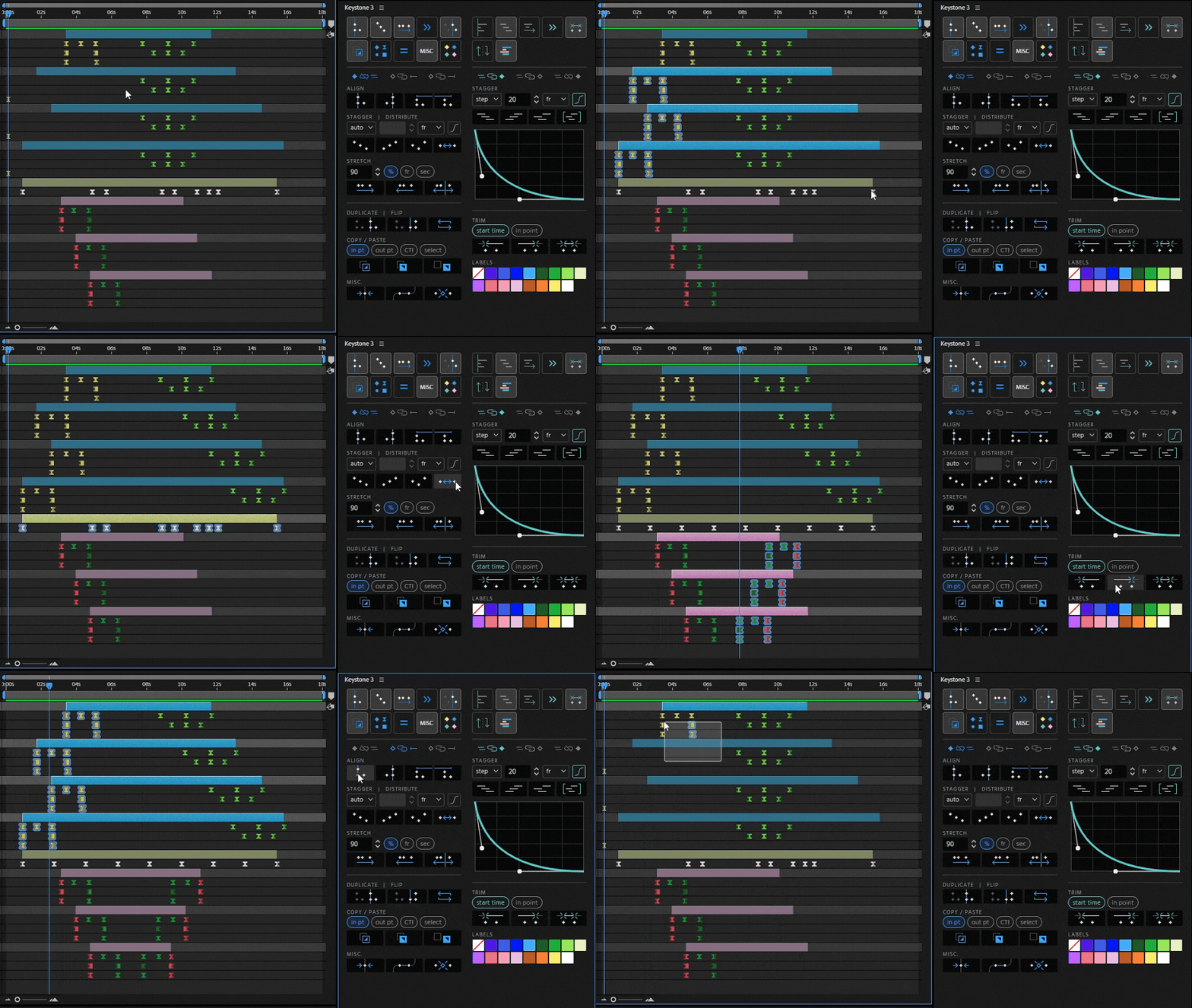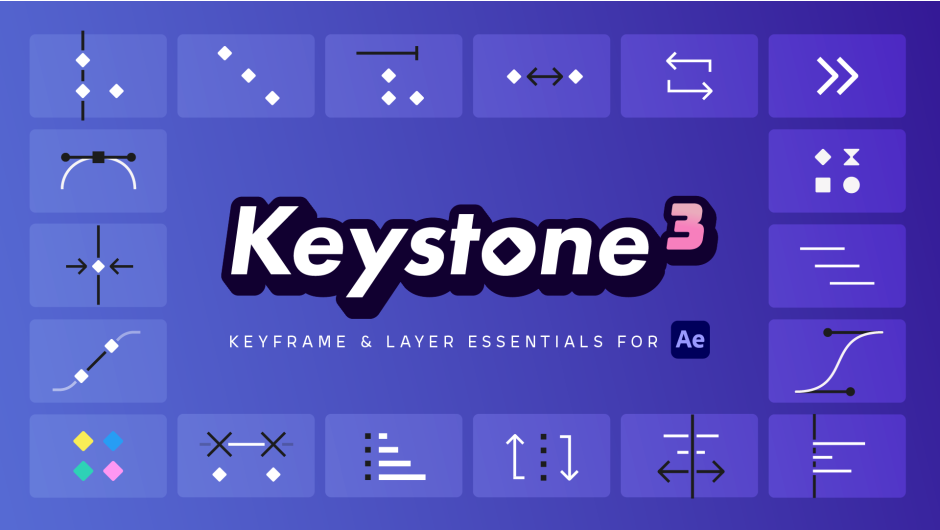
Keystone 3 is an After Effects panel for editing keyframes, arranging layers and adjusting anchor points. It suits animators who regularly change timing, reorganize layer stacks or build staggered motion.
Keyframe and layer editing
Keyframe Values can add to, multiply or round selected keyframe values, with controls for choosing which dimensions to affect. Keystone also provides layer sorting methods, keyframe alignment and stretching, and options to link or unlink keyframes and layers. Keystone's keyframe-moving calculations preserve easing. The Constant Speed feature aligns tangents and retains constant speed when other Keystone functions are used.
Modifier-clicks change how selected keyframes or layers are grouped. The default layer scope keeps keyframes grouped within each layer. Alt-click switches to property scope across layers, while Shift-click uses global scope so the selection moves as one block.
Stagger and anchor controls
Stagger controls include Bezier controllers, three calculation methods and cumulative mode. Anchor controls can reposition anchor points on individual layers, layer groups, the composition, custom coordinates, and inside shape and text layers. Ctrl/Cmd-click creates a null layer. Nulls made with the Anchor functions are placed above the selected layers and trimmed to match their children.
Panel layout and compatibility
You can toggle sections with shortcuts, drag them into a different order and open up to four Keystone instances with separate preferences. The preferences menu previews layout changes in real time.
The current compatibility listing covers After Effects 2022 to 2027. The listing shows a $59 price with 25% off at checkout and offers a free trial. The posted EULA grants one copy. Use by multiple users or across multiple computers requires appropriate additional licensing, and floating licenses are listed as extra.