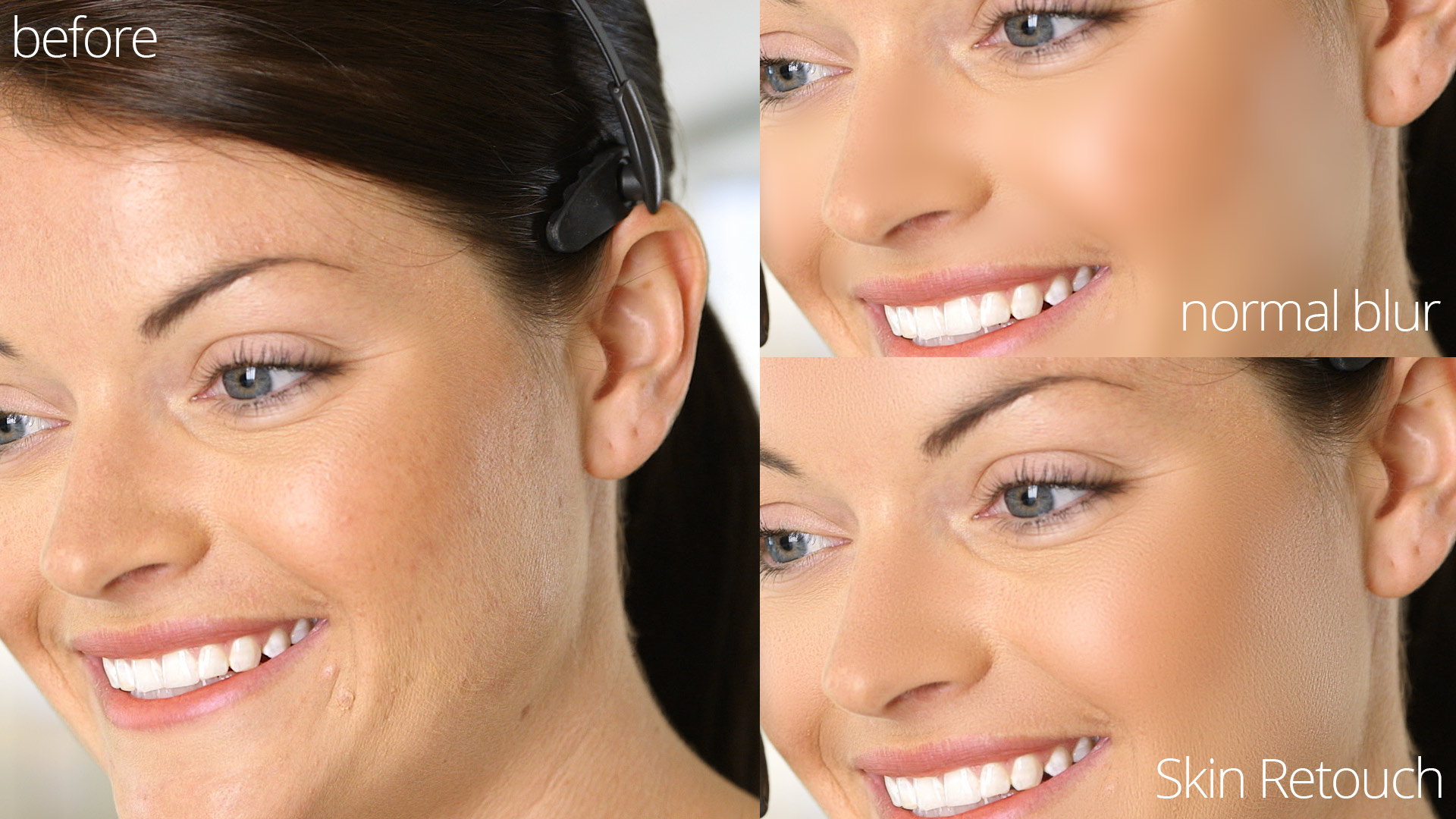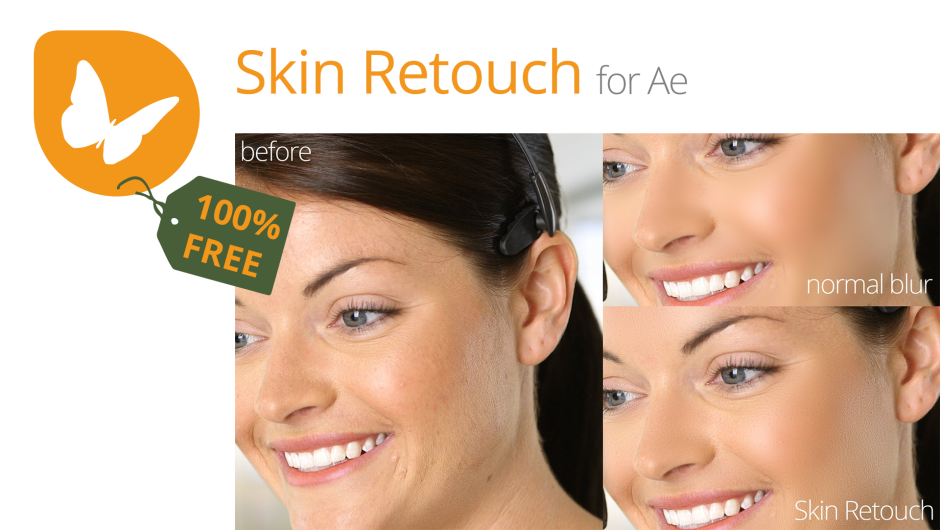
Skin Retouch by mamoworld tools brings frequency separation to Adobe After Effects as a one-click action for beauty retouching. Its separate frequency layers let you smooth skin while retaining fine texture.
How frequency separation works
Frequency separation divides an image into two components. The high-frequency layer holds fine details, such as skin texture. The low-frequency layer contains the remaining image information. Skin Retouch sets up this approach as a one-click action in After Effects.
Because the two components remain normal After Effects layers, you can work on them separately. For skin smoothing, the low-frequency layer is the one to blur; the high-frequency layer keeps the fine details visible in the result.
Use the detail layer for wrinkle cleanup
The separate layers also make the workflow useful for wrinkle removal. The product listing describes using After Effects' Clone Stamp tool on the skin-details layer to paint out wrinkles. That targets the detail layer while leaving skin tone and shadows on the low-frequency layer intact, instead of painting directly on the original footage.
When Skin Retouch fits
Skin Retouch is designed for skin smoothing and beauty retouching in After Effects. Its frequency-separation workflow is useful when broad blurring would remove details you want to keep, or when a wrinkle needs targeted cleanup. The product page includes its compatibility list and version history for checking the release details relevant to your setup.