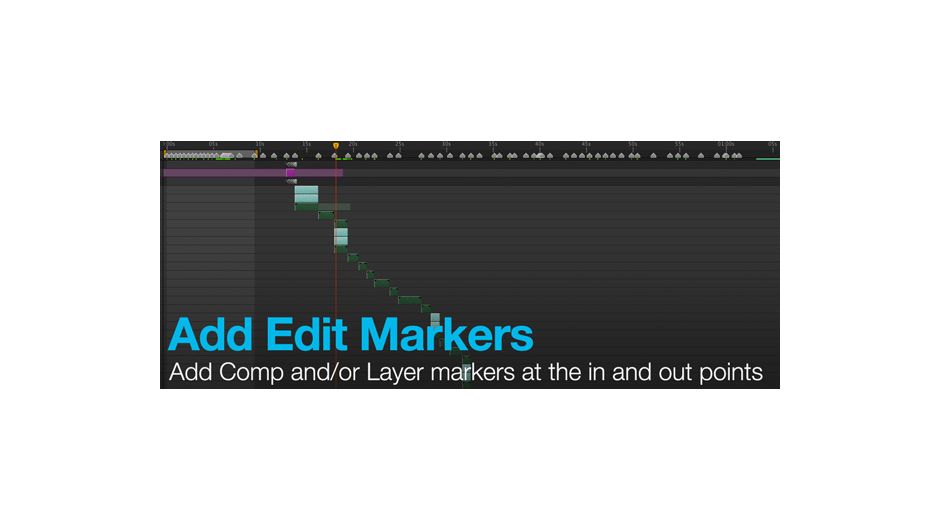
Magnum 3 detects edit points in footage inside After Effects. It suits editors who need to turn a continuous recording into separate scene layers or comps, mark cuts for later work, or create a set of thumbnails to review a sequence.
Adjust cut detection
Use the detection analysis graph to see where Magnum finds changes and set the visual change threshold. The tool treats points above that threshold as cuts. A search range can account for dissolves, while a minimum scene length helps avoid cuts caused by quick pans or strobing footage. Magnum also has average scene color detection, with an option to use the first frame of the previous edit as the reference.
Choose what Magnum creates
After detection, you can split the selected layer into layers at each edit, create trimmed precomps the length of each segment, or create full-length precomps that match the original composition. Another option creates adjustment layers trimmed to each detected scene. If you only need edit points, place markers on the layer instead.
Export thumbnails and name results
Magnum can save a thumbnail for each cut or marker. It exports the selected layers, or all layers if none are selected. To add a slate to the thumbnails, create a text layer named slate and set its position and style before exporting. An export_template.txt file in the output folder can produce a report; tab or comma separators make the data spreadsheet-friendly.
Names for new layers, comps, and markers can use values such as the layer name, in-point, duration, comp name, project name, clip number, or scene color. For example, [num=0010,inc=20] produces the sequence 0010, 0030, 0050. The scene-color options add an average color value in hexadecimal form.
Compatibility, limits, and licensing
aescripts lists Magnum for After Effects 2026, 2025, 2024, 2023, 2022, 2021, 2020, CC 2019, CC 2018, CC 2017, CC 2015.3, and CC 2015. The product page notes reported cases where edits in DPX image sequences are not detected; it recommends converting DPX footage to another format before processing.
Check the license option before checkout. Magnum's product page says the Floating License Server is required, while the general license FAQ says Single User licenses do not require it and Floating or Render Only licenses do; the FAQ does not specify which license types Magnum offers. Floating licenses require the server on the same network; remote users need VPN access to that network.