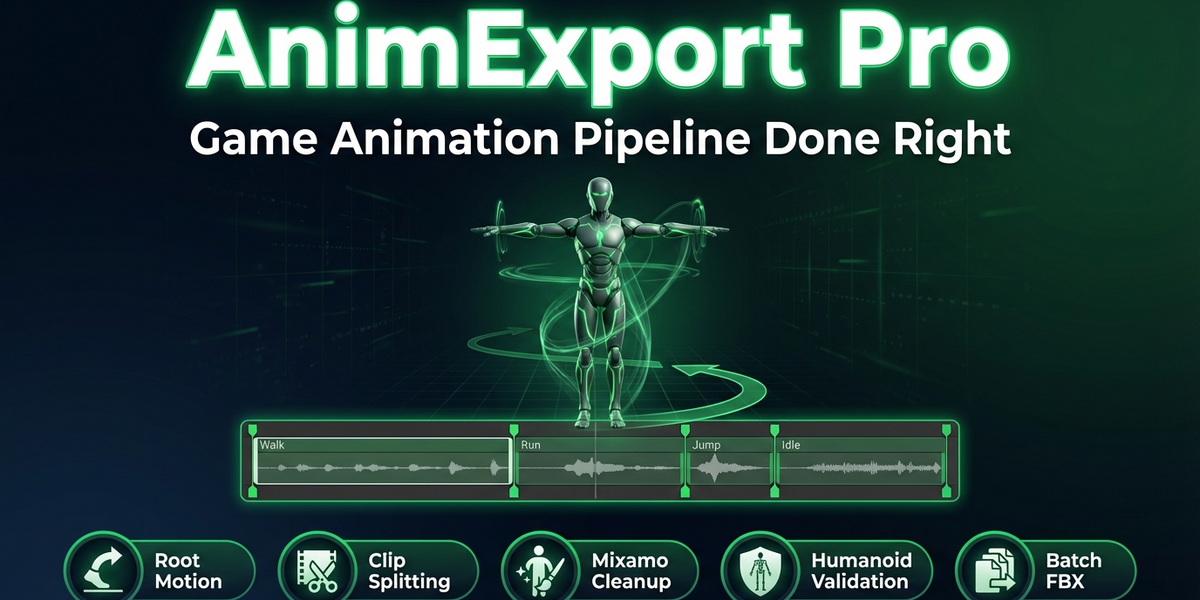
AnimExport Pro is a Blender add-on for preparing character animation as FBX clips for Unity or Unreal Engine. Its 3D Viewport sidebar combines root-motion conversion, action splitting, Mixamo cleanup, humanoid naming checks, transition preview and batch export. It suits animators who need to move a rig and its clips from Blender into an engine import workflow.
Move root motion and split clips
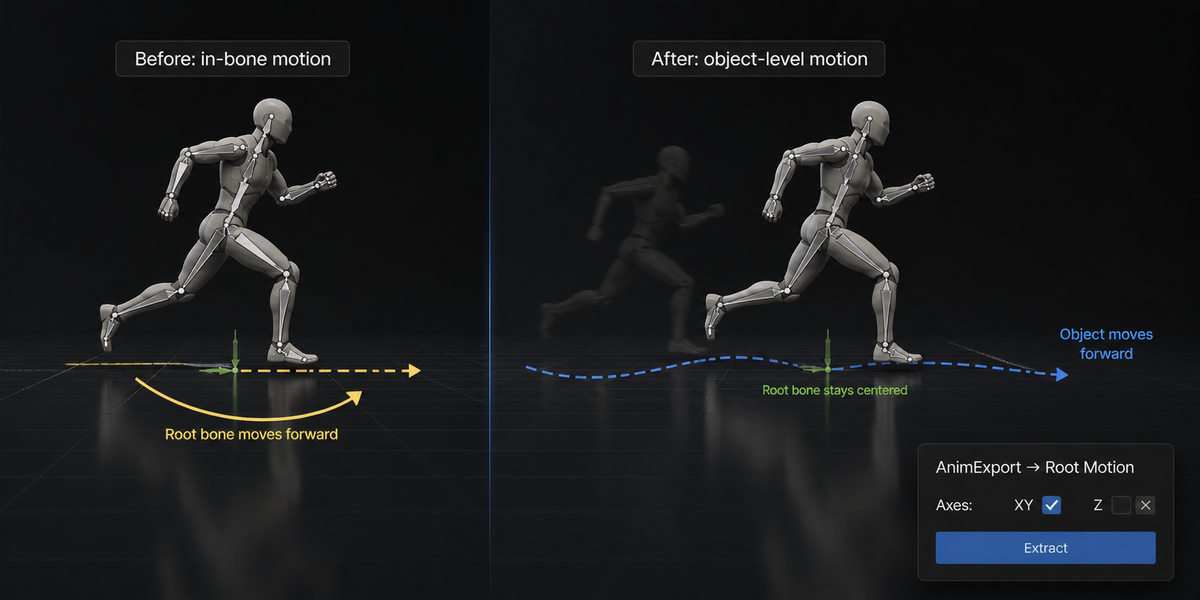
Root motion extraction takes translation from the selected Root Bone and puts chosen axes on the armature object's transform. Horizontal X/Y and vertical Z can be selected separately. The add-on creates a separate _RootMotion action and keeps the original action; Inject Root Motion reverses the change.
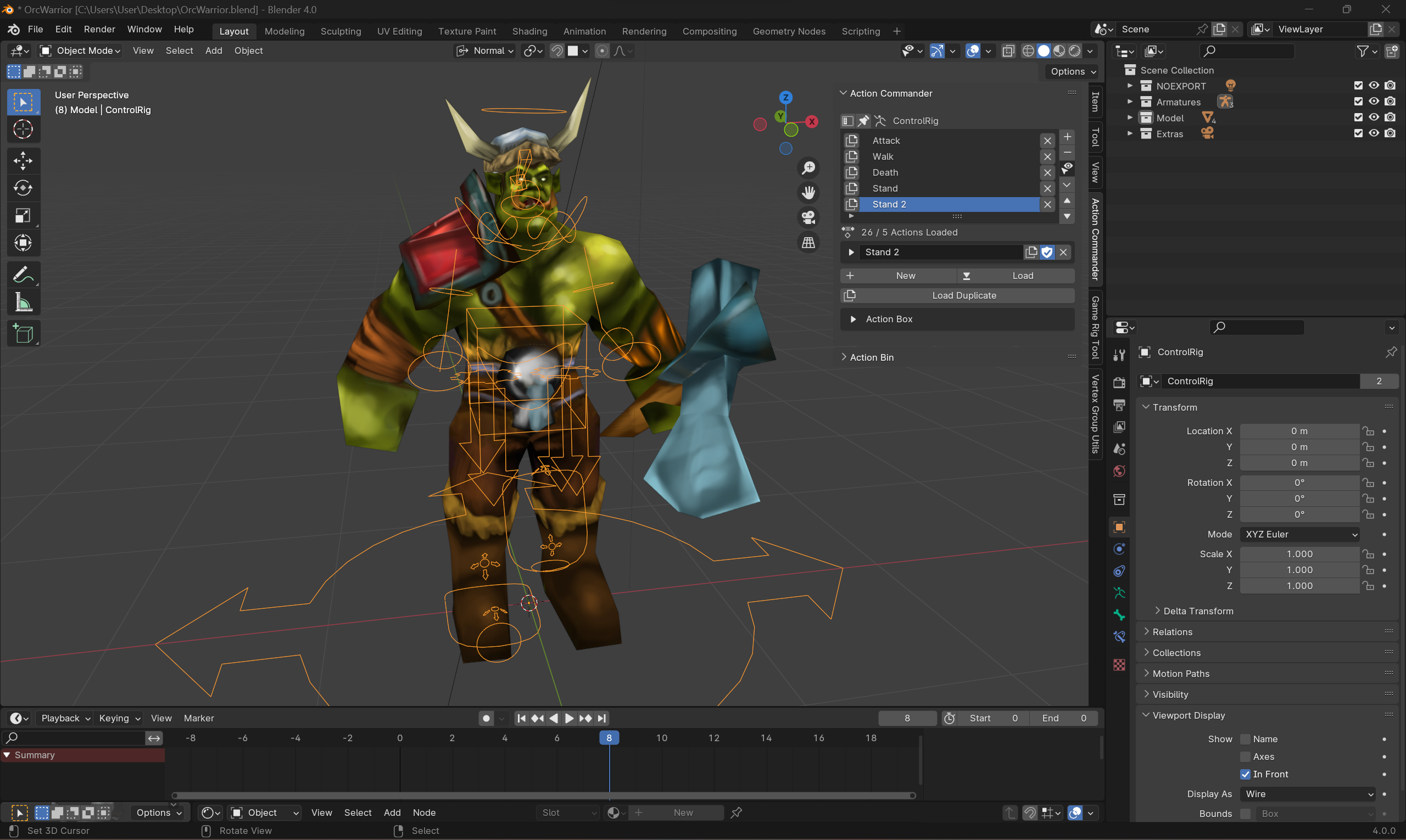
Clip Splitter turns named frame ranges from a longer action into separate actions rebased to frame 0. The split preserves interpolation, easing and handles. Batch export writes each defined clip as its own FBX, named after the clip.
Prepare and check character rigs
Mixamo Cleanup can remove the mixamorig: prefix, map bone names to the standard humanoid names, fix scale and remove the extra root. Renaming, scale correction and root removal are optional. Retarget to Rig adds Copy Rotation constraints for matching bones from a source armature to a target, then bakes them.
Humanoid validation checks the 20 required bone names and reports missing or misnamed bones. It recognizes twist bones. The check covers engine naming requirements, not whether the rig deforms well.
Preview and export for Unity or Unreal
Blend Preview cross-fades two actions in the NLA so you can inspect a transition in Blender's viewport. Stopping the preview clears the temporary setup and restores the original action. Unity and Unreal export profiles set FBX axis and scale conventions. You can export the active action or batch-export the defined clips.
One export limit matters: the FBX contains the armature and animation, not the mesh. Export also changes the scene frame range to match the exported action and leaves only the armature selected.
Compatibility and installation
The current documentation lists Blender 4.2 LTS and later, including 5.x, and describes support for Windows, macOS and Linux. The marketplace Details panel separately shows Blender 3.1–5.1, so check the documentation for the current minimum before installing. The docs explain that version 1.0.1 restored root-motion, clip-splitting and Mixamo curve handling for Blender 4.4 and newer.
Install the zipped add-on through Edit > Preferences > Add-ons > Install from Disk, enable it, then press N in the 3D Viewport and open the AnimExport tab. When updating, uninstall the earlier copy before installing the new zip, then restart Blender; two enabled copies can otherwise shadow each other. The product FAQ says the add-on makes no network calls and identifies its license as GPL-3.0.