Fixamo is a Blender add-on by BOSSposes (Kohdy Mcintyre) for combining Mixamo animations without the NLA editor. The Superhive product listing describes a keyframe transfer workflow built around a Fix button in the viewport’s Tool tab.
Combine and retarget animations
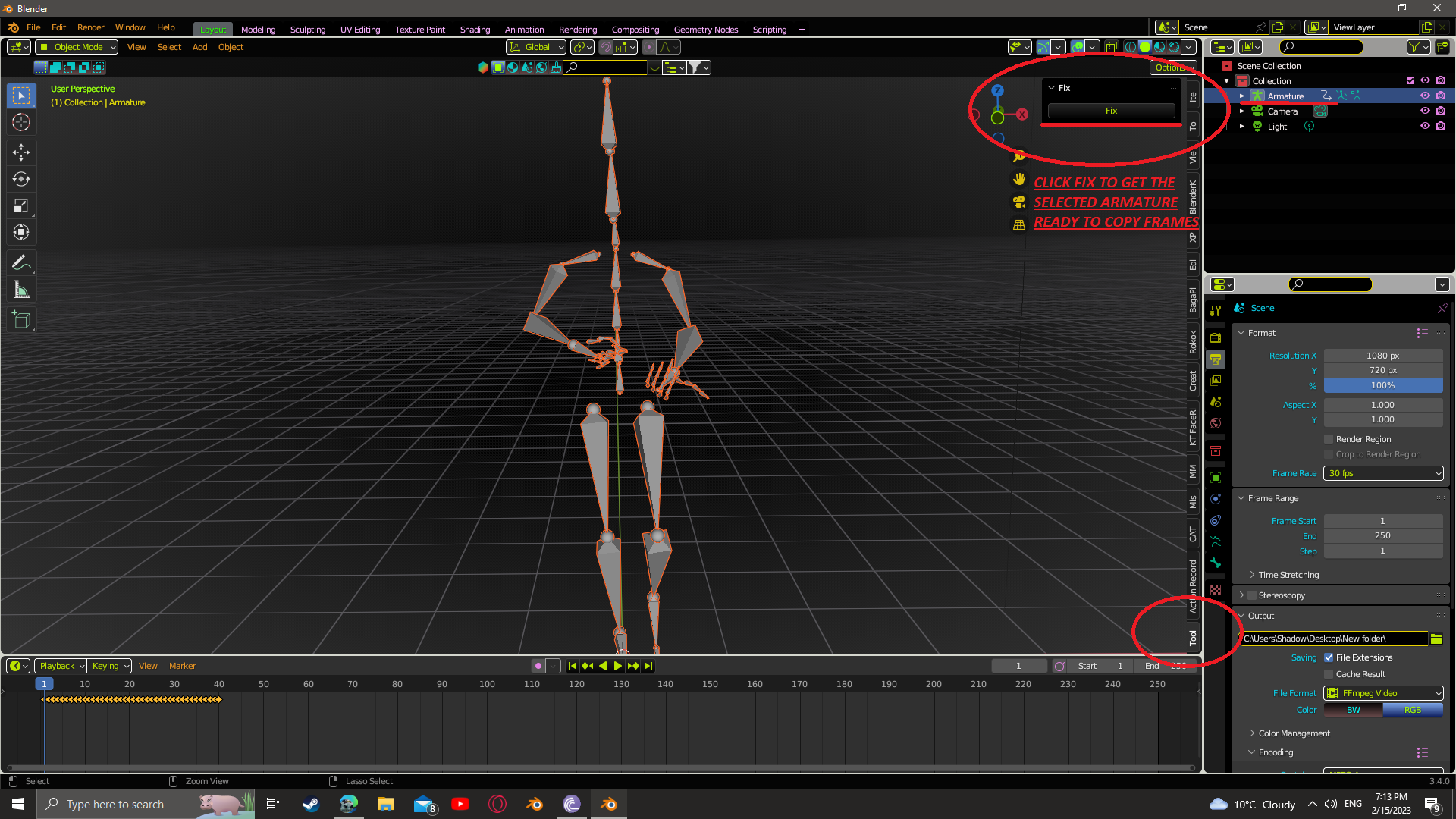
- Select an armature, open the Tool tab beside the viewport, and click Fix. Fixamo renames the armature to prevent a naming conflict when another armature is imported. Repeat this for both armatures.
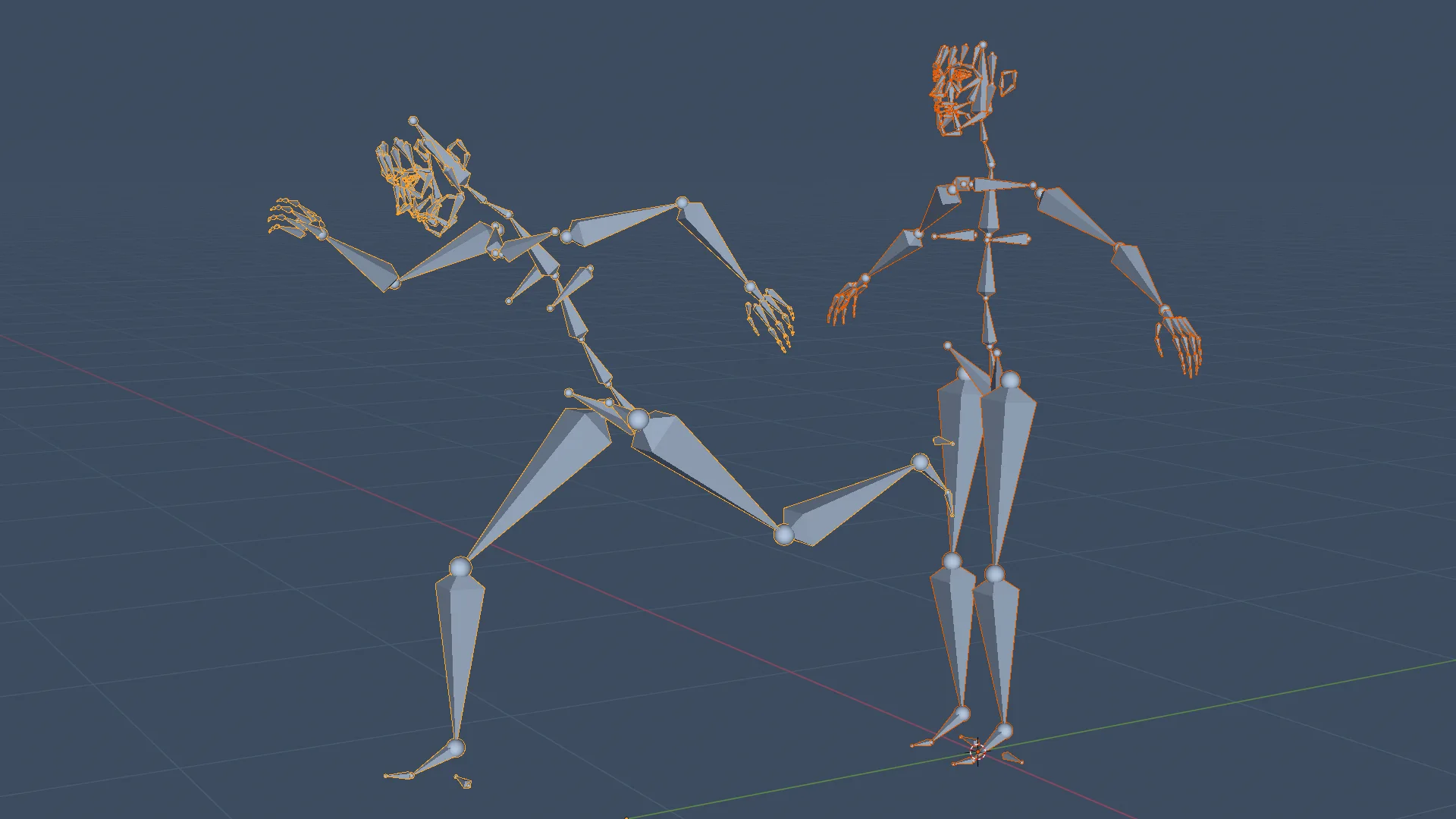
- Copy keyframes from one armature and paste them onto the other after its existing animation. The creator notes that leaving a few frames between clips can help them blend.
- Retarget the combined animation to another armature or rig.
To loop an animation, click Fix on the armature and copy and paste the frames back at the end of the timeline. The listed workflow uses manual keyframe copying and pasting after the armatures are prepared.
Installation and compatibility
In Blender, open Preferences, go to Add-ons, choose Install, and select the script inside the downloaded ZIP. The seller also says the ZIP can be installed without extracting it. The listing names Blender 2.8, 2.81, 2.82, 2.83, 2.9, 2.91, 2.92, 2.93, and 3.0. It does not list newer Blender versions, so check with the creator before relying on Fixamo in a later release. The product is listed under the GPL license. A demo video is available from the product listing.