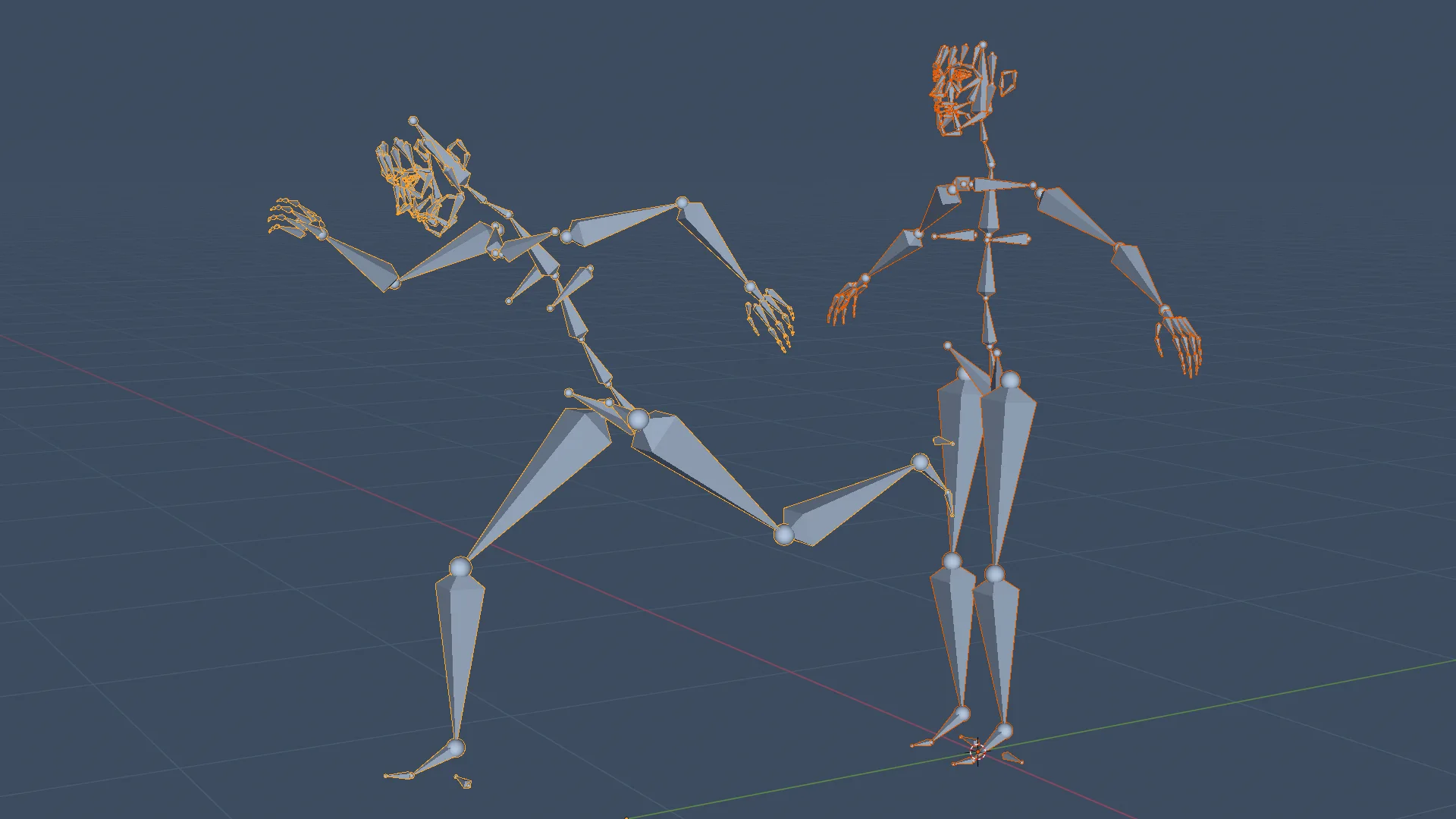
Applying scale to an animated armature in Blender can disrupt existing animation. Armscale Fixer is a focused Blender add-on for applying armature scale while keeping its animations intact. The publisher says it can process all animations when an armature has many animations or actions, so you do not need to repair them one at a time.
Apply armature scale
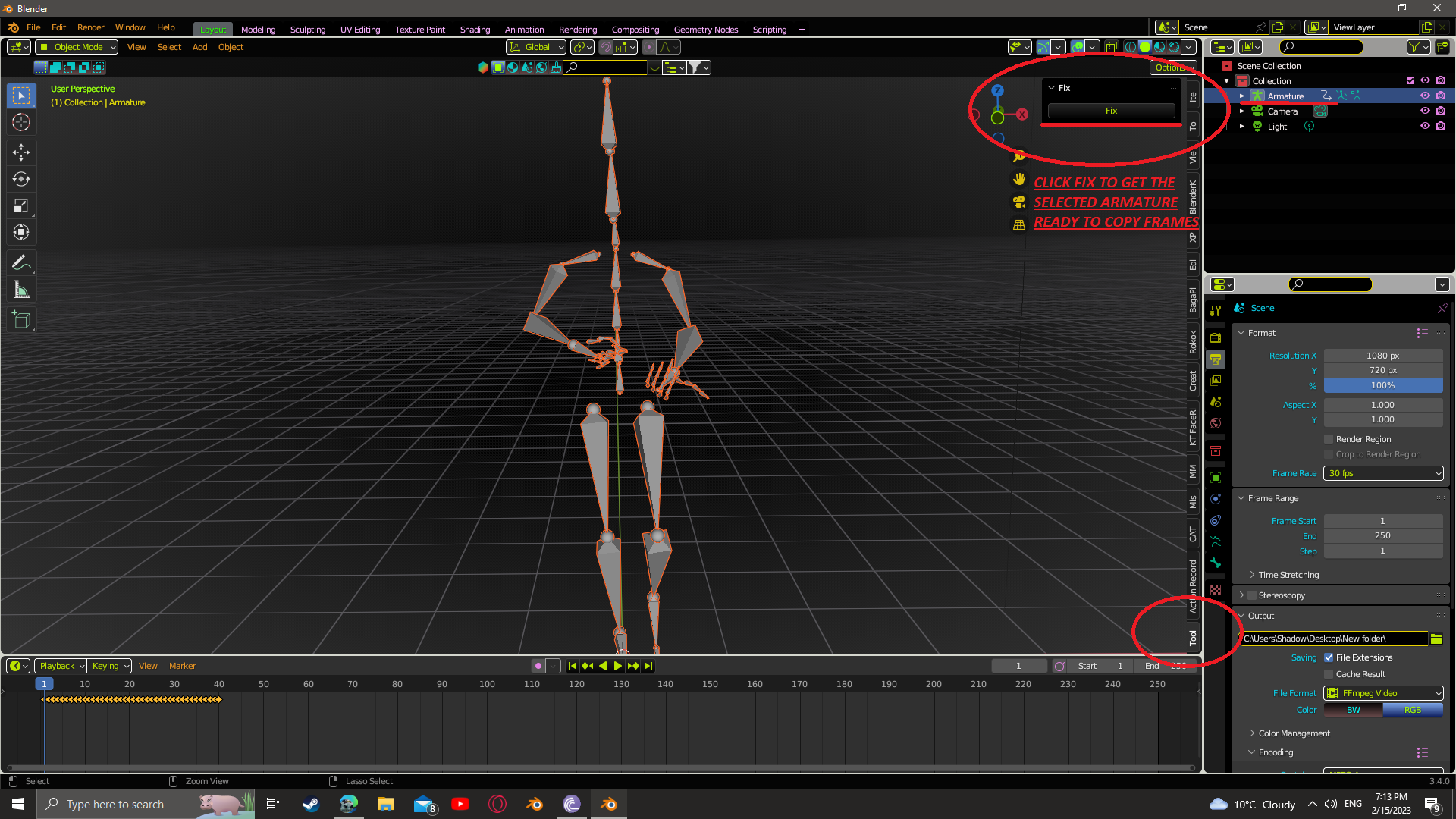
Select the armature and open the Armature tab in Blender's Properties panel. Click Fix Armature Scale. The add-on can also be called with Ctrl + A, the shortcut used for applying scale in Blender. See the usage instructions for applying armature scale.
Install the add-on
- In Blender, open Edit > Preferences and select Add-ons.
- Choose Install, locate the ArmScale_Fixer.zip archive and select it. Then click Install Add-on.
- Find Armscale Fixer in the Add-ons list and enable its checkbox.
Compatibility and license
Superhive lists compatibility with Blender 3.5.0 and above and identifies the license as GPL; its product details list Blender Version 3.5 without a separate add-on release number. Check the current product listing before installing.