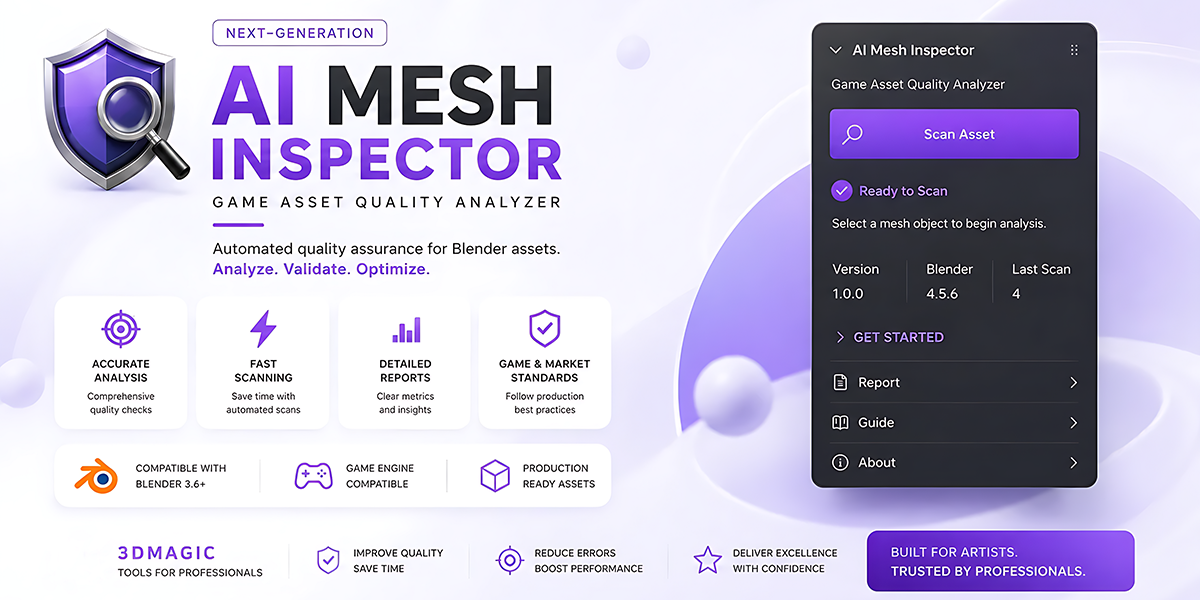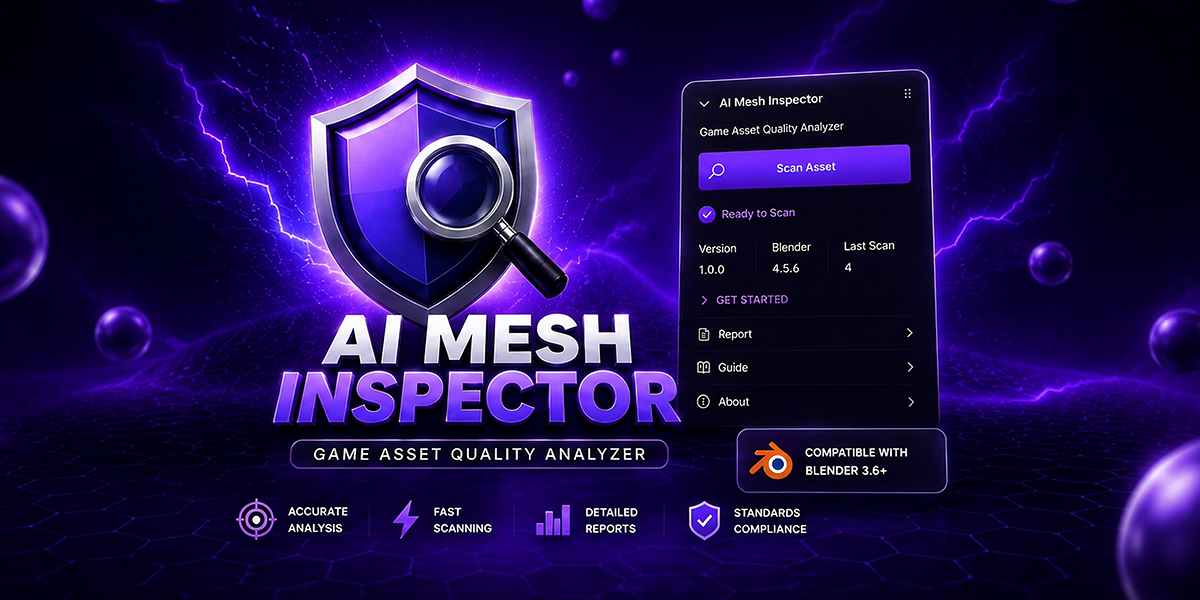
AI Mesh Inspector is a Blender add-on from 3DMAGIC that scans a selected object for technical issues before export or publication. Its eight inspection systems cover topology, UVs, materials and textures, mesh optimization, game-engine compatibility, PBR values, transforms, and asset organization. The product listing describes the checks and the score produced after a scan.
Run a scan in Blender
Enable the add-on in Blender Preferences, select the object to inspect, and switch to Object Mode. Open the AI Mesh Inspector panel in the N-Panel and click Scan. The inspection engine runs in Object Mode; the product FAQ says other modes are unsupported. See the AI Mesh Inspector documentation for the listed workflow.
What the inspection systems check
- Topology: N-gons, non-manifold geometry, triangle problems, and possible deformation risks.
- UVs: overlapping islands, stretching, texel density consistency, and mapping quality.
- Materials and textures: missing textures, broken file paths, invalid materials, and shader configuration.
- Mesh optimization: polygon density, geometry efficiency, high-poly distribution, and potential performance impact.
- Pipeline compatibility: checks for workflows involving Unreal Engine, Unity, FBX, and OBJ.
- PBR values: metallic, roughness, specular, and material consistency.
- Transforms: unapplied scale, rotation, or location.
- Asset organization: object names, collections, hierarchy, and data structure.
How to read the quality score
Each scan produces a global score averaged across the inspection systems. The listed bands are 90–100 for Production Ready, 75–89 for Good, 50–74 for Needs Review, and below 50 for Not Production Ready or critical issues. Use the score as a summary and review the individual findings before deciding whether an asset is ready for a particular pipeline.
Compatibility and limits
The product listing details show Blender versions 3.6–5.2, while the documentation and FAQ also state Blender 4.x. Those version statements differ, so confirm compatibility with the creator before installing if your Blender version is outside 4.x. The FAQ also describes the analysis as non-destructive: the add-on reports issues but does not modify or automatically repair the mesh. The listing identifies it as a Blender add-on and says the package includes documentation, future updates, and technical support.