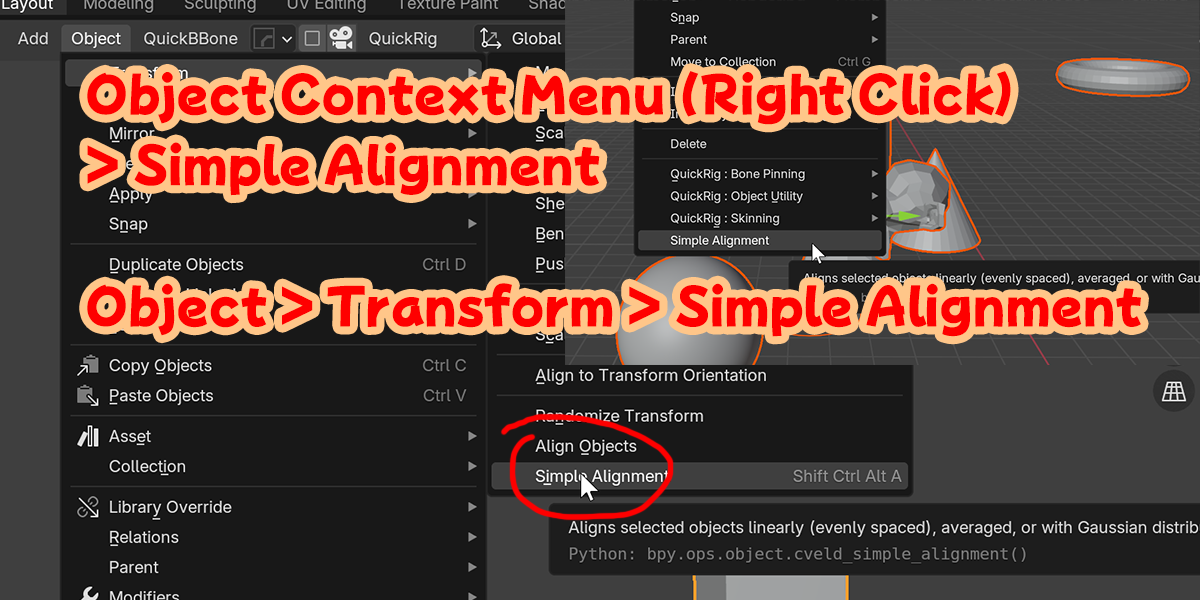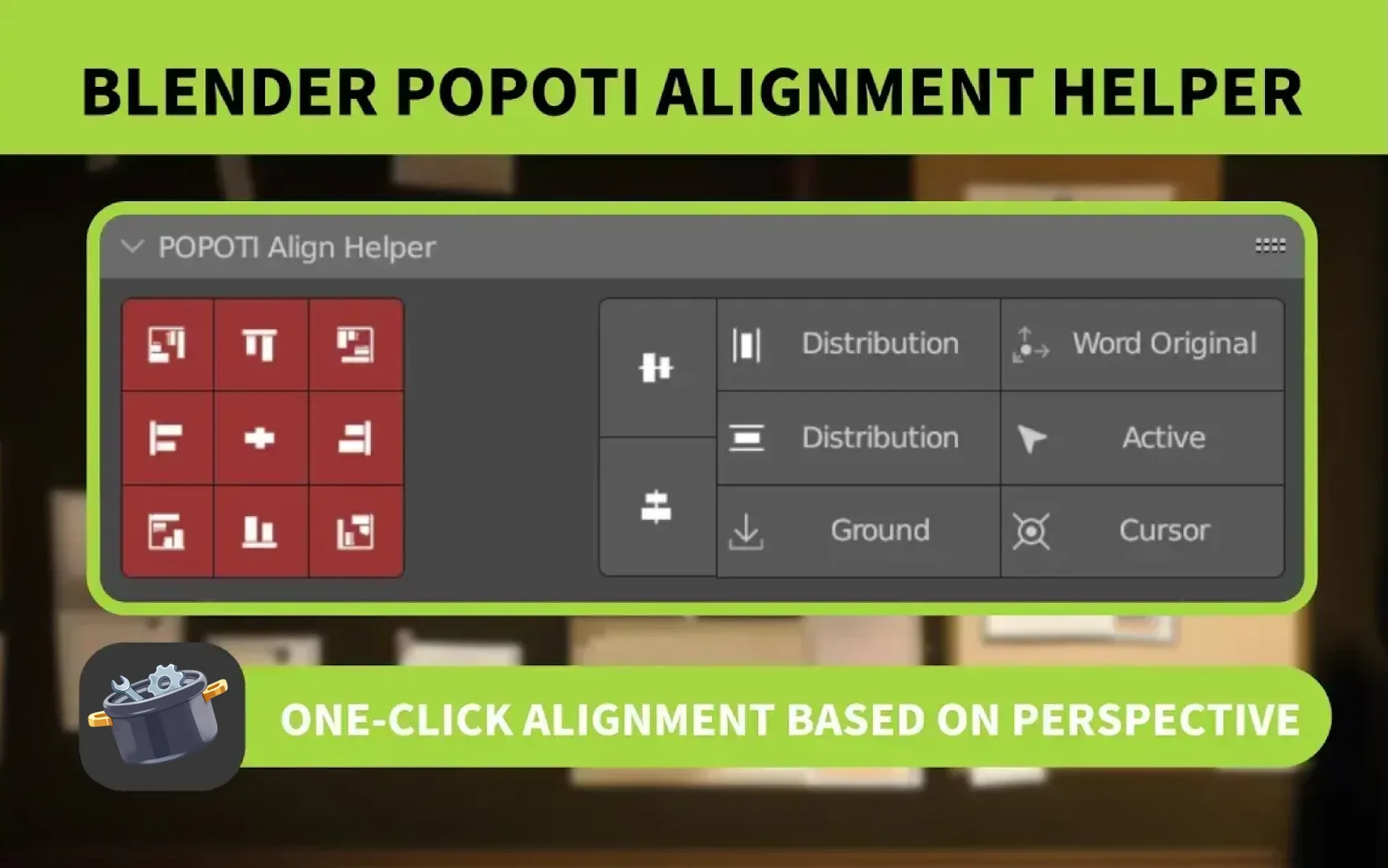
Align Pro: Axis And Normal is a Blender add-on from 3D CADence for positioning, orienting, scaling, and distributing objects. Its tools sit in a panel in Blender's 3D View sidebar and cover axis alignment, surface-normal alignment, matching orientation and scale, and equal spacing. The product listing describes the key tools as real-time, so adjustments are visible as they are made.
Align objects from chosen reference points
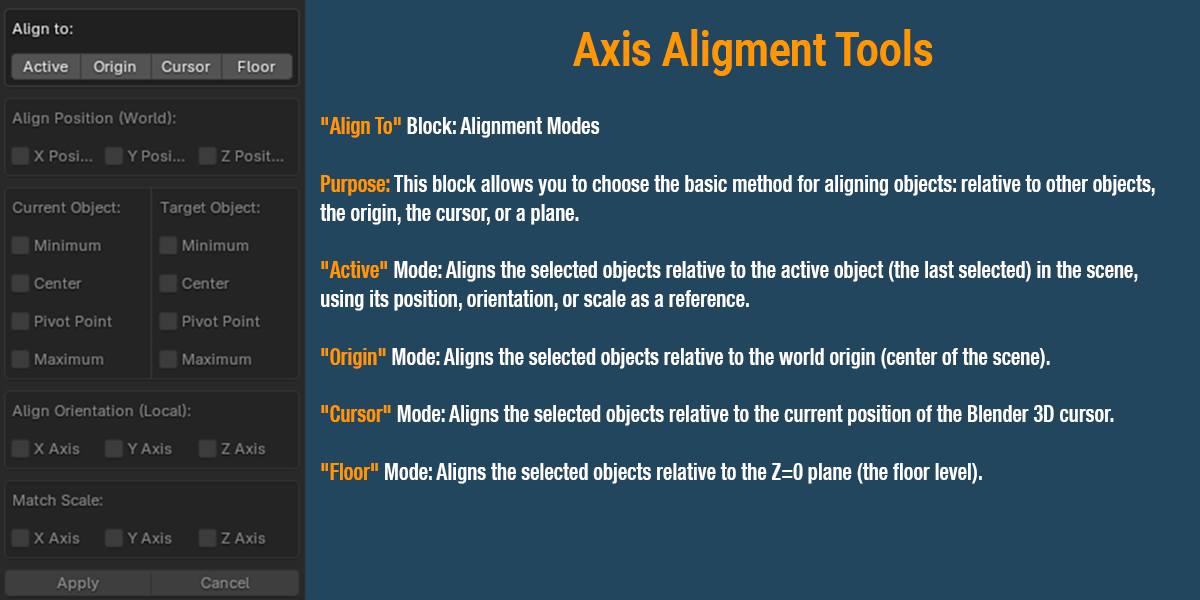
Axis alignment can use another object, the world origin, the 3D cursor, or the floor plane as its reference. For the current and target objects, set the reference point to minimum, maximum, bounding-box center, or pivot point. The selected points determine which parts of the two objects line up.
Use the pivot point as the alignment reference; choose minimum or maximum to align an extent, or the bounding-box center to align from the object's bounds. Active mode uses the active object as the target and aligns one or more other selected objects to it. You can choose the current and target reference points independently.
Match orientation and scale
Align Orientation matches rotation along selected axes to the target's orientation. Match Scale adjusts an object to the target's dimensions. These controls let you use an existing object as a transform reference while arranging others.
Place objects against surface normals
Normal Alignment works from picked surface points. Select one point on the object to move and another on the receiving object; Align Pro moves and rotates the first object so the faces at those points line up. You can flip the selected normal and adjust position and rotation offsets when the initial alignment needs correction. A gizmo in the 3D view displays the selected normals.
Distribute objects at equal intervals
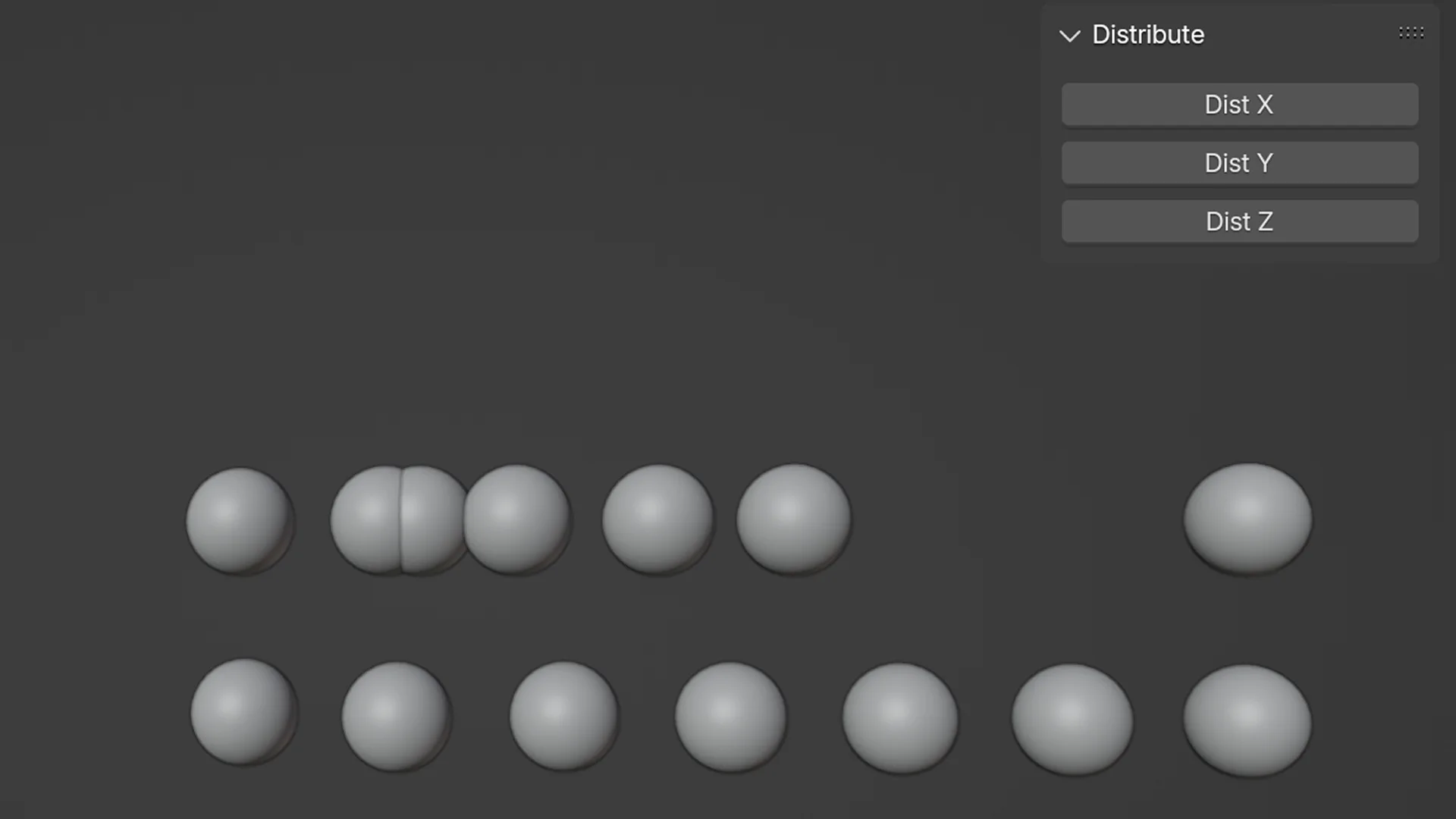
Equal spacing distributes selected objects along the X, Y, or Z axis, or across more than one axis. Choose minimum, maximum, bounding-box center, or pivot as the distribution reference and set the distance between objects.
Version and license details
The marketplace listing identifies the license as GPL and lists Blender 4.2 and 4.3. Its v0.1.1 update note adds support for Blender 4.4, fixes an operator-instance creation error in that version, and resolves a TypeError during uninstall. See the product listing for these release and license details.