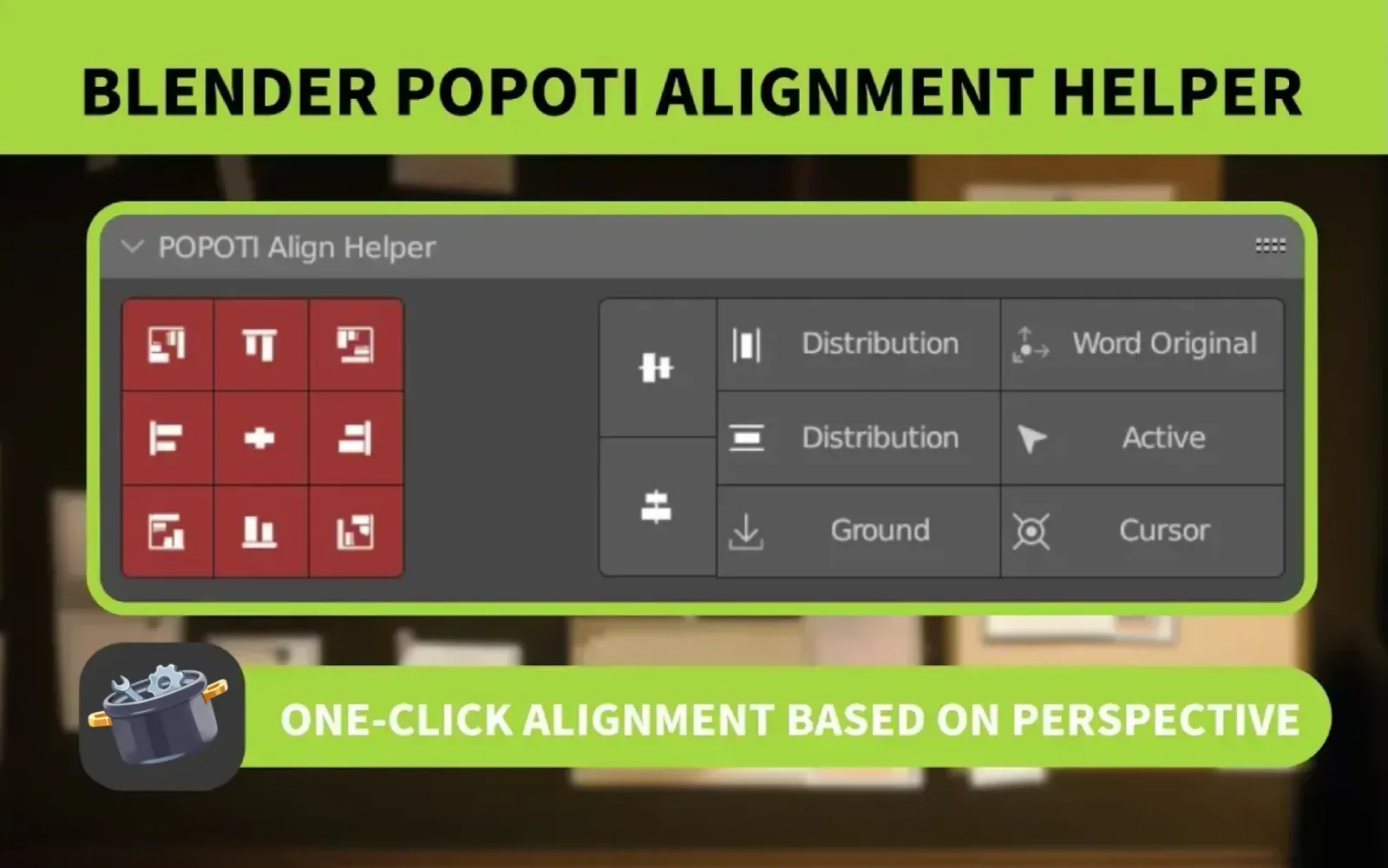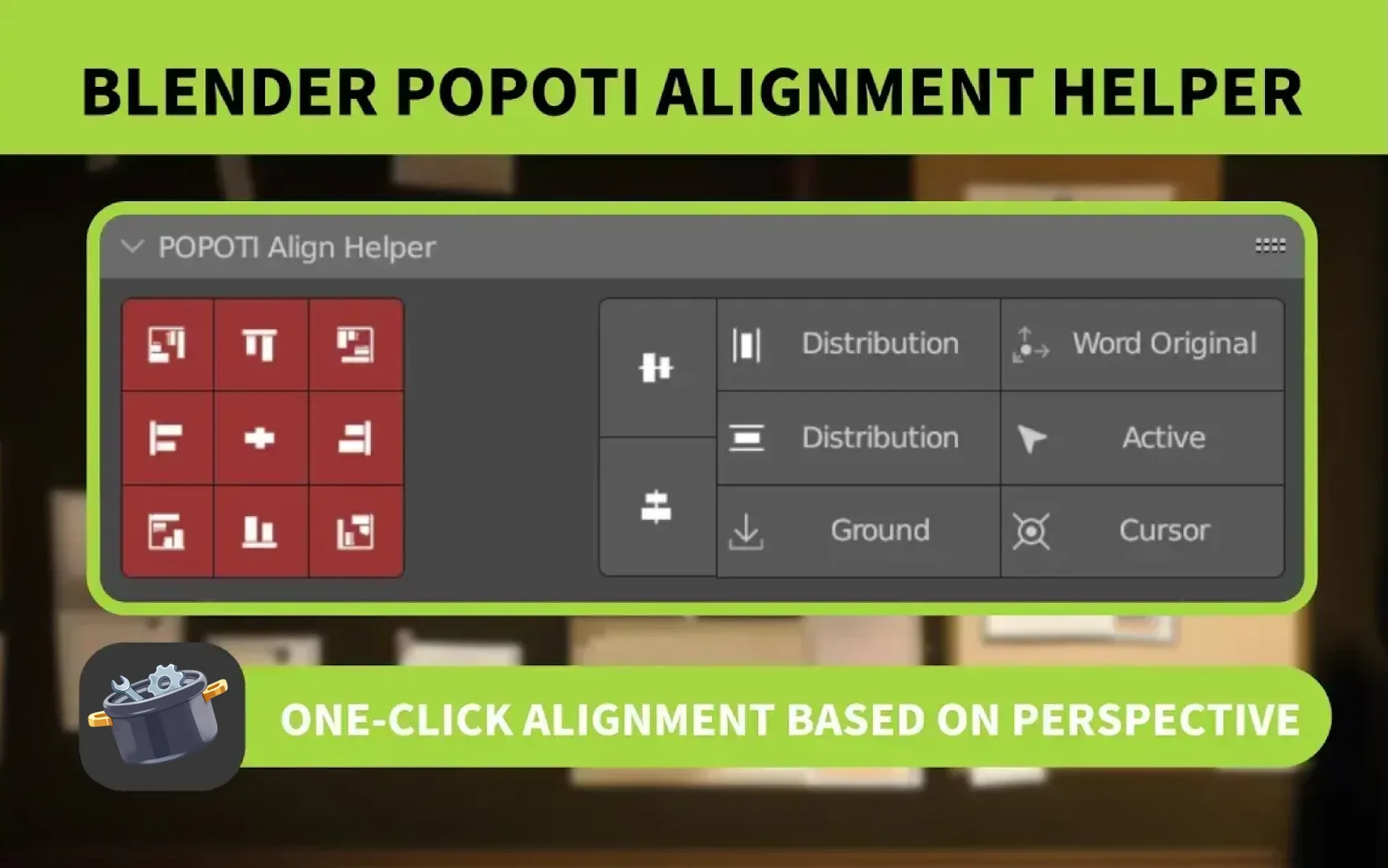
POPOTI Align Helper is a Blender add-on for aligning object transforms based on the viewing perspective. It covers position, rotation, and scale, with options for aligning objects to a target or arranging several objects in a scene.
Align object position, rotation, and scale
General alignment can use the world origin, the active object, or the cursor as its target. Per-axis controls let you align objects by their maximum, center, or minimum. Modifier keys select which transform to align: Ctrl for rotation, Shift for scale, and Alt for position. You can combine the modifiers, and Ctrl+Alt+A opens the alignment pie menu.
Distribution, ground alignment, and Fall projection
- Distribution: One mode spaces objects uniformly by their origins or spacing; the other keeps the first and last objects in place and distributes those between them.
- Ground Align: Snap multiple objects to the ground individually or as a group.
- Fall: Project objects along the global Z axis onto other objects. This is a non-physical drop, not a physics simulation.
These controls can help when arranging objects that need consistent spacing, a shared alignment target, or placement on a surface.
Version and installation
The Blender Extensions listing identifies ACGGIT_LJ as the maintainer and lists version 1.2.7, with Blender 4.2.0 as the minimum version. It lists the add-on under GPL-3.0-or-later. For installation from a downloaded package, follow Blender's Install from Disk instructions. The listing does not declare compatibility with Blender versions earlier than 4.2.0.
For source code and issue reporting, see the developer's GitHub project.