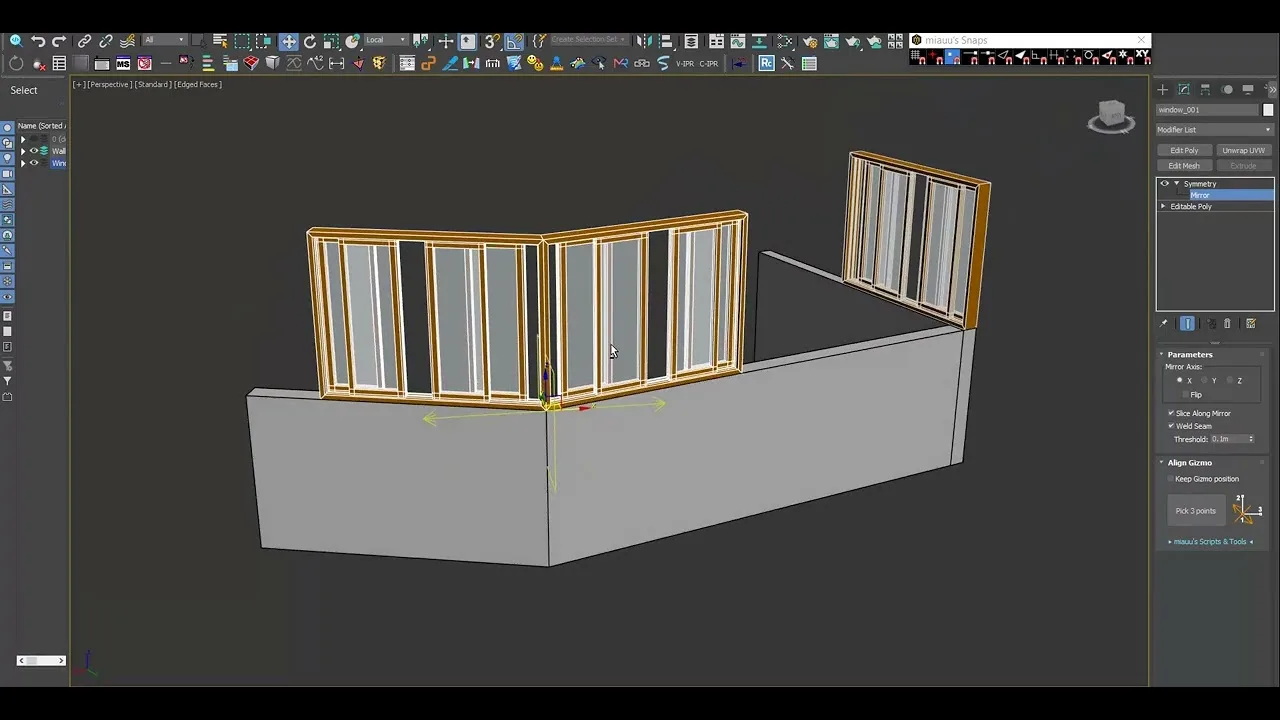
Align Slice Mod Gizmo(Plane) to 3 pts is a free 3ds Max script by miauu. It sets the Slice modifier's slice plane to the normal of a plane defined by three picked points. This helps when the desired orientation follows an arbitrary plane or face instead of the world X, Y, or Z axes.
Pick three points to set the slice plane
Run the script and pick three points that describe the plane you want to use. The script aligns the Slice gizmo to that plane's normal. Snap turns on automatically when the script runs, so you can use snapping while placing the points.
Use the active grid instead
Hold Shift while running the script to align the slice plane to the currently active grid. If no custom grid is active, the script uses the home grid. This option is useful when the grid already matches the orientation you need.
Version and availability
The Autodesk App Store lists the script as free. AnyPlugins lists version 1.3.0, updated April 10, 2023, and reports fixes for errors when running the script with no object selected and when using a Slice modifier on a Sphere primitive. The retrieved listings do not specify a supported 3ds Max release range. Use the Autodesk listing for current download details.