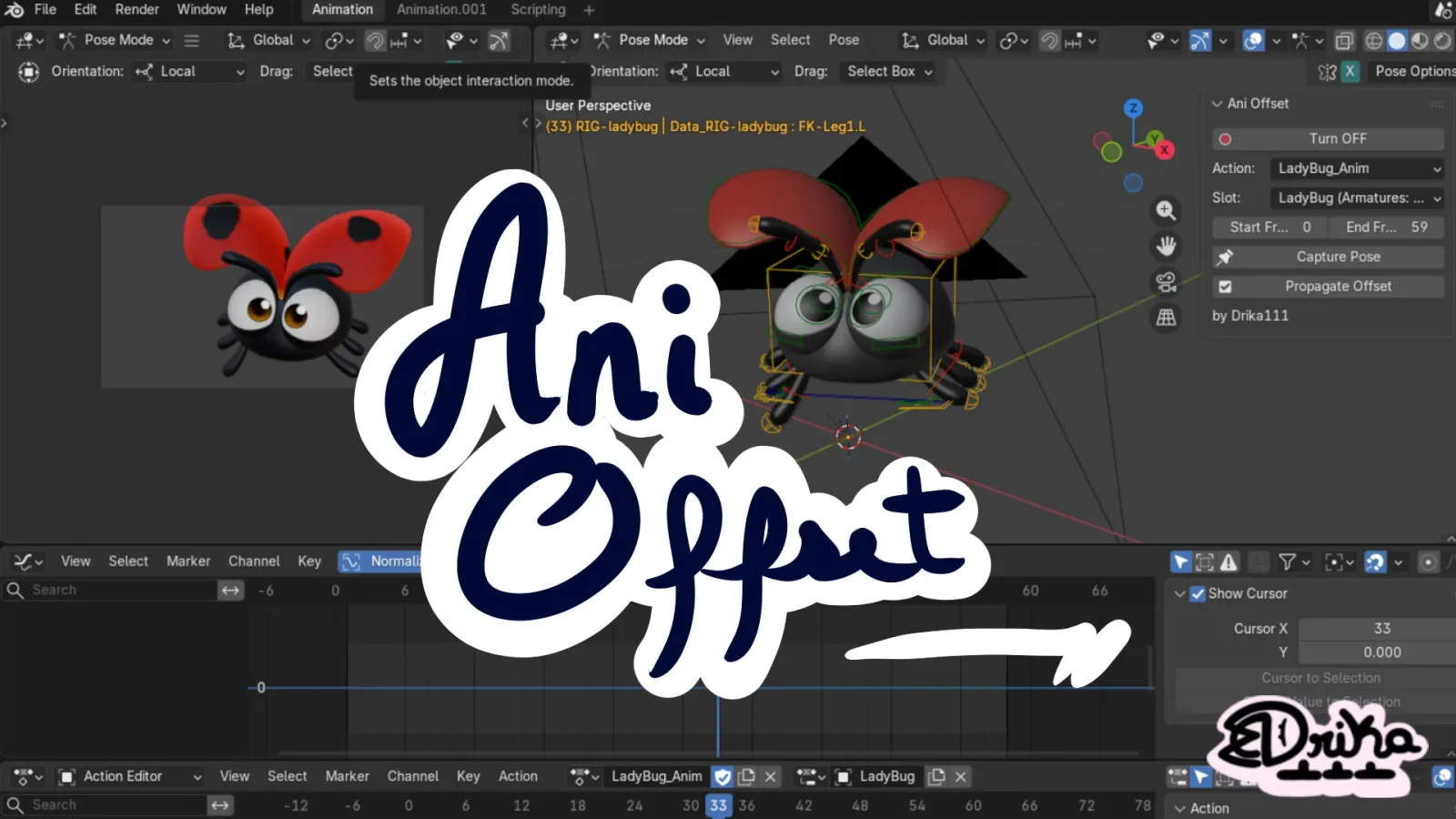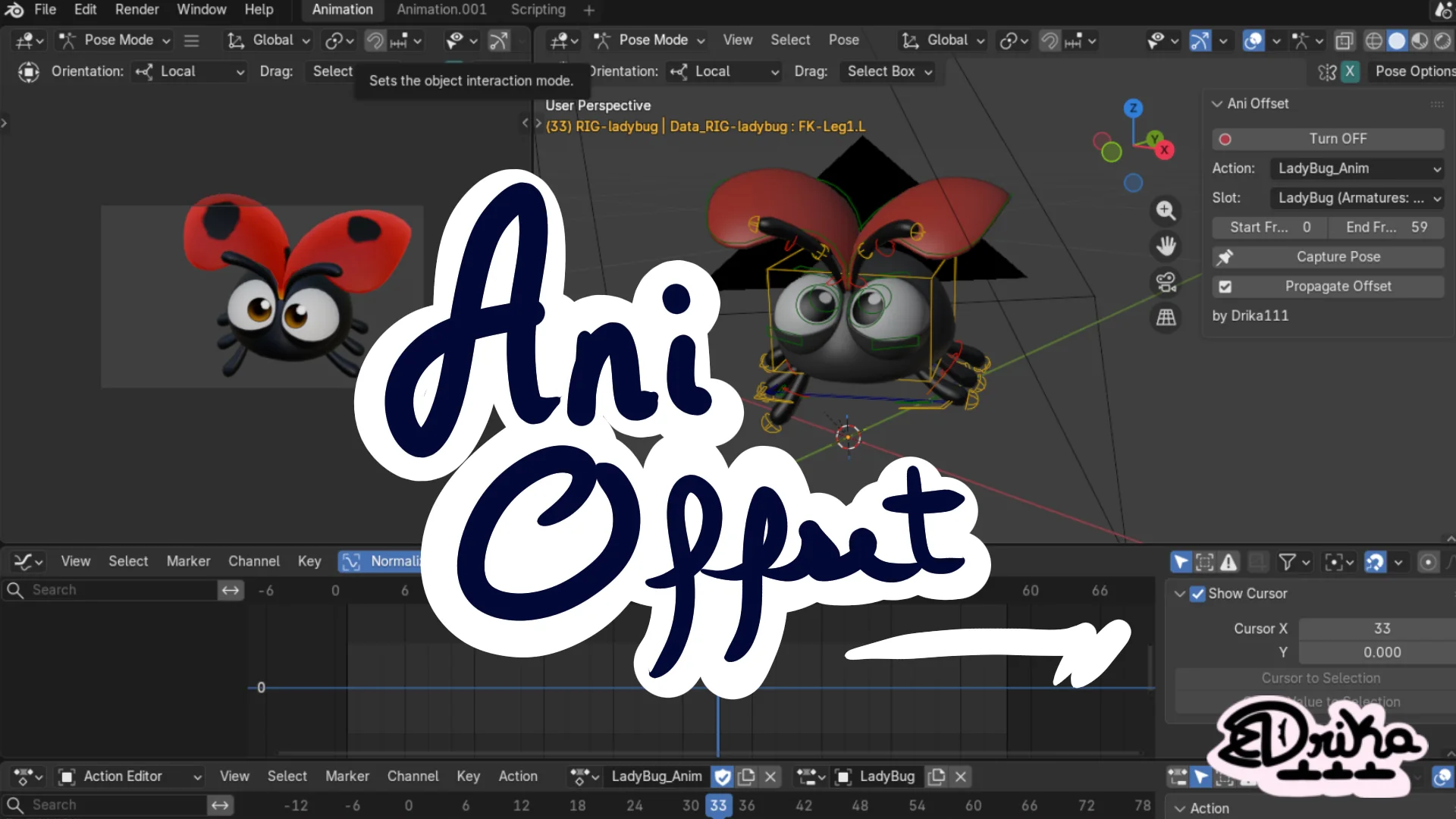
Ani Offset is a Blender animation add-on by Drika111 for propagating pose adjustments across selected keyframes. It lets animators capture a pose, adjust it, and apply the change across a chosen frame range from the viewport. The Blender Extensions listing describes it as a tool for propagating pose offsets across selected keyframes.
How the pose-offset workflow works
For Ani Offset version 3.2.2, Blender 5.0.0 is the listed minimum. After installing and enabling the add-on, follow the Ani Offset workflow below:
- Choose the action and slot from the add-on panel.
- Enter the start and end frames for the range you want to change.
- In Pose Mode, select the bones to adjust and click “Capture Pose.”
- Adjust the pose, select all the adjusted bones, then click “Propagate Pose.”
The pose adjustment is applied across the defined range. The published description says the animation curves are maintained after the change. To undo an edit while the offset is active, it specifies pressing Ctrl+Z twice: once to undo the pose edit, then again to remove the offset propagation.
Compatibility and license
The Blender Extensions catalog lists version 3.2.2. It identifies the license as GNU GPL v3.0 or later. Ani Offset is listed as free. Check the Blender Extensions API catalog for release details, then use Blender’s Install from Disk instructions if installing a downloaded extension file.