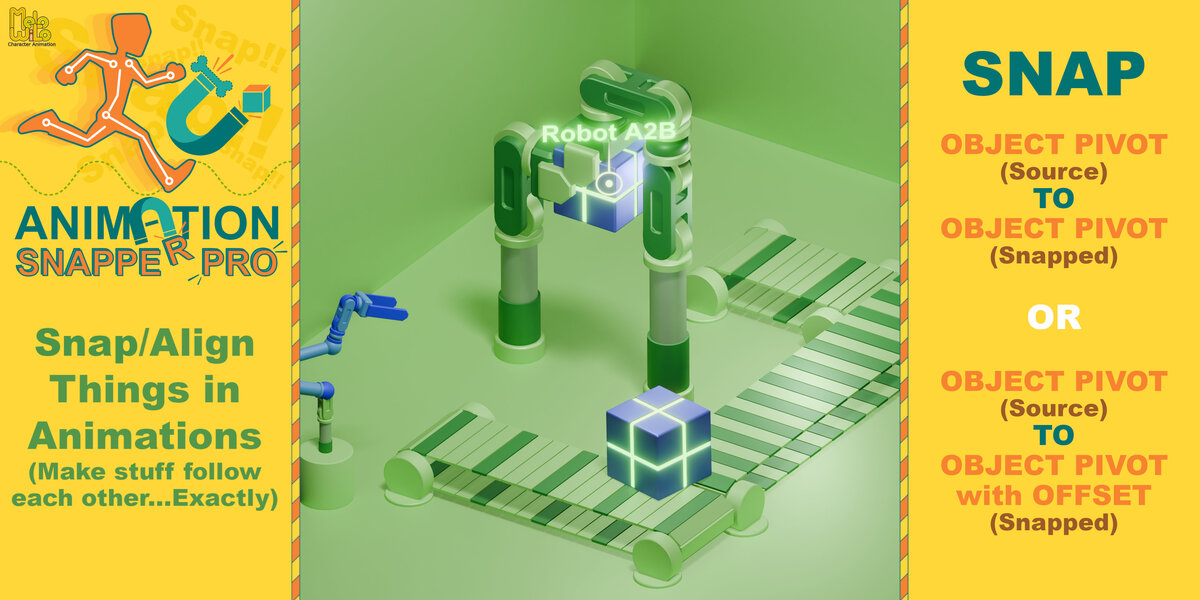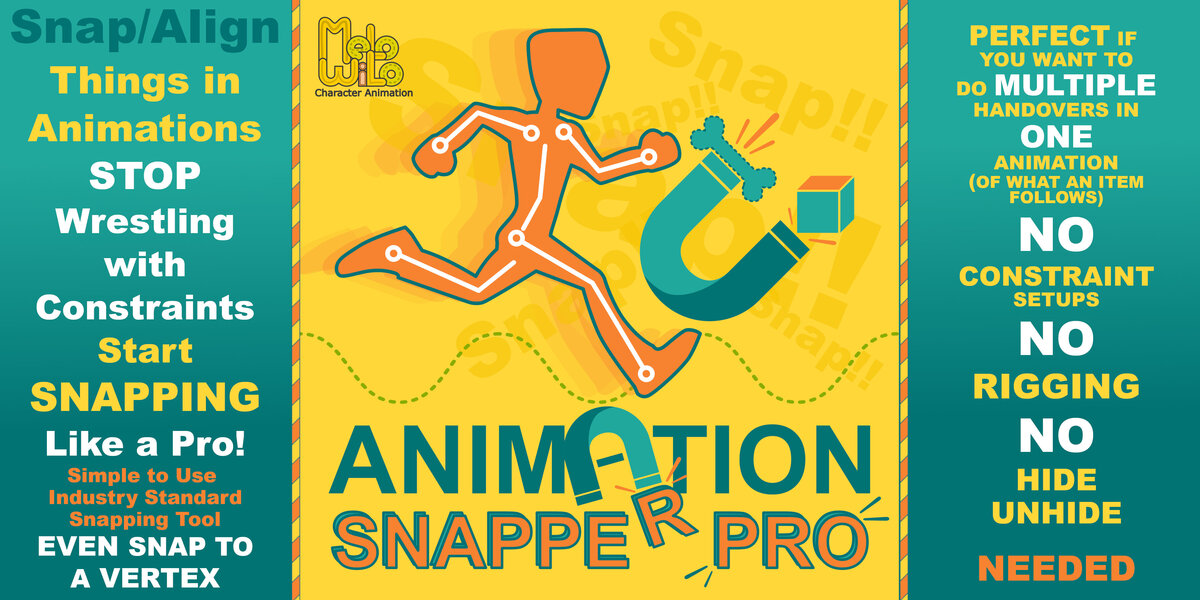
Animation Snapper Pro is a Blender add-on for snapping an object or bone to a source and recording the result as keyframes. Snap Now aligns the Snapped item to the Source with or without an offset; Batch Forward and Batch Backward animate one item following another over a frame range, while Step Snapping supports incremental posing. The Superhive product listing describes it as a way to handle temporary following and alignment without adding extra constraints or complex parent hierarchies to the items being animated.
Snap, bake and adjust
Snap Now aligns the Snapped item to the Source, with an optional offset. Batch Forward and Batch Backward animate one item following another across a frame range. Step Snapping supports incremental posing and blocking. You can apply location, rotation, or both, and choose whether locked channels are respected.
- Set the Source and target with dedicated buttons or drag and drop fields.
- Use the Bone Picker to select bones in the 3D View, including in Object Mode.
- With Selection Order Mode enabled, the first selected item becomes the Source and the active item becomes the Snapped item.
Because the core snap is baked to keyframes, you can edit or remove those keys when the follow behavior should change. The developer also presents this keyframe based workflow as useful for game engine pipelines, where constraint setups may need additional handling.
Use helpers for offsets and mesh points
Helpers provide reference points for more involved setups. Static or baked helpers can be created for objects and bones. Element helpers can align to a selected mesh vertex, edge, or face; a baked element helper follows that point over a frame range, including on a deforming mesh.
The Offset Helper builds an empty chain: OffsetBase follows the original source, OffsetAdjust is its child, and the Snapped item follows OffsetAdjust. That middle control lets you adjust or animate the offset independently. Helpers are placed in a Snap_Reference_Helpers collection. You can remove them after baking a snap, or keep them as references for another pass.
Switcher and Blender version notes
Switcher sets up a series of switching constraints with a few clicks, and those constraints can be baked to keyframes. The listing gives the add-on's Blender range as 3.2 to 5.0. Its separate Switcher note says the included tool is for Blender 5 and later; Beta Version 1.2 for Blender 4 and later remains available as a download. Check the product listing for the files and compatibility details that match your Blender version.
Who may find it useful
The tool is aimed at Blender animators who need an object or bone to follow different sources, preserve an offset, or use a point on a mesh as a reference. Examples in the product material include a hand holding an object, an object following a moving surface, and placing a foot at a specific point in a walk cycle. The developer traces its design to a snapping workflow used across studio animation teams before rebuilding a similar tool for Blender.
Batch operations evaluate the scene frame by frame, so long ranges can take time. Existing complex constraints on the Snapped item can also affect results. The product FAQ covers these cases, along with setup and troubleshooting steps.