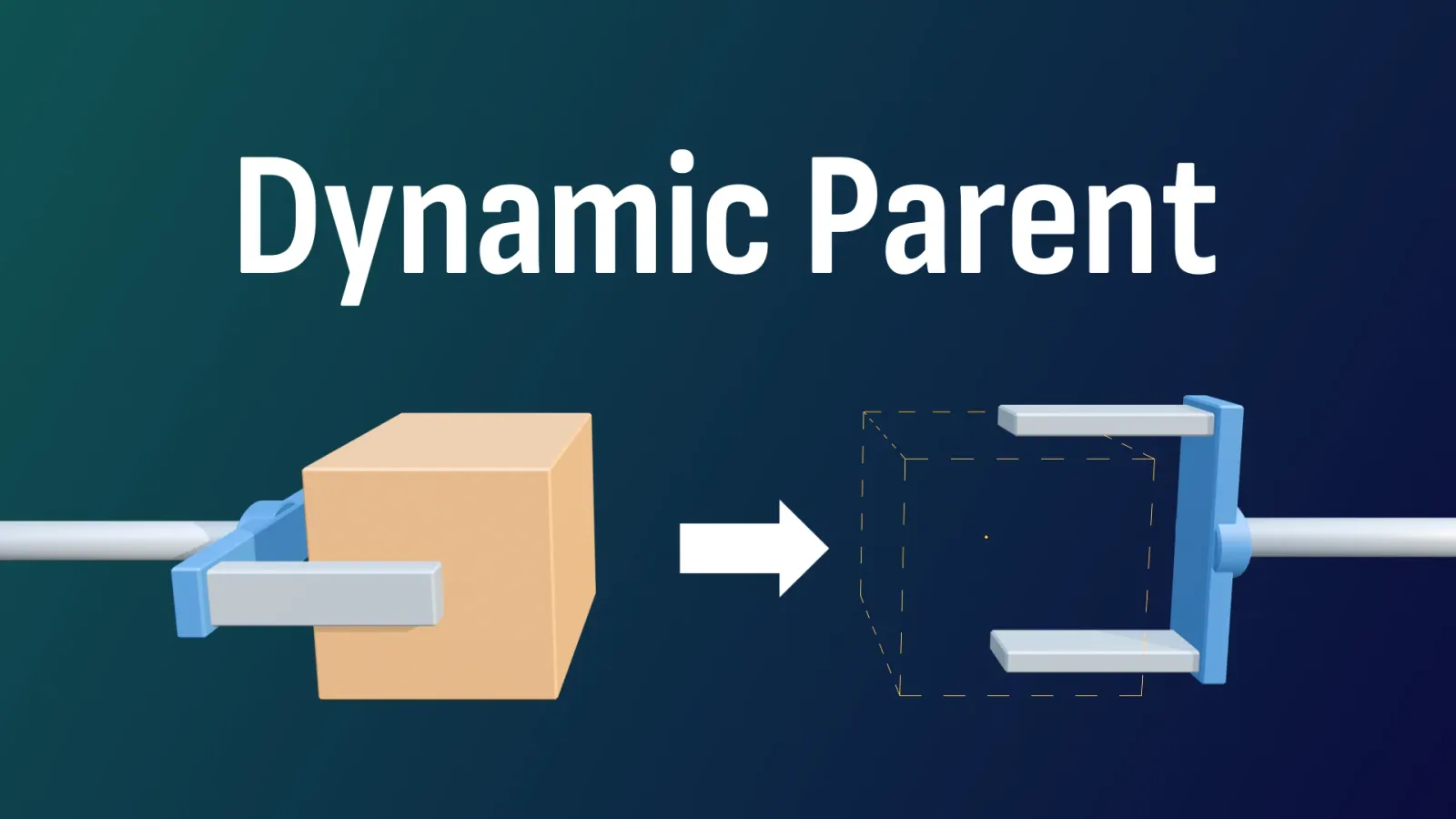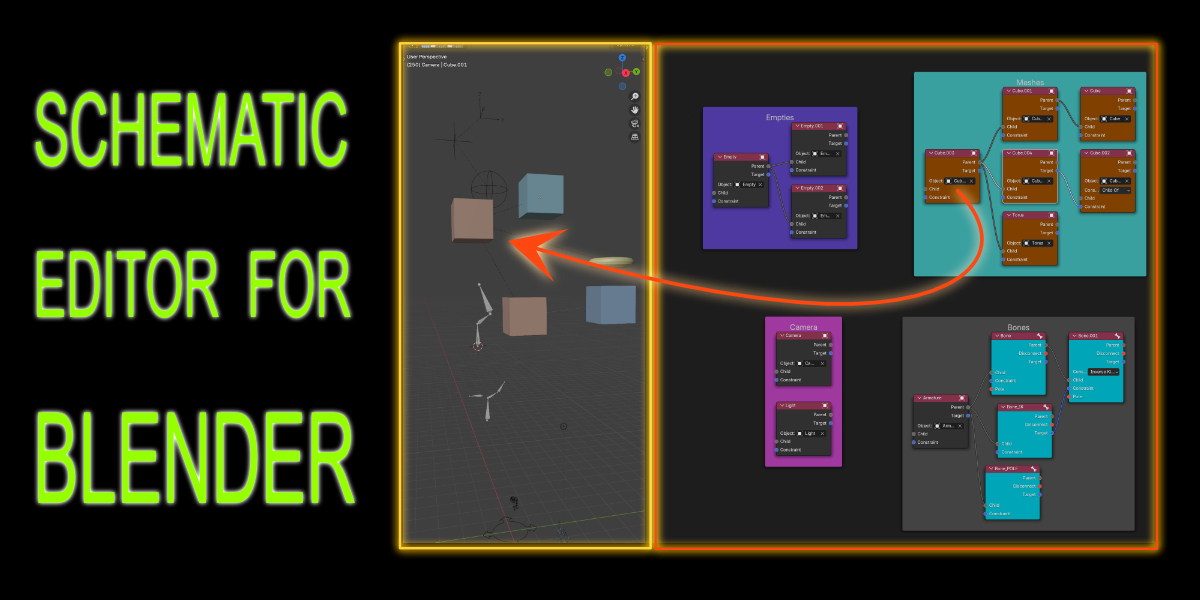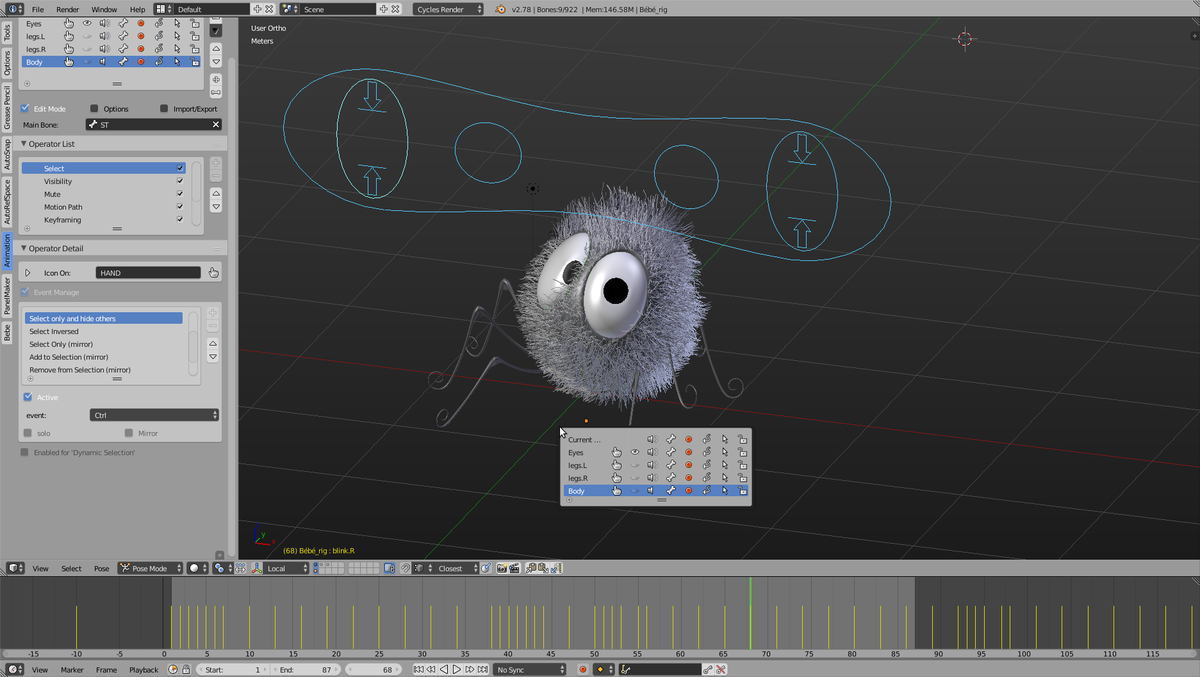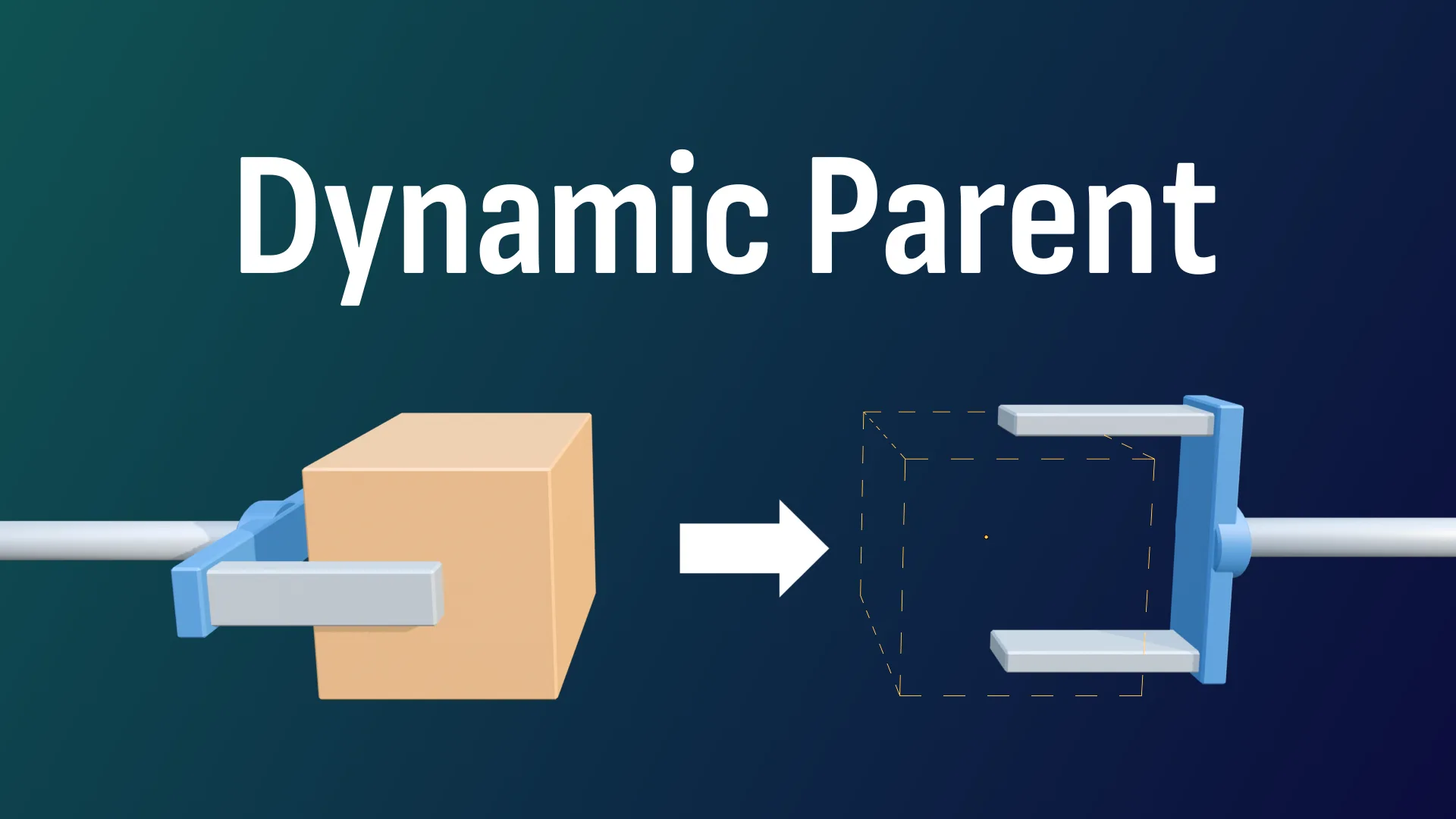
Dynamic Parent is a Blender add-on for creating and disabling animated Child Of constraints between objects. It helps animators change which object a child follows during a scene. The Blender Extensions catalog lists version 2.1.0, maintained by RomanVolodin, for Blender 5.0.0 or later.
Animate parent changes
Select two objects with the intended child selected last, then use Create to add the constraints and animation keys. At another frame, Disable turns off the constraints for the selected objects while preserving the child's position relative to the parent, according to the developer's description. One user review of version 2.1.0 reports that disabling can sometimes produce incorrect rotation values in Euler rotation mode and that Dynamic Parent inserts scale keyframes despite Blender's Only Insert Available setting; the developer replied that they would look into the reports. When you disable a constraint, Blender calculates its transform matrix for the child, so Dynamic Parent creates a new constraint instead of reactivating the disabled one.
Clear or bake the constraints
Use Clear to remove Dynamic Parent constraints and their keyframes. Bake and Clear bakes object or bone animation before removing the constraints.
Compatibility and license
Version 2.1.0 requires Blender 5.0.0 or later. The supplied product listing identifies version 2.0.2 or earlier for Blender versions below 5.0, so check the developer repository for a matching release. The add-on is licensed under GNU GPL version 3.0 or later. See the Blender Extensions listing for current version details.
Who it suits
Dynamic Parent suits Blender animators who need to animate parent-child relationships between scene objects using Child Of constraints.