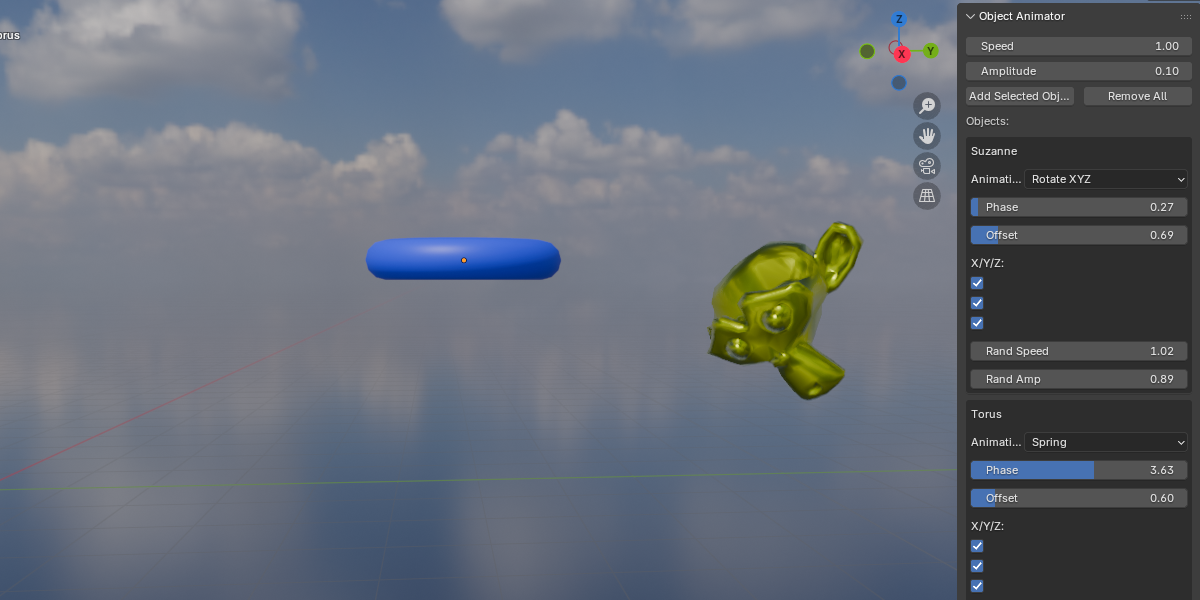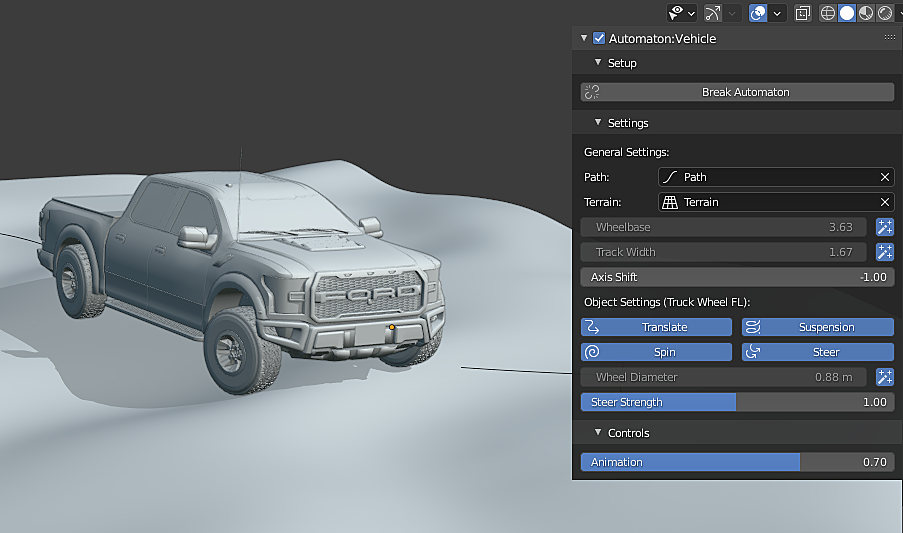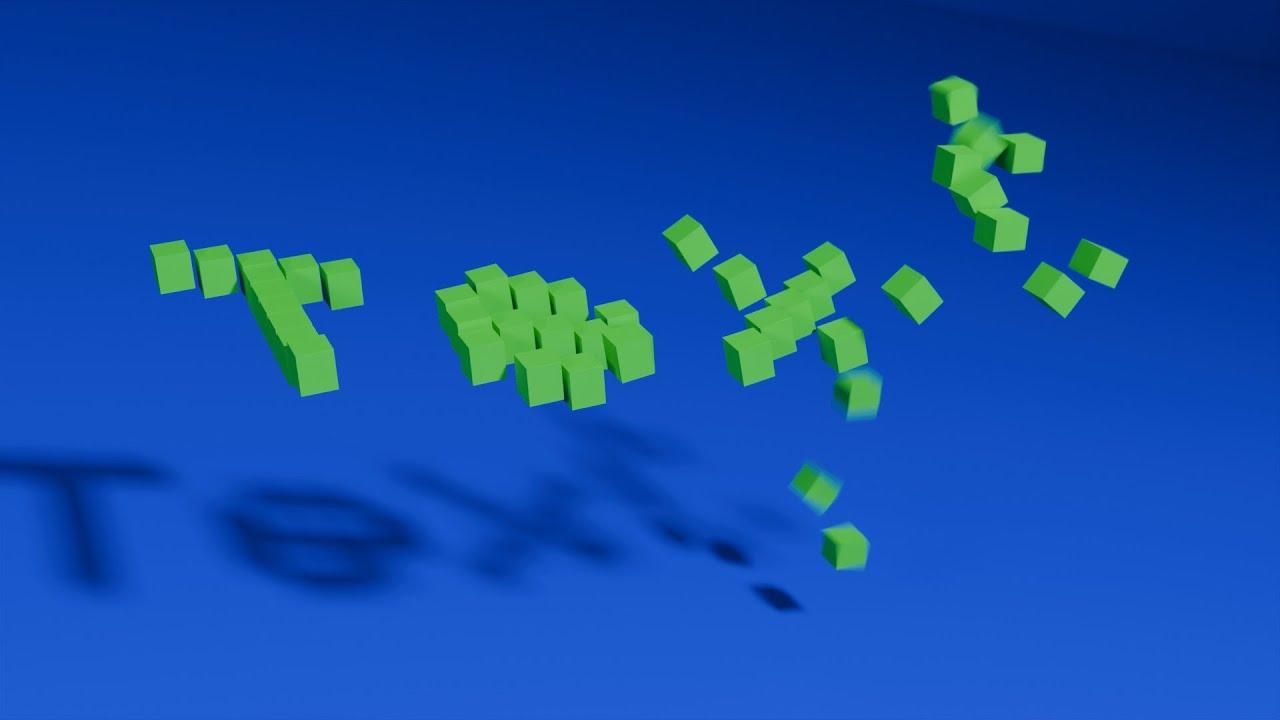
Animatext Procedural Animations is a Blender add-on from PixelsMixer for applying math-based and physics-inspired motion to objects. It has 13 effects, including waves, spirals, bounces, pendulum swings, vortex motion, and equalizer-like vertical movement. You can adjust speed, intensity, frequency, gravity, and randomness. The product listing also says the add-on preserves an object's initial position when an animation is applied.
How to apply an animation
- Select an object in the 3D Viewport and press N to open the Sidebar.
- Open the Animation tab, find AnimaTEXt, and choose an effect. Set the frame range and adjust the available controls.
- Click Apply Animation to generate keyframes for the selected effect.
The product documentation describes this workflow; the Superhive listing says Animatext works with mesh objects and animated transformations.
Motion effects
- Wave Motion moves an object up and down like a sine wave. Circular Motion follows a circular path, while Random Jitter adds small random movements.
- Bounce Effect moves up and down; Elastic Bounce creates a decaying bounce. Pendulum Swing moves back and forth, and Parabolic Jump simulates projectile motion.
- Spiral Motion expands outward while rotating. Tornado Motion spins in a vortex while rising, Vortex Swirl follows a shrinking spiral, and Helix Spiral moves along a helical path.
- Ease In/Out starts slowly, speeds up, then slows down. Sound Wave Motion moves vertically like an equalizer.
Controls and compatibility
The documentation lists these control ranges and defaults:
| Control | Default | Range |
|---|---|---|
| Speed | 10.0 | 1.0 to 50.0 |
| Intensity | 0.5 | 0.1 to 10.0 |
| Frame Start | 1 | 1 to 1000 |
| Frame End | 100 | 10 to 2000 |
| Wave Frequency | 1.0 | 0.1 to 10.0 |
| Gravity Strength | 1.0 | 0.1 to 10.0 |
| Random Strength | 1.0 | 0.1 to 10.0 |
The Superhive listing marks Animatext as a Blender Extension compatible with Blender 4.0, 4.1, 4.2, 4.3, and 4.4, and lists its license as GPL. Check the current listing for compatibility details before installing if you use another Blender version.