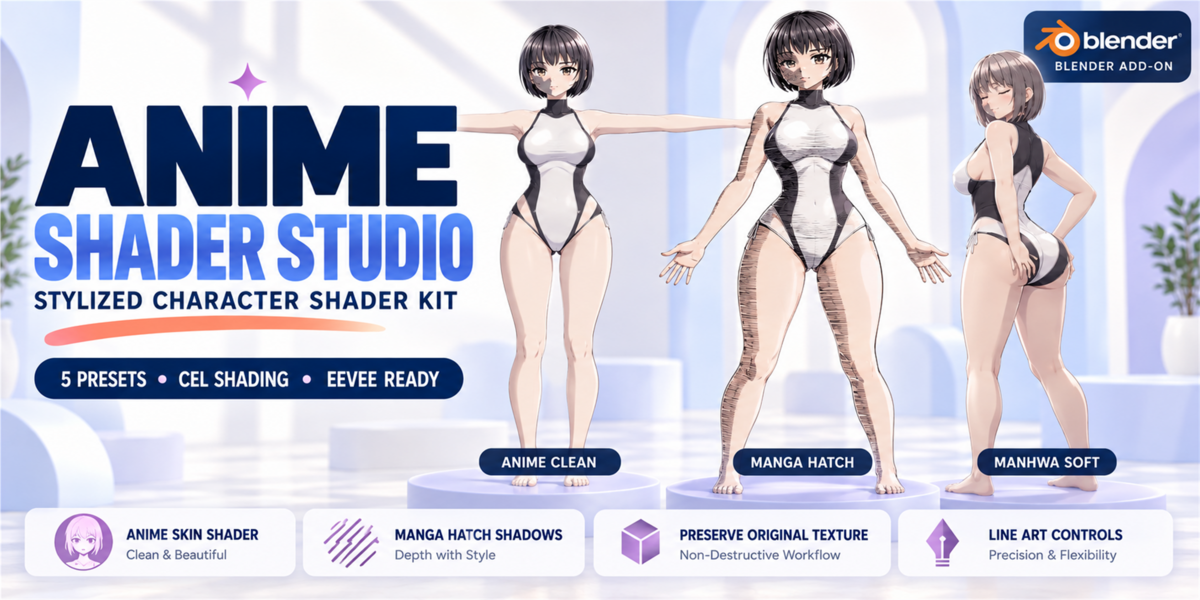
Anime Shader Studio is a Blender add-on for creating anime, manga, visual novel, manhwa, and toon-style character renders. It combines shader presets with controls for cel shadows, manga-style hatching, shadow color, and line work.
Start with a character preset
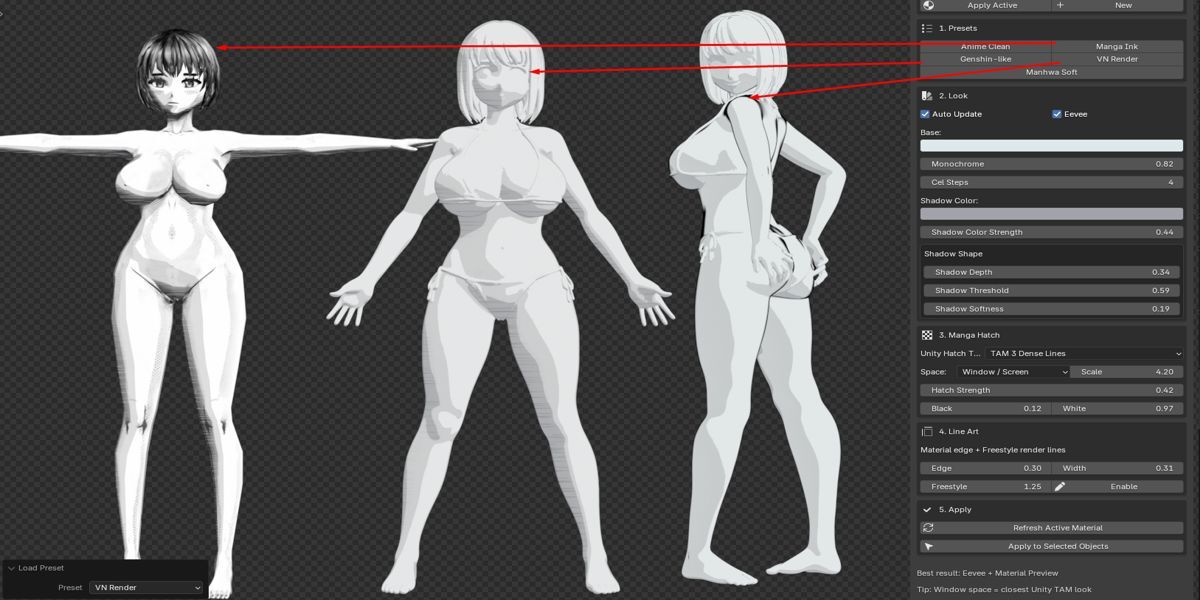
The five presets are Anime Clean, Manga Ink, Genshin-like, VN Render, and Manhwa Soft. Apply a preset to the active object or create a new Anime Shader material, then adjust the look to suit the character and scene.
Adjust cel shading and hatch shadows
Cel Steps and controls for shadow depth, threshold, and softness shape the light-to-shadow transition. For manga textures, the add-on includes Unity TAM-style hatch textures with a screen-space or Window mode. Hatch Scale, Hatch Strength, and black and white level controls let you tune their appearance. Custom shadow color and strength controls cover colored or grayscale looks.
Work with existing materials
When a material has a texture connected to the Principled BSDF Base Color input, Anime Shader Studio tries to preserve and reuse it in the stylized setup. The seller describes the workflow as non-destructive and says it works with textured and non-textured materials. Material edge controls and optional Freestyle render lines add further line definition.
Apply the shader
- Select a character or mesh object.
- Choose a preset, then apply it to the active object or create a new Anime Shader material.
- Adjust cel shading, shadow color, and other material controls.
- Choose a hatch texture and tune its scale and strength.
- Set monochrome and edge controls, then enable Freestyle lines if you want them in the render.
Check compatibility before installing
The seller's pages give different Blender version ranges. The main listing says Blender 3.2 and above, and its v3.4 update note says the add-on installs and works on Blender 3.5 through 5.1 and later. The details panel lists Blender 3.0–5.0, while the documentation page says Blender 4.0 and above. Check the seller's current compatibility information for your exact Blender version. The listing recommends Eevee and Material Preview, says no external tools are required, and lists the license as GPL.
See the Superhive product listing and its documentation for current details.